GS350_OM_OM30D41U_(U)
89
2. Instrument cluster
2
Instrument cluster
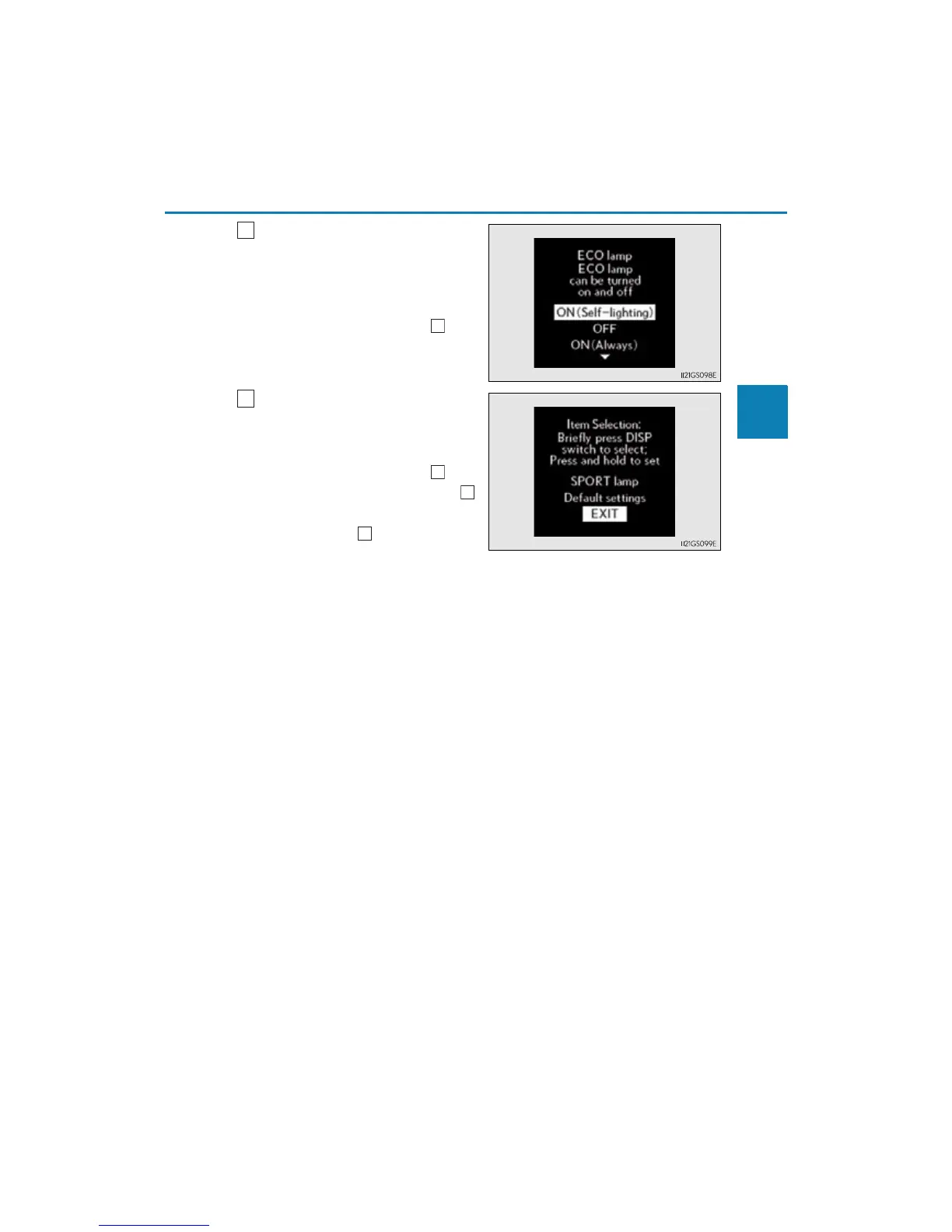
Press and hold the “DISP” button
after selecting the desired set-
ting by pressing the “DISP” but-
ton.
The display goes back to step .
Press and hold the “DISP” button
after selecting the “EXIT” by
pressing the “DISP” button.
The display goes back to step .
(The display goes back to step
automatically in few seconds without
proceeding step .)



 To Next Page