134
5. SETUP
LS460_600h_Navi_U
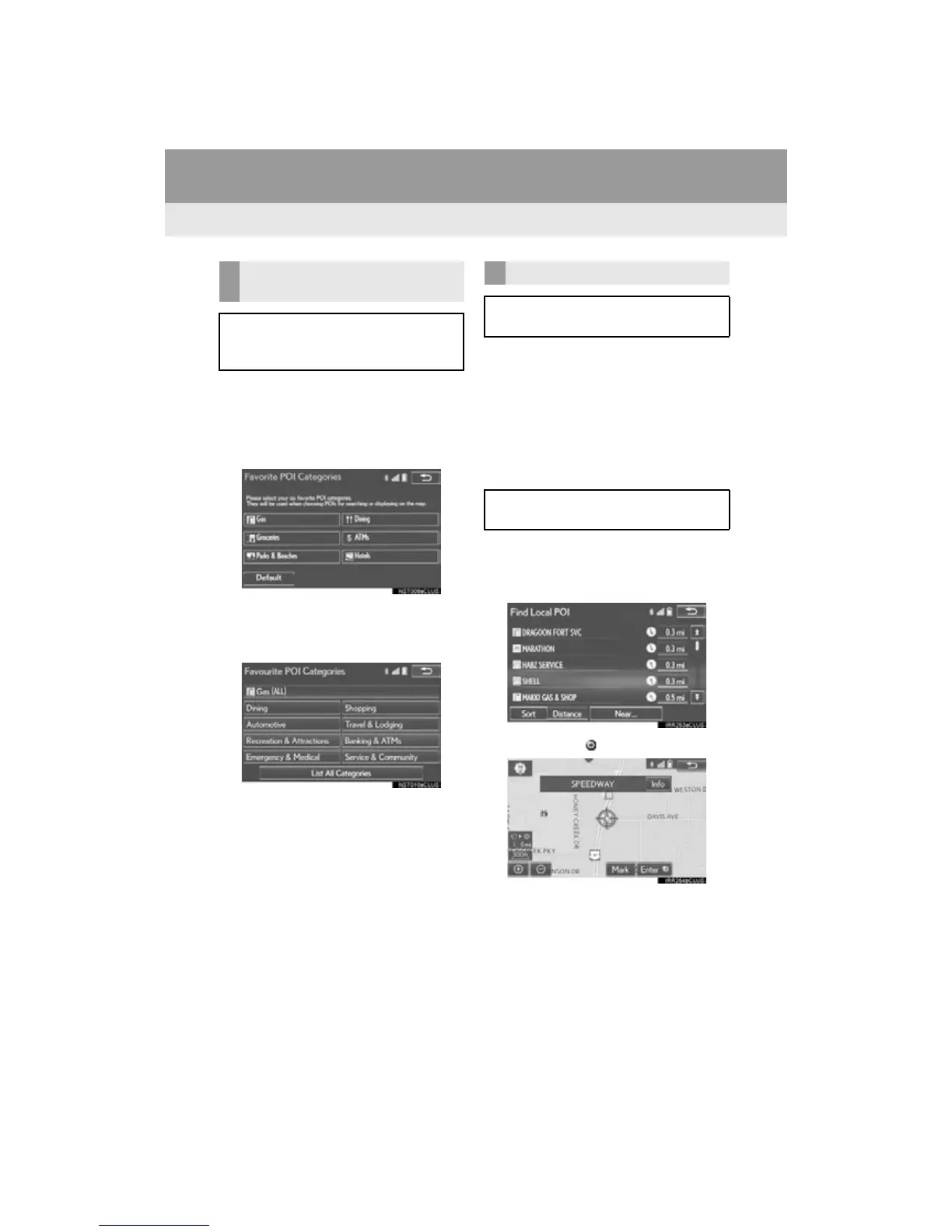
1 Display the “Detailed Navi. Settings”
screen.
(P. 1 3 2)
2 Select “Favorite POI Categories”.
3 Select the category to be changed.
“Default”: Select to set the default catego-
ries.
4 Select the desired POI category.
“List All Categories”: Select to display all
POI categories.
5 Select the desired POI icon.
1 Display the “Detailed Navi. Settings”
screen.
(P. 13 2 )
2 Select “Low Fuel Warning”.
3 Select “On” or “Off”.
■ SEARCHING GAS STATION IN
LOW FUEL WARNING
1 Select “Yes” when the low fuel warning
appears.
2 Select the desired nearby gas station.
3 Select “Enter ” to set as a destination.
“Info”: Select to display gas station informa-
tion. (P. 88)
FAVORITE POI CATEGORIES
(SELECT POI ICONS)
Up to 6 POI icons, which are used for
selecting POIs on the map screen, can
be selected as favorites.
LOW FUEL WARNING
When the fuel level is low, a warning
message will pop up on the screen.
A nearby gas station can be selected as
a destination.












 To Next Page