217
5. SETUP
LS460_600h_Navi_U
AUDIO/VISUAL SYSTEM
4
1 Display the audio setting screen.
(P. 215)
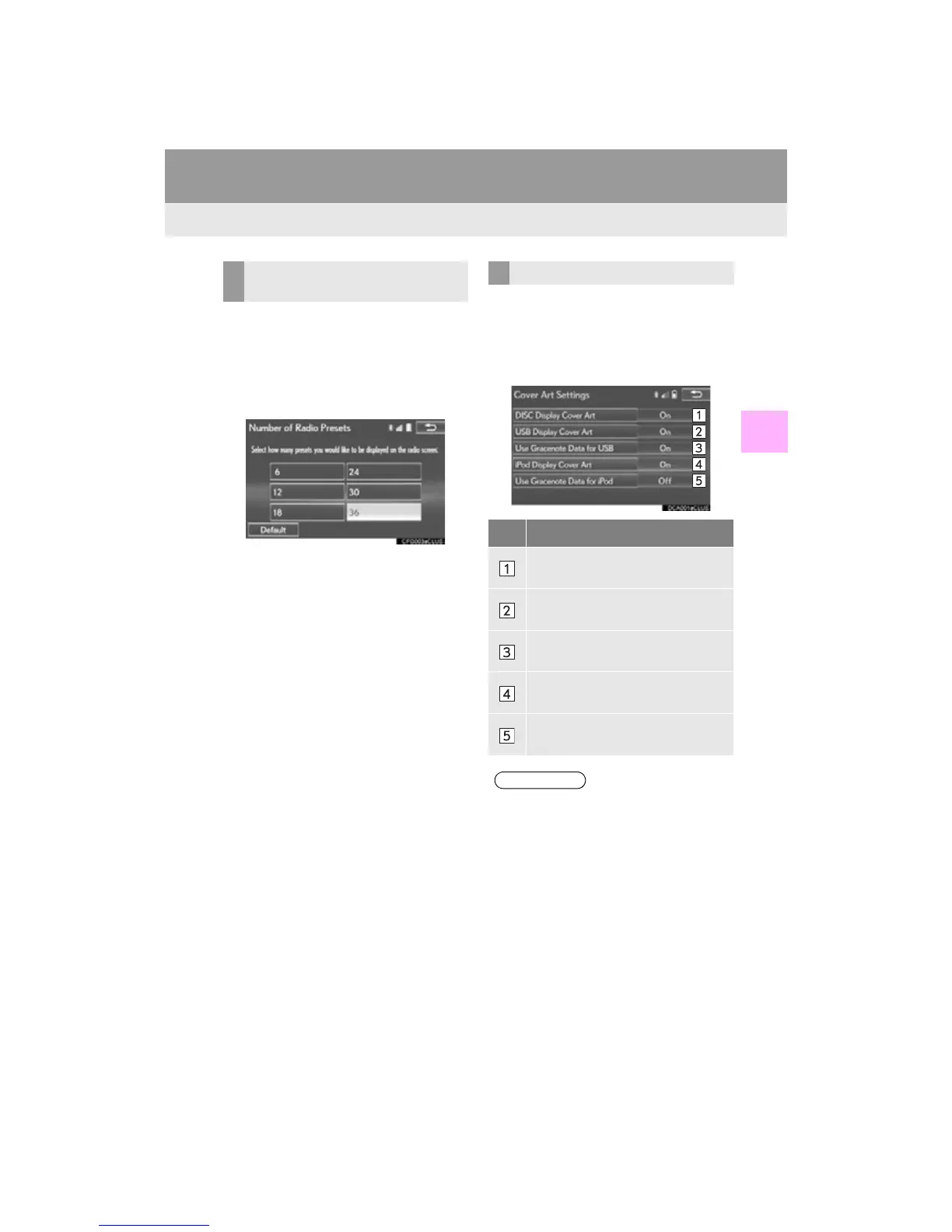
2 Select “Number of Radio Presets”.
3 Select the button with the desired num-
ber to be displayed.
“Default”: Select to default the settings.
1 Display the audio setting screen.
(P. 215)
2 Select “Cover Art Settings”.
3 Select the desired button to be set.
SETTING THE NUMBER OF
RADIO PRESETS
COVER ART SETTINGS
No. Function
Select on/off to set the cover art dis-
play in DISC mode.
Select on/off to set the cover art dis-
play in USB mode.
Select on/off to set the priority of the
Gracenote database in USB mode.
Select on/off to set the cover art dis-
play in iPod mode.
Select on/off to set the priority of the
Gracenote database in iPod mode.
●Images from the Gracenote database
displayed on the screen may be different
from the actual cover art.












 To Next Page