218
5. SETUP
LS460_600h_Navi_U
1 Display the audio setting screen.
(P. 215)
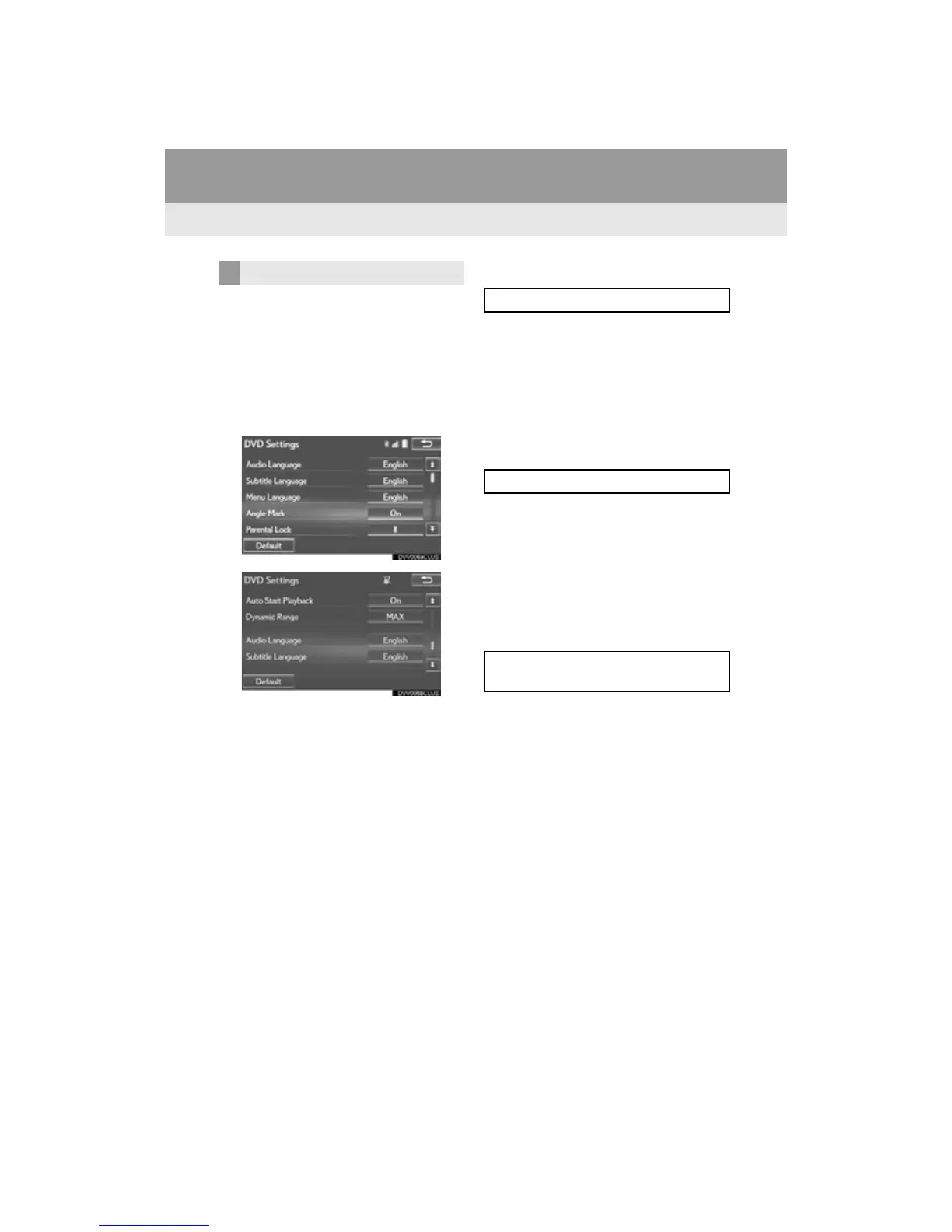
2 Select “DVD Settings”.
Selecting “DVD Settings” on the DVD top
screen can also display “DVD Settings”
screen. (P. 1 81 )
3 Select the items to be set.
When “Default” is selected, all menus are
initialized.
■ AUDIO LANGUAGE
1 Select “Audio Language”.
2 Select the desired language to be heard
on the “Audio Language” screen.
If the desired language to be heard cannot
be found on this screen, select “Other” and
enter a language code. (P. 2 1 9 )
■ SUBTITLE LANGUAGE
1 Select “Subtitle Language”.
2 Select the desired language to be read
on the “Subtitle Language” screen.
If the desired language to be read cannot
be found on this screen, select “Other” and
enter a language code. (P. 2 1 9 )
■ MENU LANGUAGE
1 Select “Menu Language”.
2 Select the desired language to be read
on the “Menu Language” screen.
If the desired language to be read cannot
be found on this screen, select “Other” and
enter a language code. (P. 2 1 9 )
DVD SETTINGS
The audio language can be changed.
The subtitle language can be changed.
The language on the DVD video menu
can be changed.












 To Next Page