258
8. REAR SEAT ENTERTAINMENT SYSTEM OPERATION
LS460_600h_Navi_U
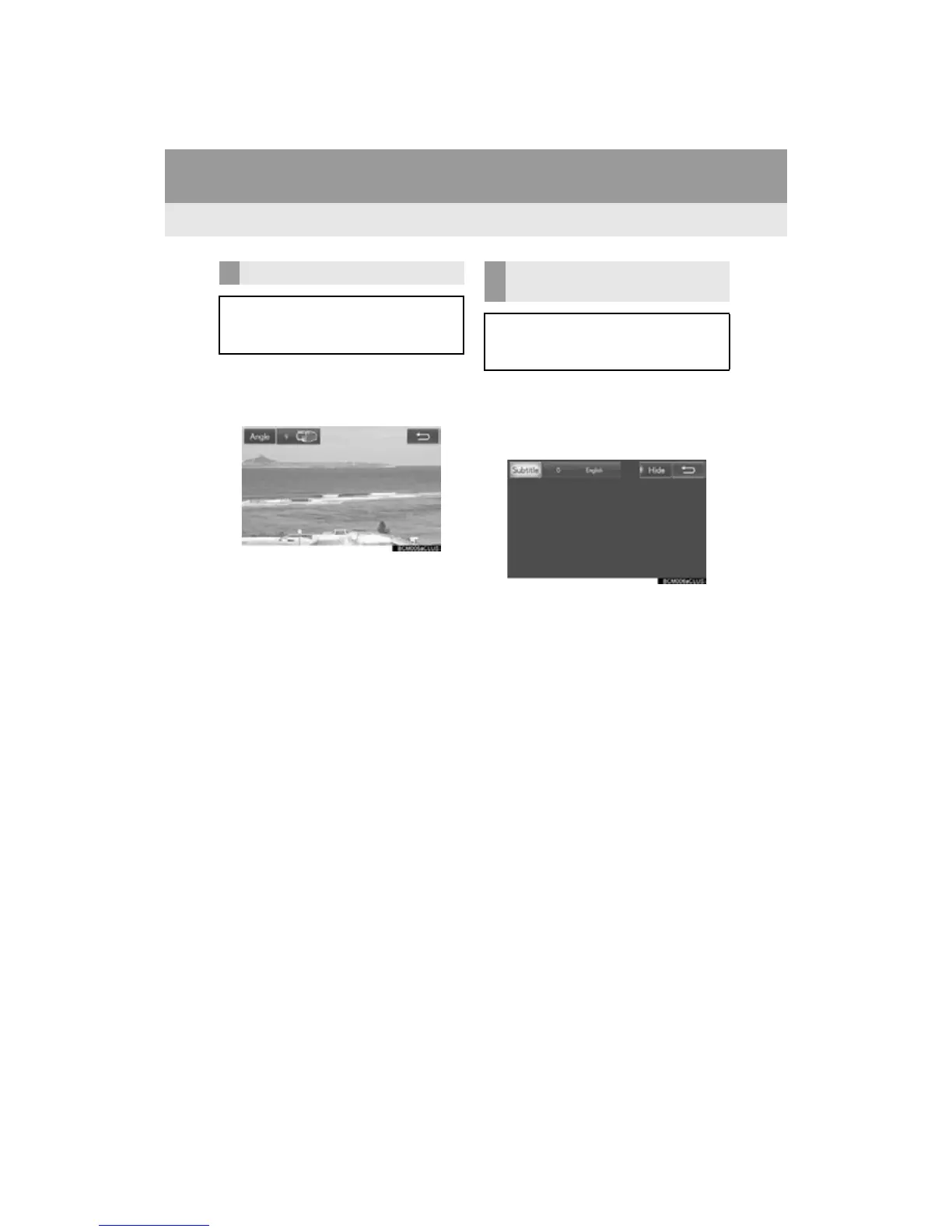
1 Select “A n g l e ” .
2 Each time “A n g l e ” is selected, the angle
is changed.
The angles available are restricted to those
available on the DVD disc.
1 Select “Subtitle”.
2 Each time “Subtitle” is selected, anoth-
er language available on the disc is se-
lected.
The languages available are restricted to
those available on the DVD disc.
When “Hide” is selected, the subtitles can
be hidden.
CHANGING THE ANGLE
The angle can be selected for discs that
are multi-angle compatible when the an-
gle mark appears on the screen.
CHANGING THE SUBTITLE
LANGUAGE
The subtitle language can be changed
for discs with multiple subtitle languag-
es.












 To Next Page