259
8. REAR SEAT ENTERTAINMENT SYSTEM OPERATION
LS460_600h_Navi_U
AUDIO/VISUAL SYSTEM
4
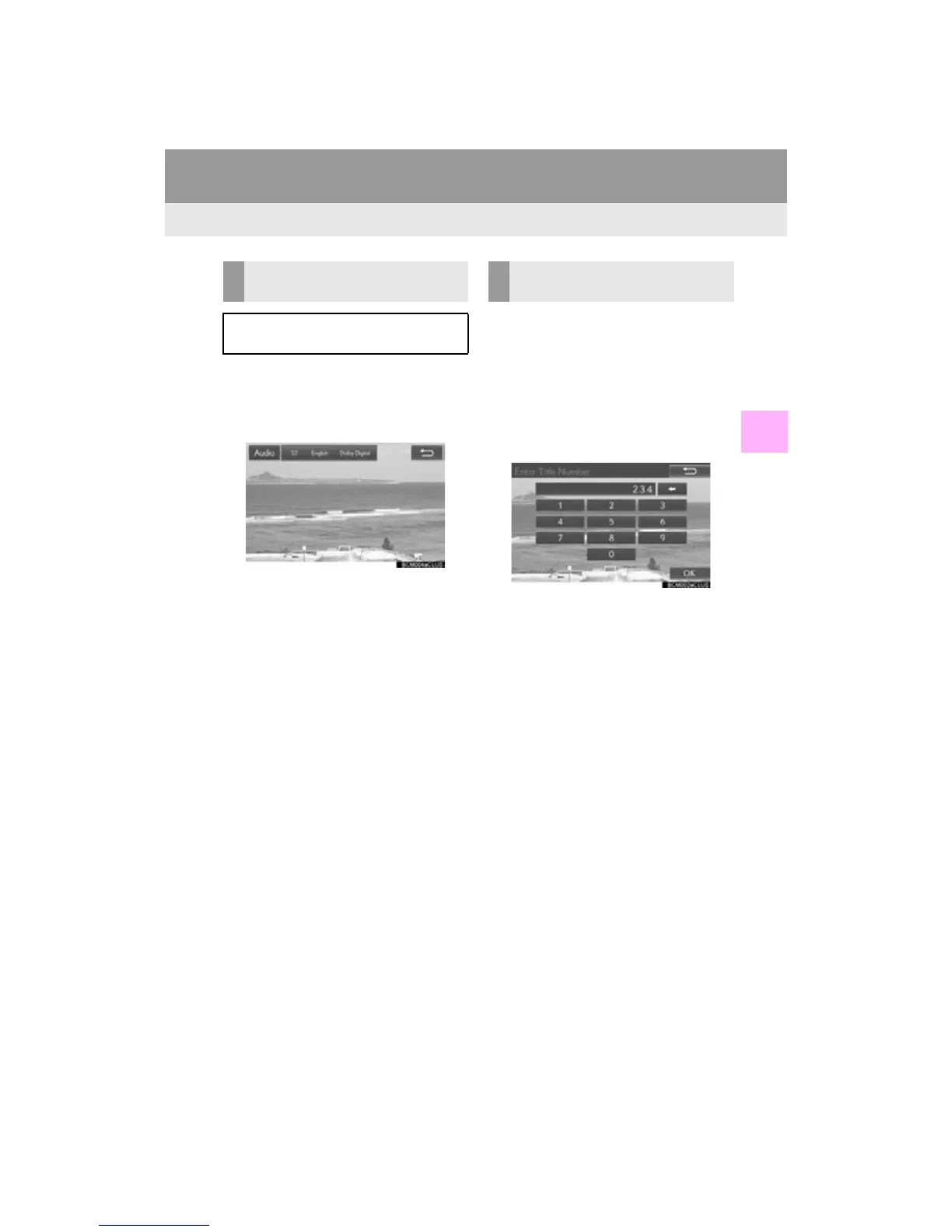
1 Select “A u d i o ” .
2 Each time “A u d i o ” is selected, another
language available on the disc is select-
ed.
The languages available are restricted to
those available on the DVD disc.
DVD video
1 Select “Search”.
AVCHD
video
1 Select “Title Search” or “Chapter
Search”.
2 Enter the title number or chapter num-
ber, and select “OK”.
The player starts playing video for that title
or chapter number.
CHANGING THE AUDIO
LANGUAGE
The audio language can be changed for
discs with multiple audio languages.
SEARCHING FOR A TITLE OR
CHAPTER












 To Next Page