20
Using the Disc Operation menu
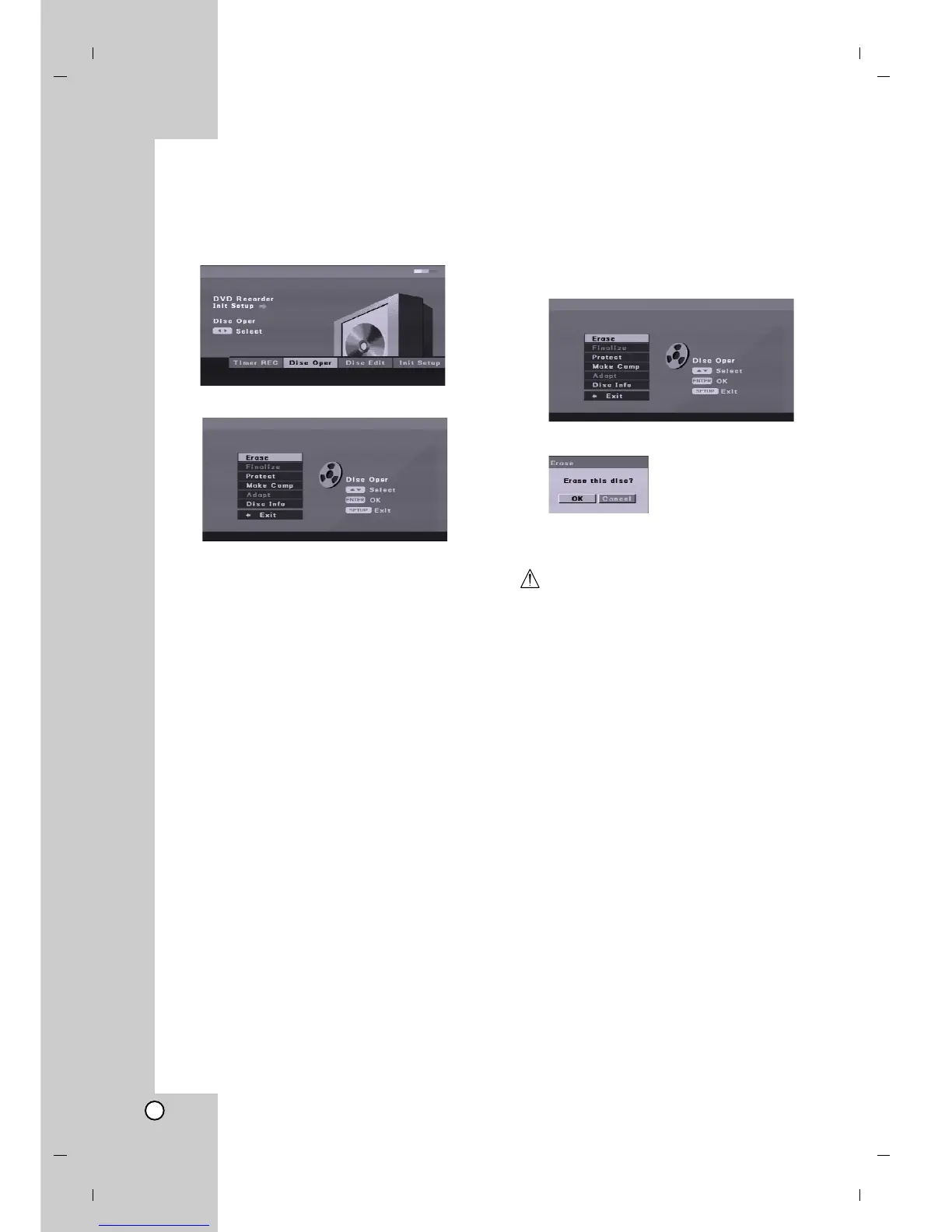
1. Press SETUP and the [DVD Recorder Initial
Setup] menu appears.
2. Use b / B to select [Disc Oper] option then press
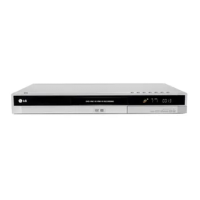
ENTER. Disc Operation Menu appears.
3. Use v / V to select an option.
4. Press ENTER to confirm your selection.
5. To exit the menu, press SETUP or select [< Exit]
option on the [Disc Oper] menu then press
ENTER.
Disc Erase
If you load a completely blank disc, The recorder will
erase the disc automatically.
Also, you can erase the DVD+RW from the Setup
menu as below.
1. Select [Erase] option on the [Disc Oper] menu.
2. Press ENTER. [Erase] menu appears.
3. Use b / B to select [OK] then press ENTER.
It takes a few moments to erase the disc.
Caution
If you want to erase the disc, everything recorded
on the disc will be erased.


 To Next Page