37
Editing
Changing Title Thumbnails
You can select a favorite scene for the thumbnail
picture shown in the Title List menu.
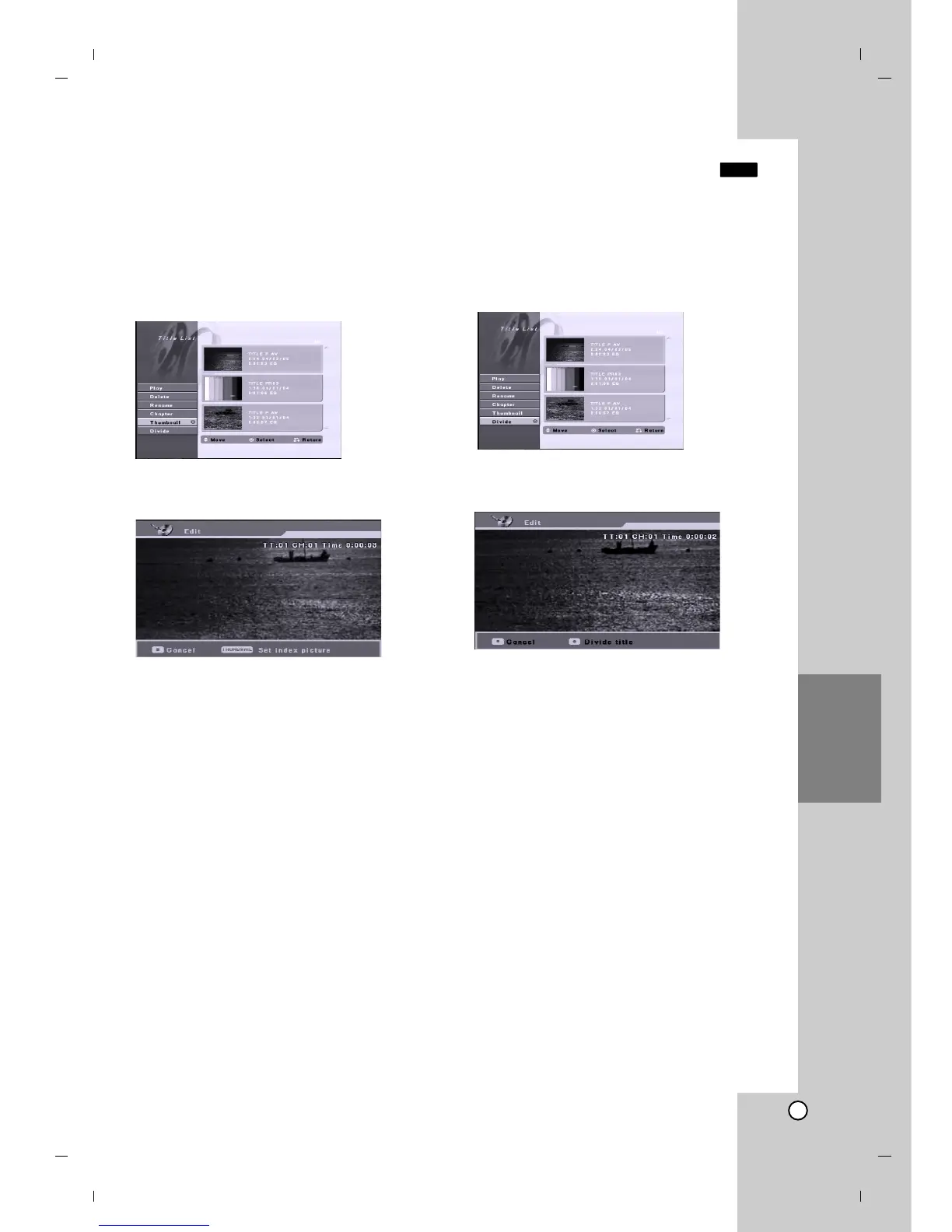
1. Use b / B / v / V to choose a title on the Title List
menu then press ENTER.
The menu options appears on the left side of the
screen.
2. Select [Thumbnail] from the options.
3. Press ENTER. The menu appears as shown
below.
4. Use play, pause step, search and slow-motion to
find the scene you want.
5. Press THUMBNAIL to make the currently
displayed picture the one that appears in the Title
List menu.
The still picture that you choose appears in Title
List menu.
Divide One Titles Into Two
Use this command to split a title up into two new titles.
1. On the Title List menu, select a title you want to
divide then press ENTER.
The menu options appears on the left side of the
screen.
2. Select [Divide] option.
3. Press ENTER. The menu appears as shown
below.
4. Use play, pause step, search and slow-motion to
find the point you want to divide the title.
5. Press REC (z) at the point.
The title is divided into two new titles. It take up to
4 minutes to divide.
Note:
You cannot select dividing point less than 3 seconds.
+RW


 To Next Page