22
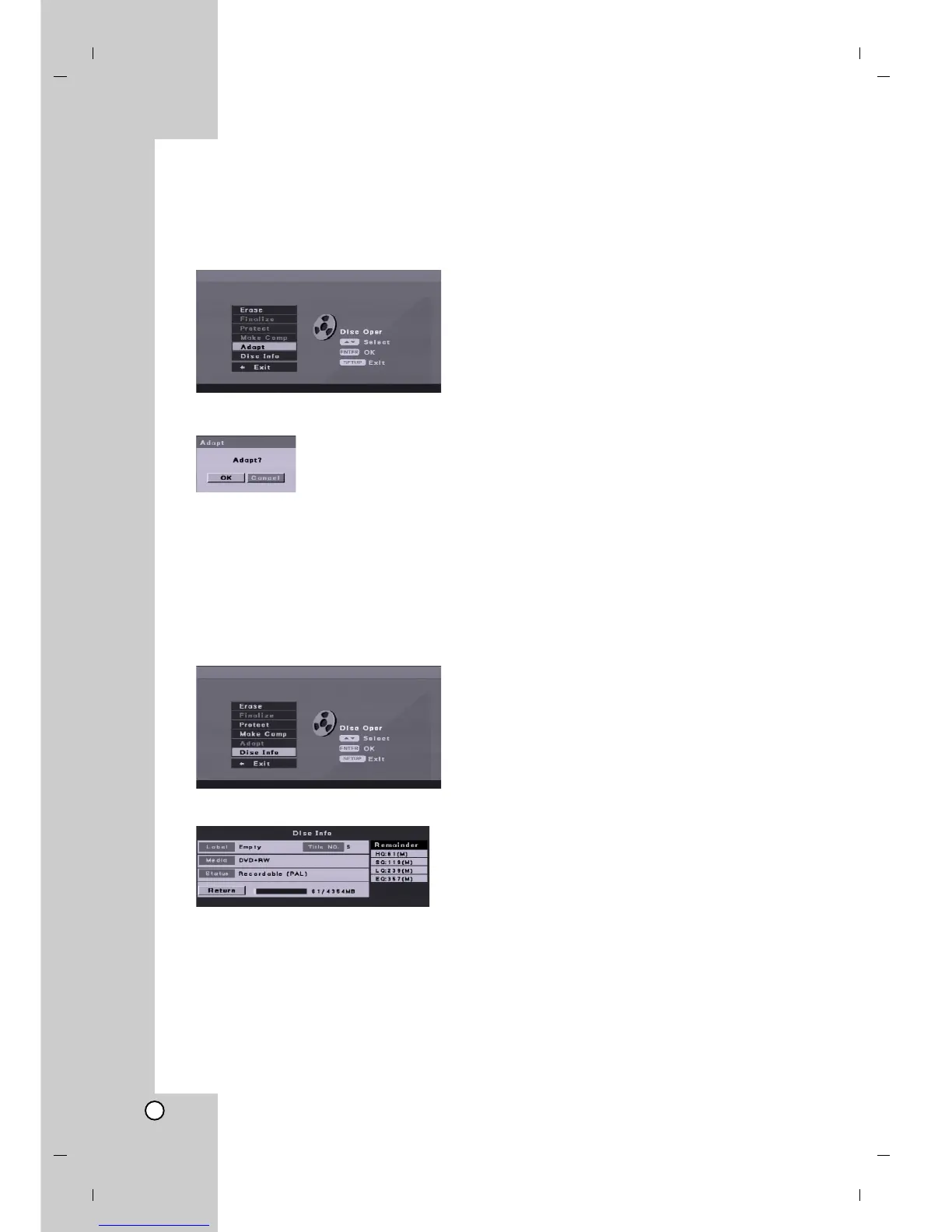
Adapt
Disc recorded on other recorder will not use on your
recorder. You can use the disc after adapting the disc
at your recorder.
1. Select [Adapt] option on the [Disc Oper] menu.
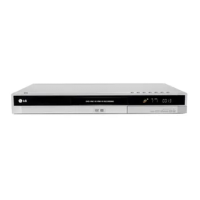
2. Press ENTER. [Adapt] menu appears.
3. Select [OK] then press ENTER.
Disc Information
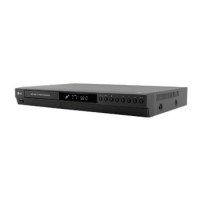
You can view the informations for loaded DVD+R/RW
disc. (Disc Label, Media, Title number, Status,
Remaining time)
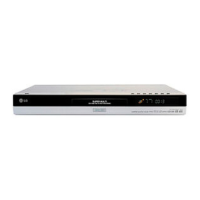
1. Select [Disc Info] option on the [Disc Oper] menu.
2. Press ENTER. [Disc Info] menu appears.
3. To return to the [Disc Oper] menu, press SETUP,
RETURN, or ENTER.


 To Next Page