LG KF600 | User Guide
10
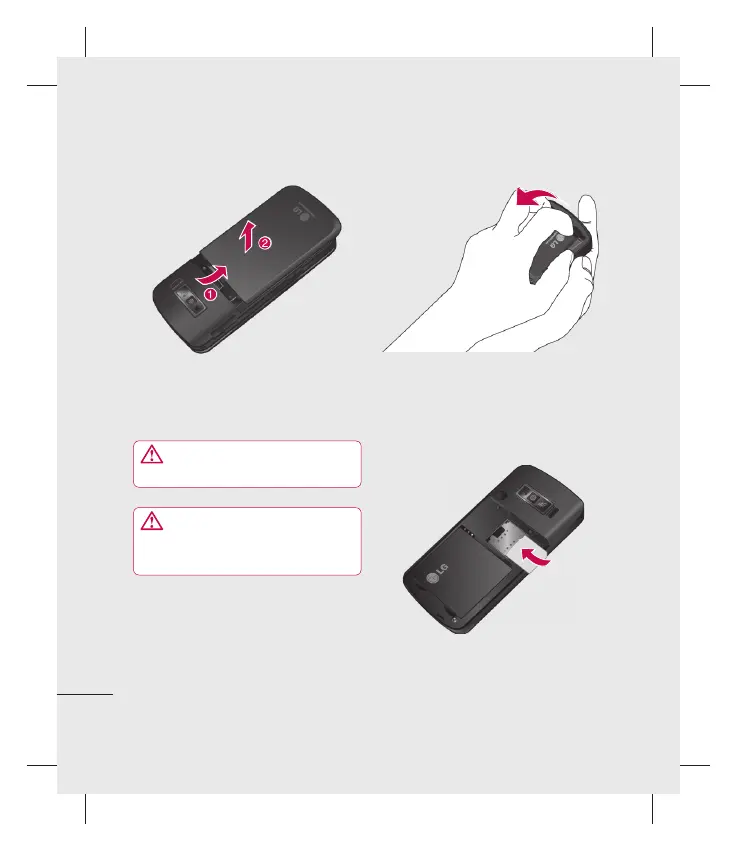
1 Remove the battery cover
Slide the battery cover towards the bottom
of the phone and away from it.
WARNING: Do not use your
fi ngernail when removing the battery
WARNING: Do not remove the
battery when the phone is switched on,
as this may damage the phone.
2 Remove the battery
Lever the bottom edge of the battery
and remove it carefully from the battery
compartment.
Set up
Installing the SIM and battery



 To Next Page