14
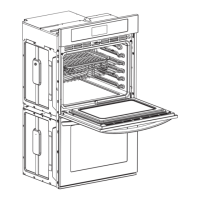
Side runners
Attaching the side runners
Note !
If you purchase the catalytic liners, refer to the procedures of
attaching catalytic liners at page 17 for side runners.
When using the oven for the first time, attach the side runners
as following procedures.
You can find the side runners in the accessory box.
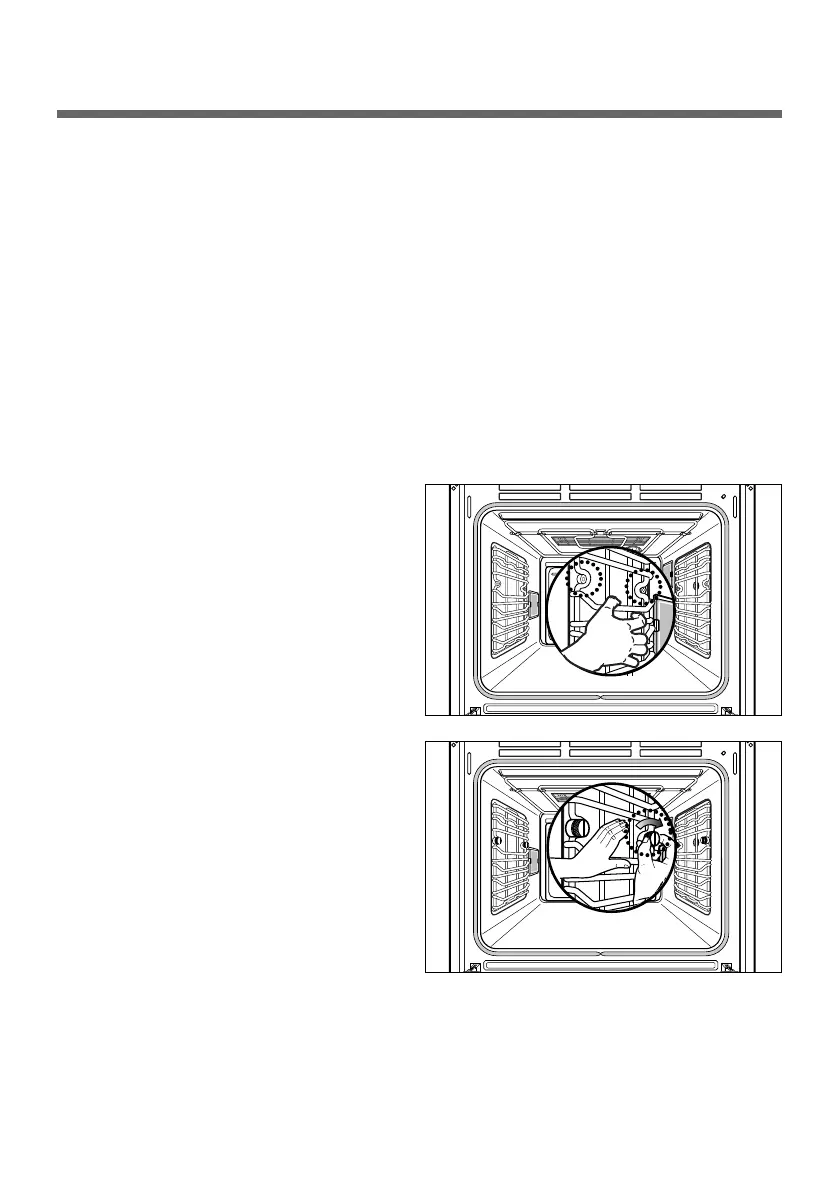
1. Place the U-form of the side
runner between the two screw
holes as illustrated.
2. Insert and fasten the two
screws clockwise.
3. Attach the other in the same way.


 To Next Page