37
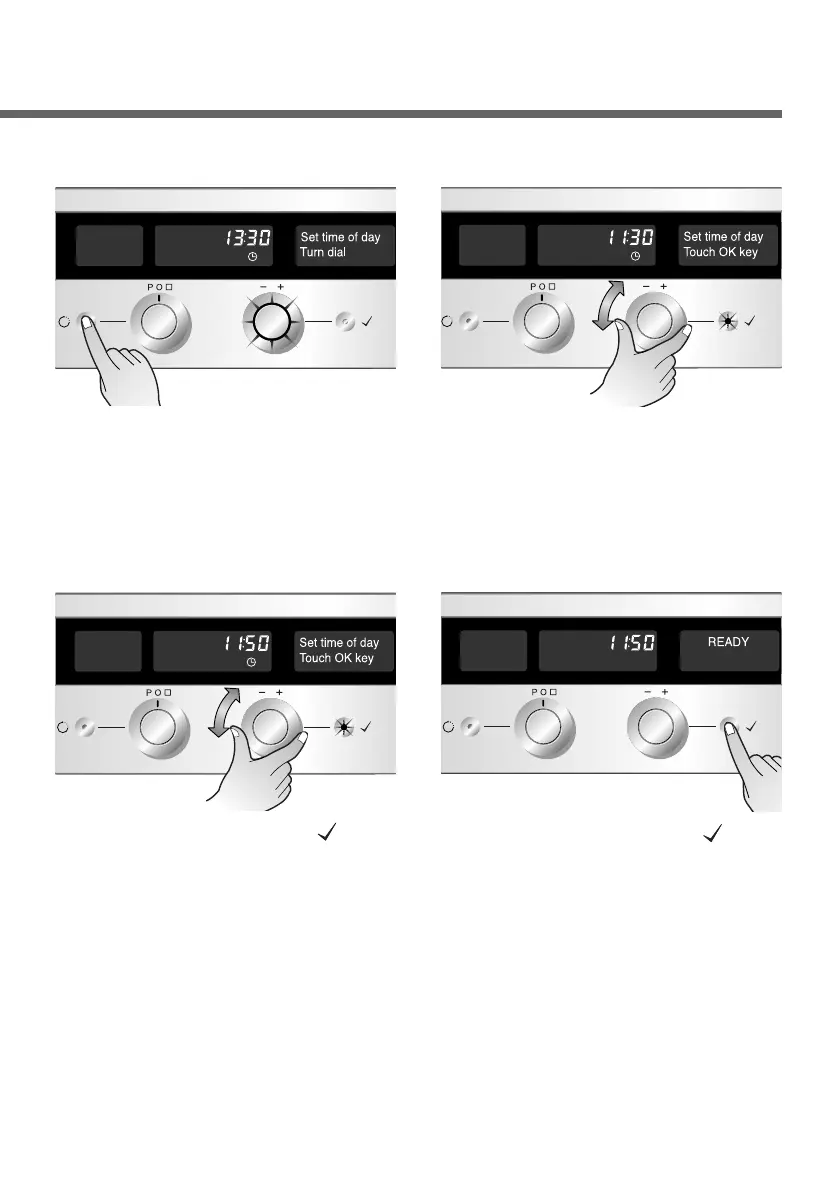
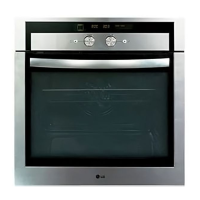
Set the Function selector to
“O”. Press the Time button
twice to set the time of day.
The hour display flashes
(13, in the example)
1
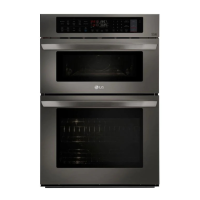
Select a new value for the
hour with the Time selector
(11, in the example)
2
Setting the time of day
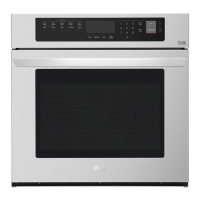
Press the OK button( ) to
confirm. The minute display
starts to flash. Set the new
value for minutes, using the
Time selector(50, in the
example).
3
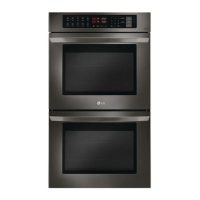
Press the OK button( ) to
confirm the entry.
4


 To Next Page