31
Programming the overall cooking time
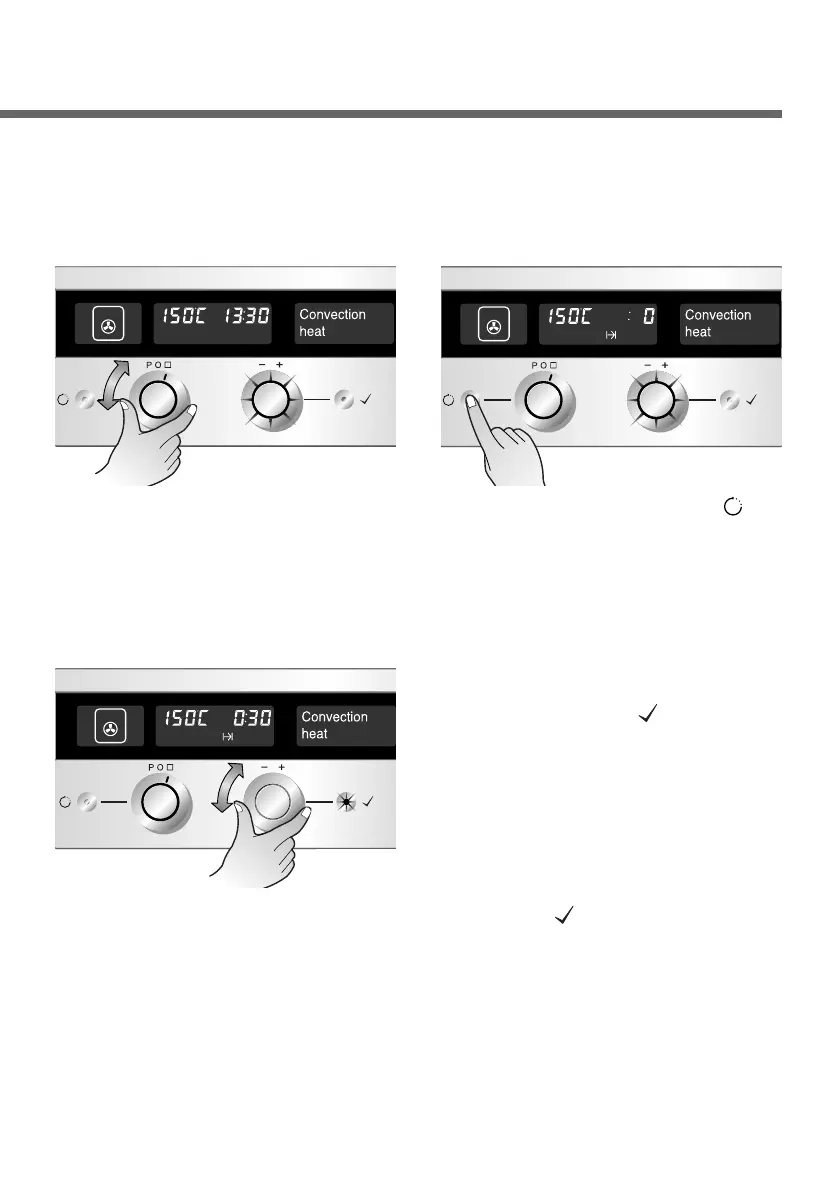
Select the desired operating
mode and temperature.(Refer
to the section on “Switching
the oven on” or “Changing the
oven temperature”)
The oven switches off automatically at the end of the period of time
entered.
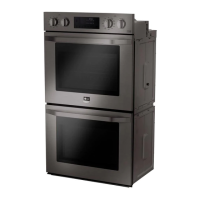
1
Set the desired overall
cooking time with the Time
selector.
Note : After the oven starts operation, you can set either End of
cooking time or Overall cooking time only.
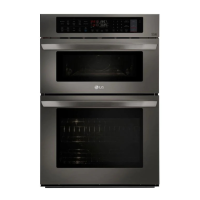
3
Press the Time button( )
once.
2
Start operation by pressing
the OK button( ) or wait
until the oven starts
automatically in 8 seconds.
Once the set time has
expired, you will hear a
signal tone and the oven
switches off. Press the OK
button( ) to cancel the
signal tone.
4


 To Next Page