26
Operation
Cooling system
The cooling fan switches on automatically to keep the appliance’s
surfaces cool. The air is displaced from in between the oven door
and the control panel. When the oven is switched off, the cooling
fan runs on and only switches off once the appliance has cooled
down.
Residual Heat Indicator
The residual heat is indicated until the temperature has gone down
to 60°C.
Switching off the oven
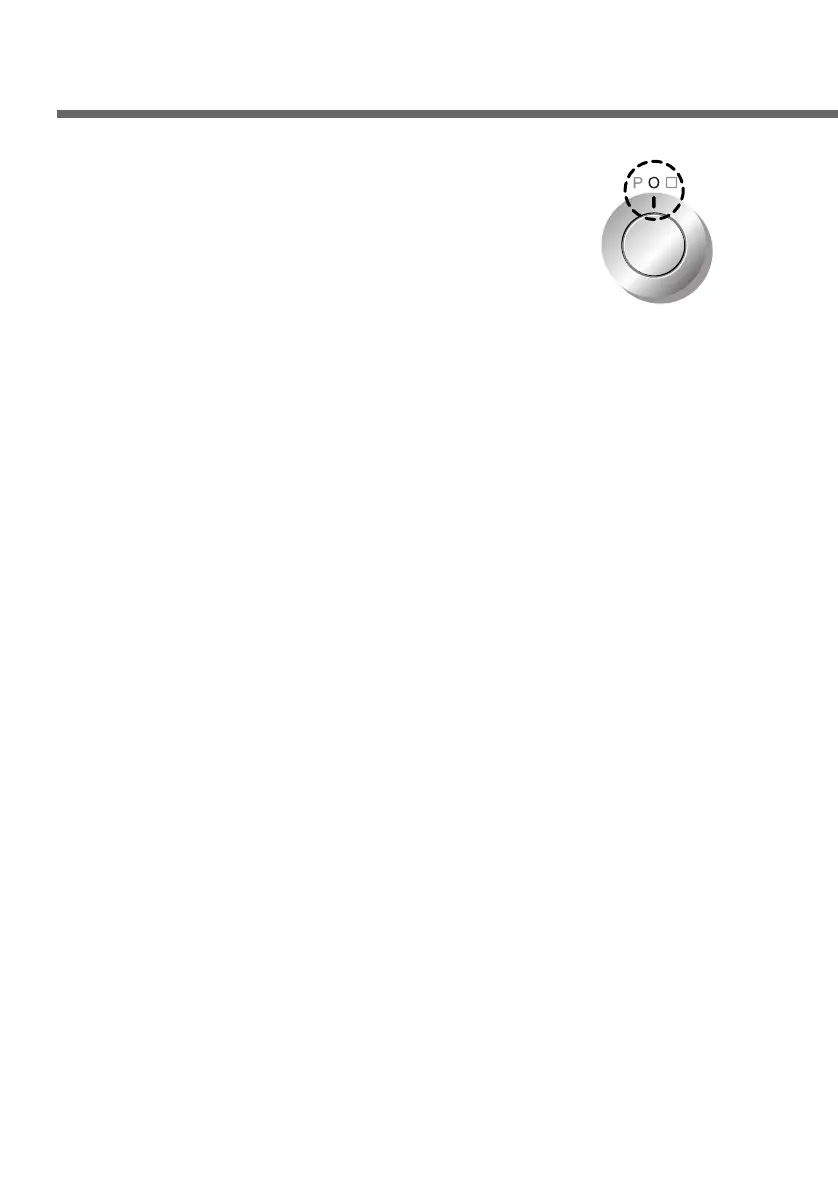
Set the Function selector to “O” to switch
the oven off.


 To Next Page