24
Operation
Switching the oven on
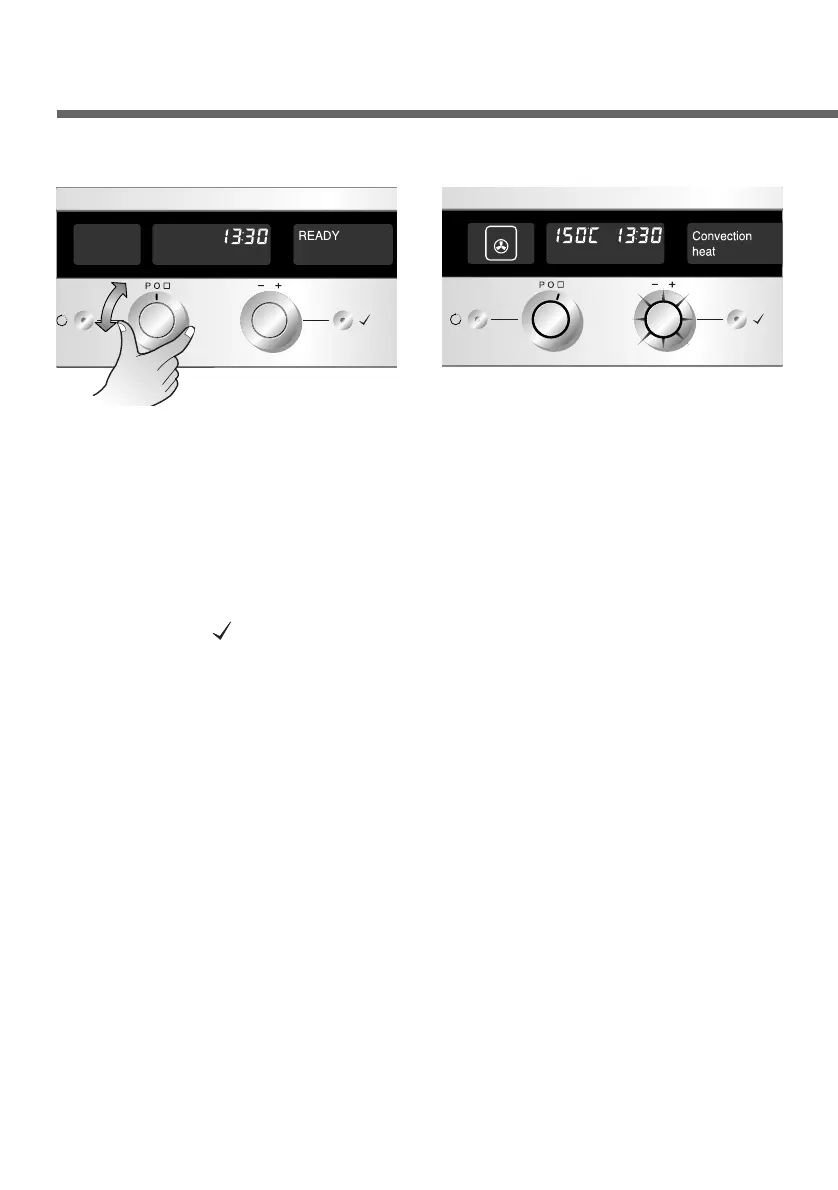
Select the desired mode with
the Function selector.
1
Start operation by pressing the
OK button( ) or wait until the
oven starts automatically in 8
seconds. You will hear a signal
tone and the symbol now
remains lit without flashing.
If you do not apply any further
settings on the control panel,
the oven will remain on for the
maximum possible time. (refer
to page 28)
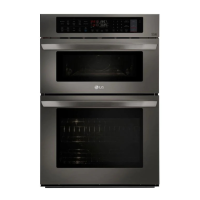
3
The corresponding symbol &
the Temp. selector will flash.
Recommended temperature
& operating mode appear on
the display.
(Example:Convection heat)
2


 To Next Page