40
Operation
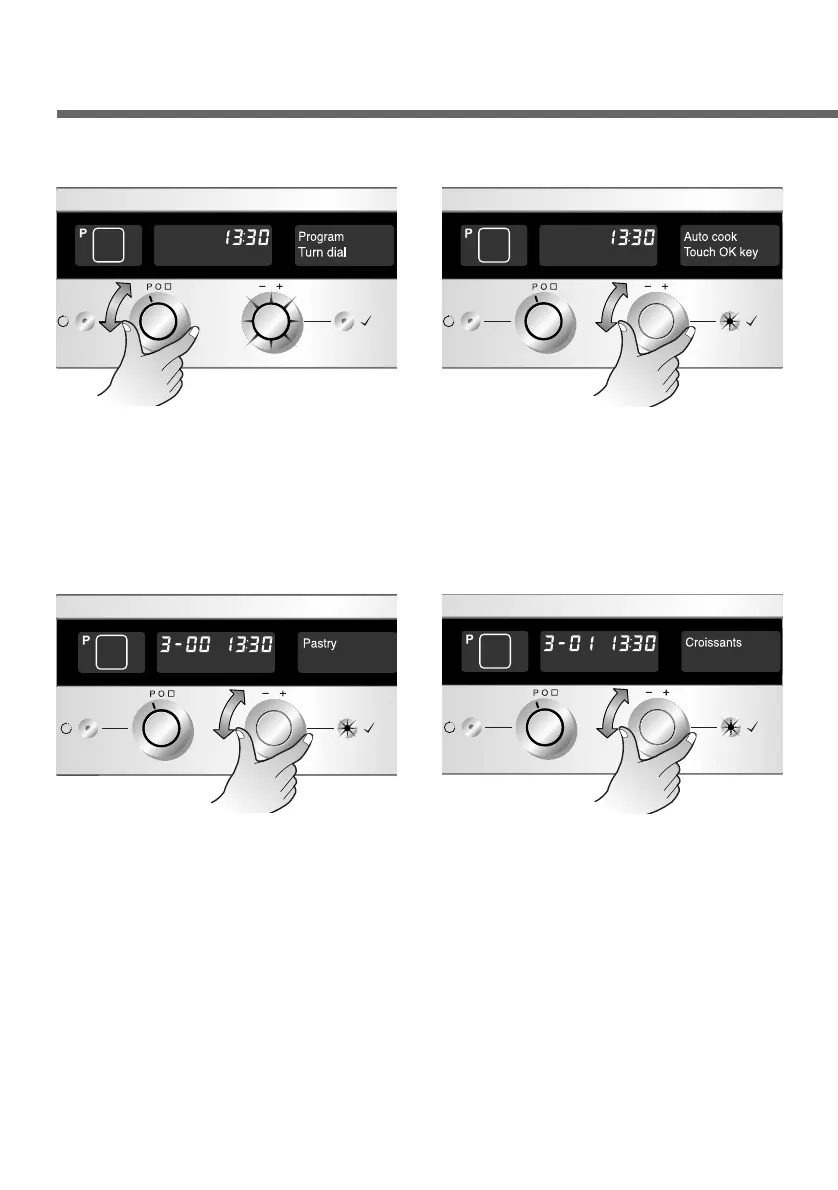
Set the Function selector to
“P”. The Time selector
flashes.
1
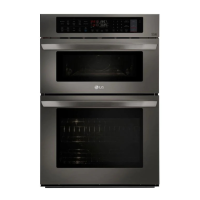
Turn the Time selector, until
you reach “Auto cook”.
Now press the OK button to
confirm.
2
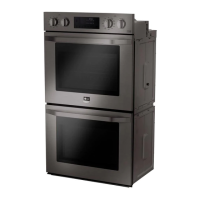
Set the desired automatic
programme with the Time
selector (Pastry, in the
example). Press the OK
button to select the
category.
3
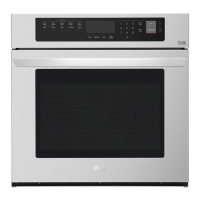
Set the desired dish from
this category with the Time
selector (Croissants, in the
example).
4
Automatic programmes - Auto cook


 To Next Page