48
Changing settings
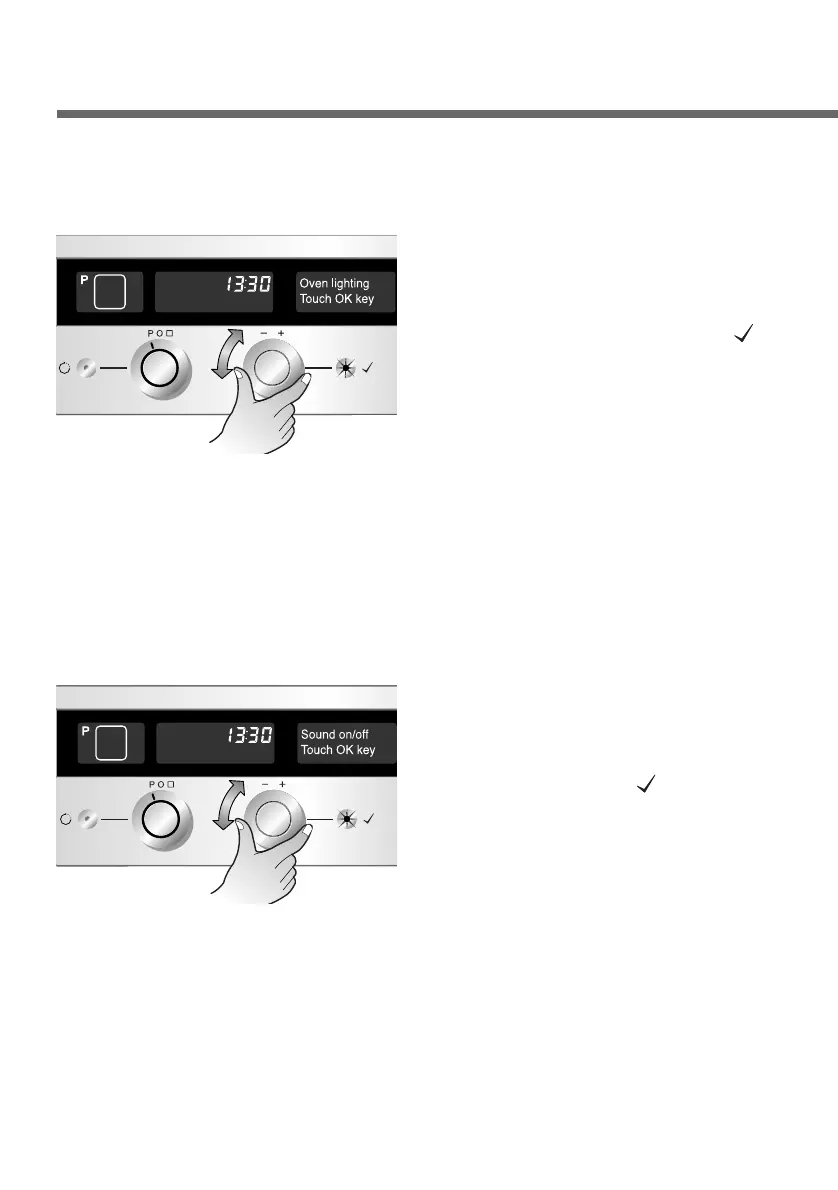
Oven lighting
Select the “Oven lighting”
menu. Press the OK button
to confirm.
1
2
First call up the setting menu
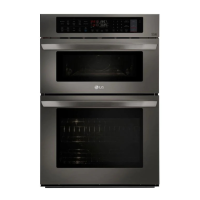
Sound
Select the “Sound on/off”
menu. Press the OK button
to confirm.
1
Select sound on or off
mode. Confirm the one you
have selected by pressing
the OK button( ).
Note: In sound off mode,
all sounds are
inaudible except
operating errors.
2
First call up the setting menu
You can select “full-on” or
“saving mode”. Select and
confirm the one you want by
pressing the OK button( ).
If you select “saving mode”,
the oven lighting goes out
20 seconds after a cooking
programme has started. In
“full-on” mode, the oven
lighting can stay on for
maximum 3 hours.


 To Next Page