46
Changing settings
Calling up the setting menu
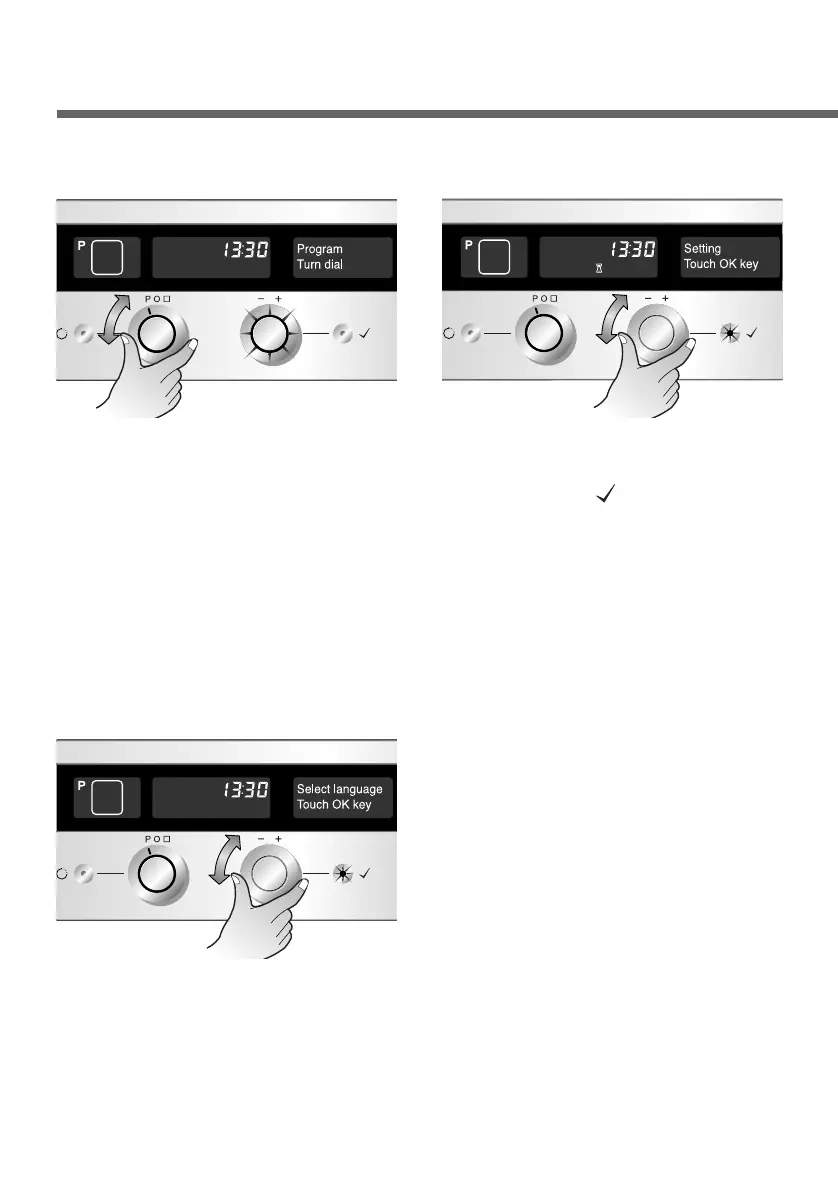
Set the Function selector to
“P”. The Time selector
flashes.
1
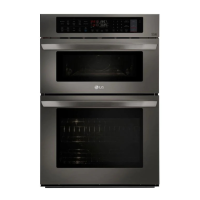
Select “Setting” menu using
the Time selector. Press the
OK button( ) to confirm.
2
Changing the language
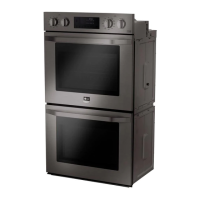
Select the “Select language”
menu. Press the OK button
to set desired language.
1
Use the Time selector to set
the desired language. Press
the OK button to confirm the
language you have
selected.
2
First call up the setting menu
Now the basic setting appears on the display. You can select the
setting you want to change. All basic settings can be changed using
the Time selector.


 To Next Page