33
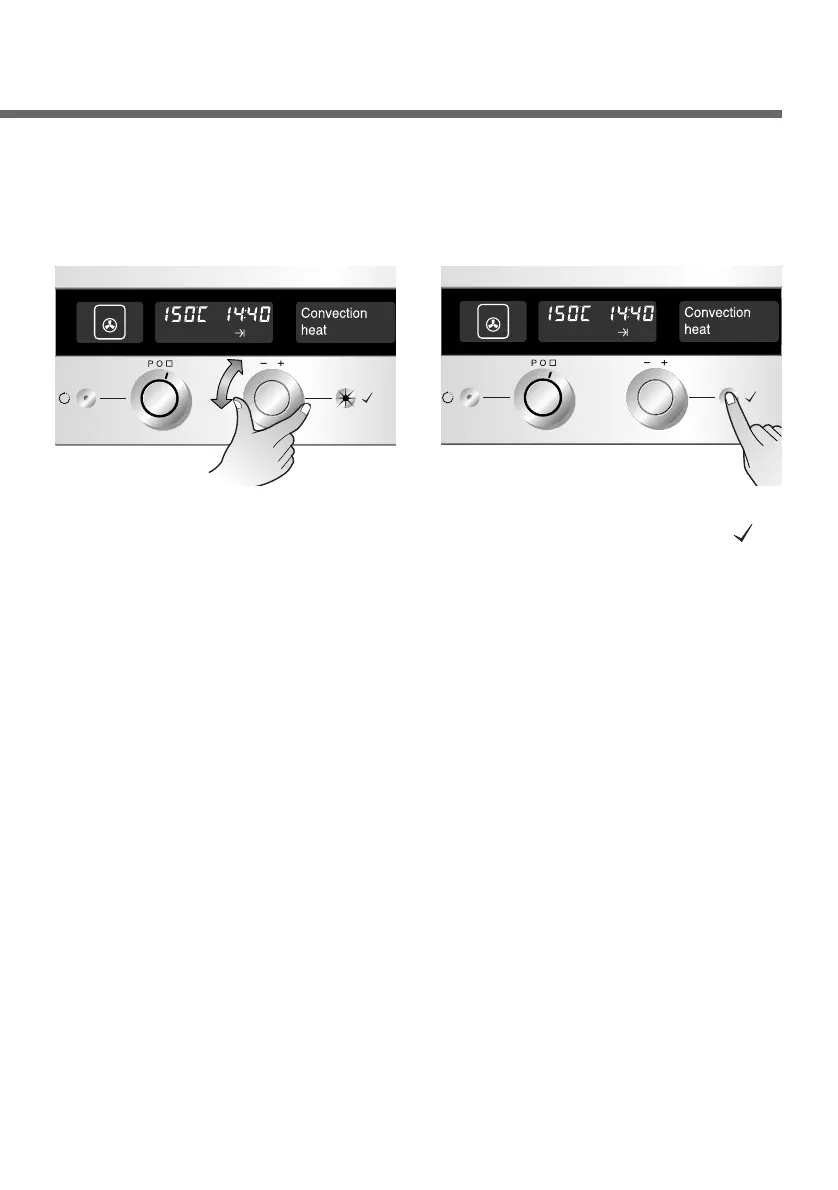
Now set the minutes, using
the Time selector. The OK
button will flash.
Tips : Once the oven starts operation, the oven light goes out after
20 seconds to save electricity. But the light can be switched
back on at any time by pressing the OK button.
5
Confirm the entry by
pressing the OK button( ).
First the end time is shown
on the display.
Then cooking will start and
remaining cook time will
display within one minute
after key setting.
6


 To Next Page