Supplementary
7016D & 7024D User Guide | Supplementary 65
BGM
You can chose to listen to background music through your
handset. There are 11 possible music sources. You should
check with a qualified system administrator for details of which
sources are active.
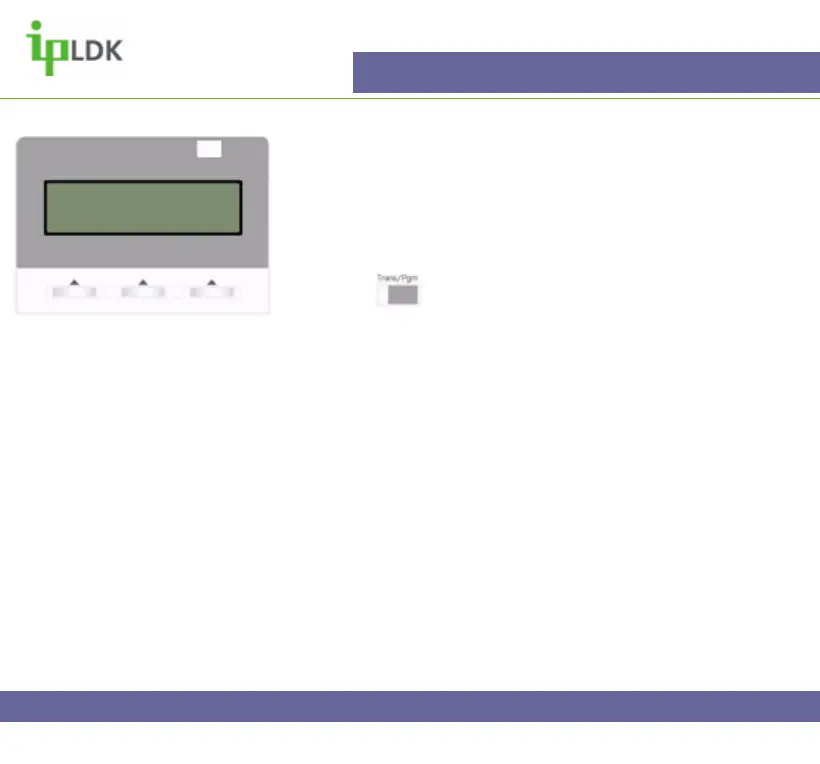
1. Press the button and select option [7]
SUPPLEMENTARY followed by option [3] BGM. (Your screen
should appear as in Fig.50).
2. Select the appropriate source (00-11).
3. Press the OK button.
4. Music will then be heard through the handset.
5. Repeat steps 1 to 4 to cancel the background music.
Fig.50
SELECT BGM MUSIC SRC (00-11)



 To Next Page