Supplementary
7016D & 7024D User Guide | Supplementary 66
Register Station Name
To register your name to your station:
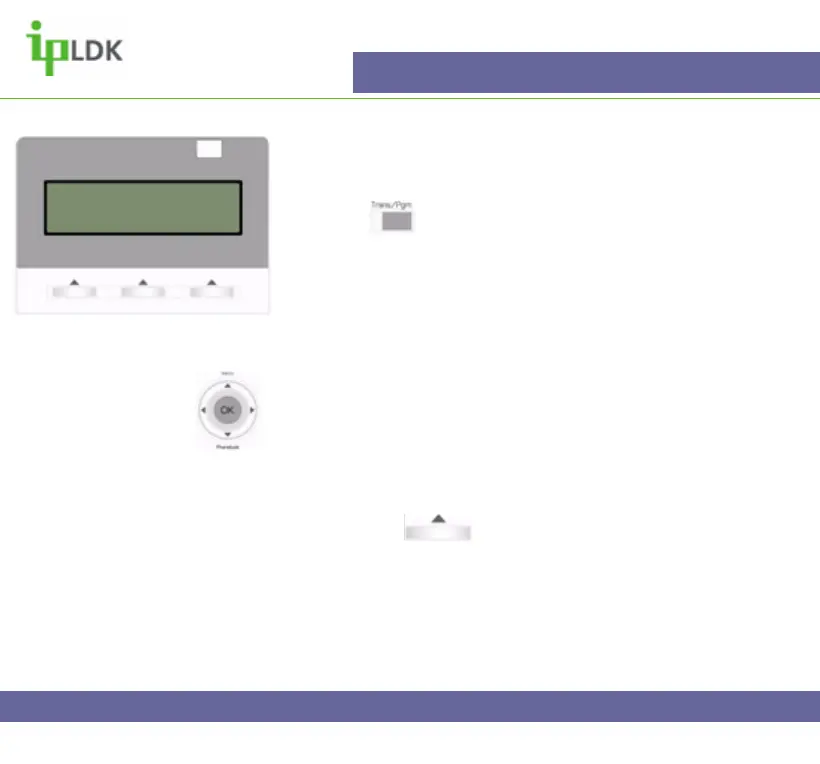
1.Press the button and select option [7]
SUPPLEMENTARY followed by option [4] REGISTER STA
NAME. (Your screen should look as per Fig.51)
2. Enter your name and press the OK button.
Navigation Button Alternative:
1. Select MENU option by pressing S
2. Press OK to select option 1 – BASIC PROGRAM.
3. Press OK to select option 1 – STATION NAME PROGRAM
4. Enter your name as per the Character Entry Chart.
5. Press OK or under OK on screen to update the
changes.
Fig.51
SELECT BGM MUSIC SRC (00-11)



 To Next Page