Infotainment System 34
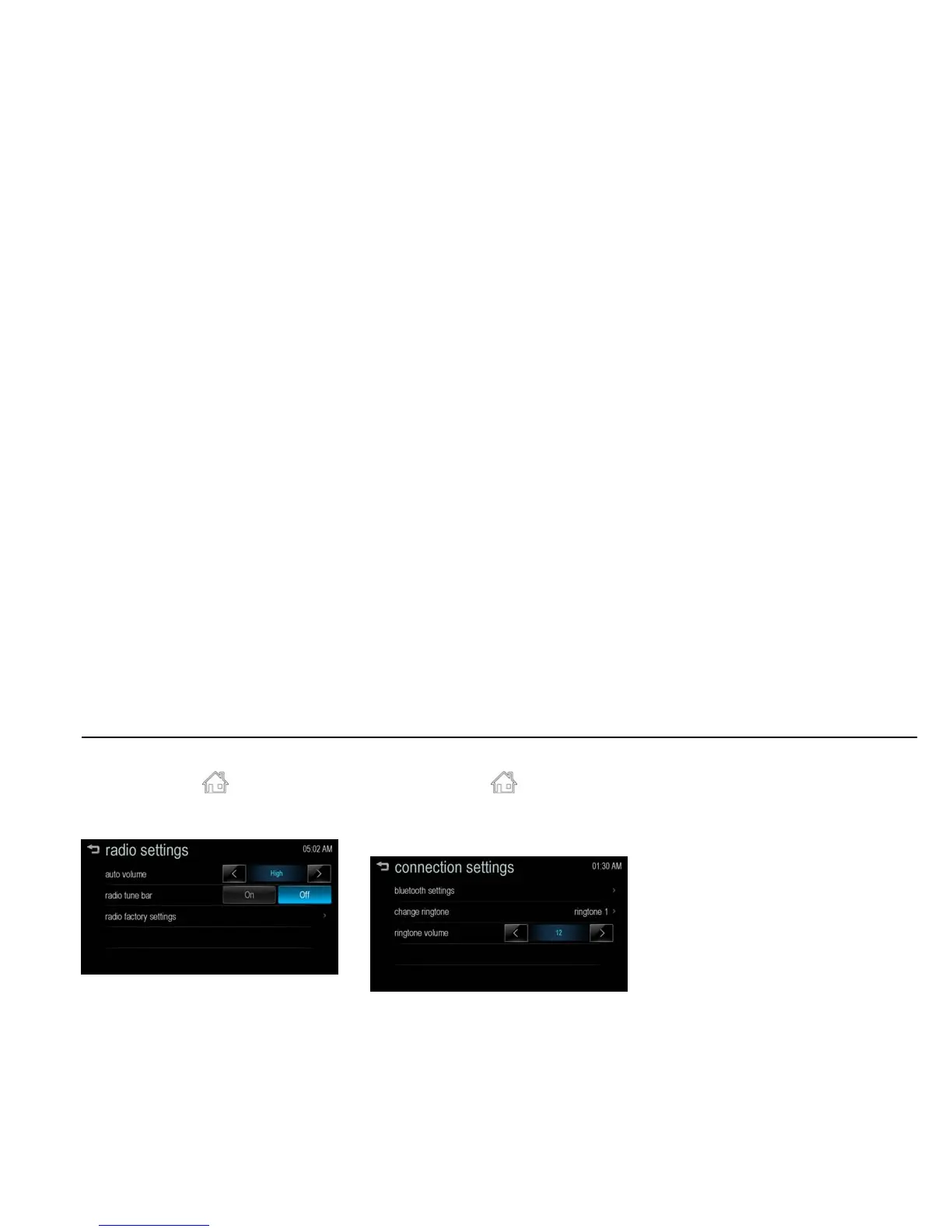
radio settings [Level 4]
1. Press [HOME ( )] on the control
panel.
2. Press [settings] > [radio settings].
[settings radio_J300 General]
[auto volume]: Control automatically
the volume according to the speed of
the vehicle. Set Off/ Low/ Medium/
High.
[radio tune bar]: To view the station
tune bar for selecting a station,
select On or Off.
[radio factory settings]: Restore the
initial setup values back to the factory
default settings.
connection settings [Level 4]
1. Press [HOME ( )] on the control
panel.
2. Press [settings] > [connection
settings].
[settings connection_BYOM]
[bluetooth settings]: Moves to the
bluetooth settings menu.
- [pair device]: Select the desired
device and connect/ separate or
delete.
- [change PIN code]: Manually
change/set the PIN code.
- [discoverable]: To execute the
Bluetooth connection from your
Bluetooth phone, select On or Off.
- [device info]: Check the device
information.
[change ringtone]: Select the desired
ringtone.
[ringtone volume]: Change the
ringtone volume.



 To Next Page