Infotainment System 8
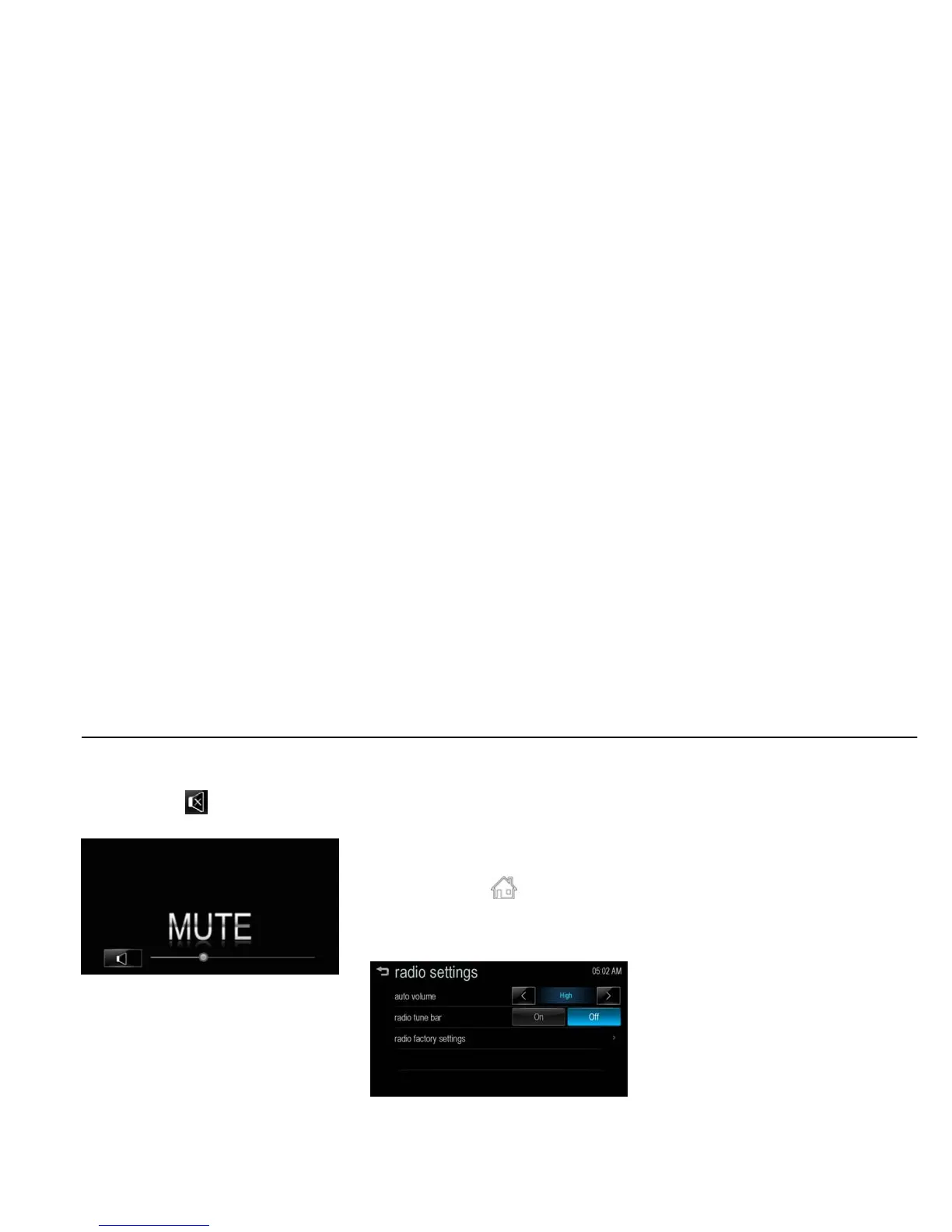
MUTE [Level 4]
Press [y VOL z] on the control panel,
and then press [ ] to turn the mute
function on and off.
[mute_BYOM]
Auto volume control [Level 4]
Once the speed-compensating sound
volume setup starts operating, the
volume will automatically be controlled
according to the vehicle’s speed to
offset the noise from the engine and
tires.
1. Press [HOME (
)] on the control
panel.
2. Press [settings] > [radio settings] >
[auto volume].
[settings radio_J300 General]
3. Set Off/Low/Medium/High by
pressing [S / T].
Volume limit by high temperature
[Level 4]
If the inside temperature of the radio is
very high, the Infotainment system will
limit the controllable maximum volume.
If necessary, the volume will
automatically decrease.



 To Next Page