55 Infotainment System
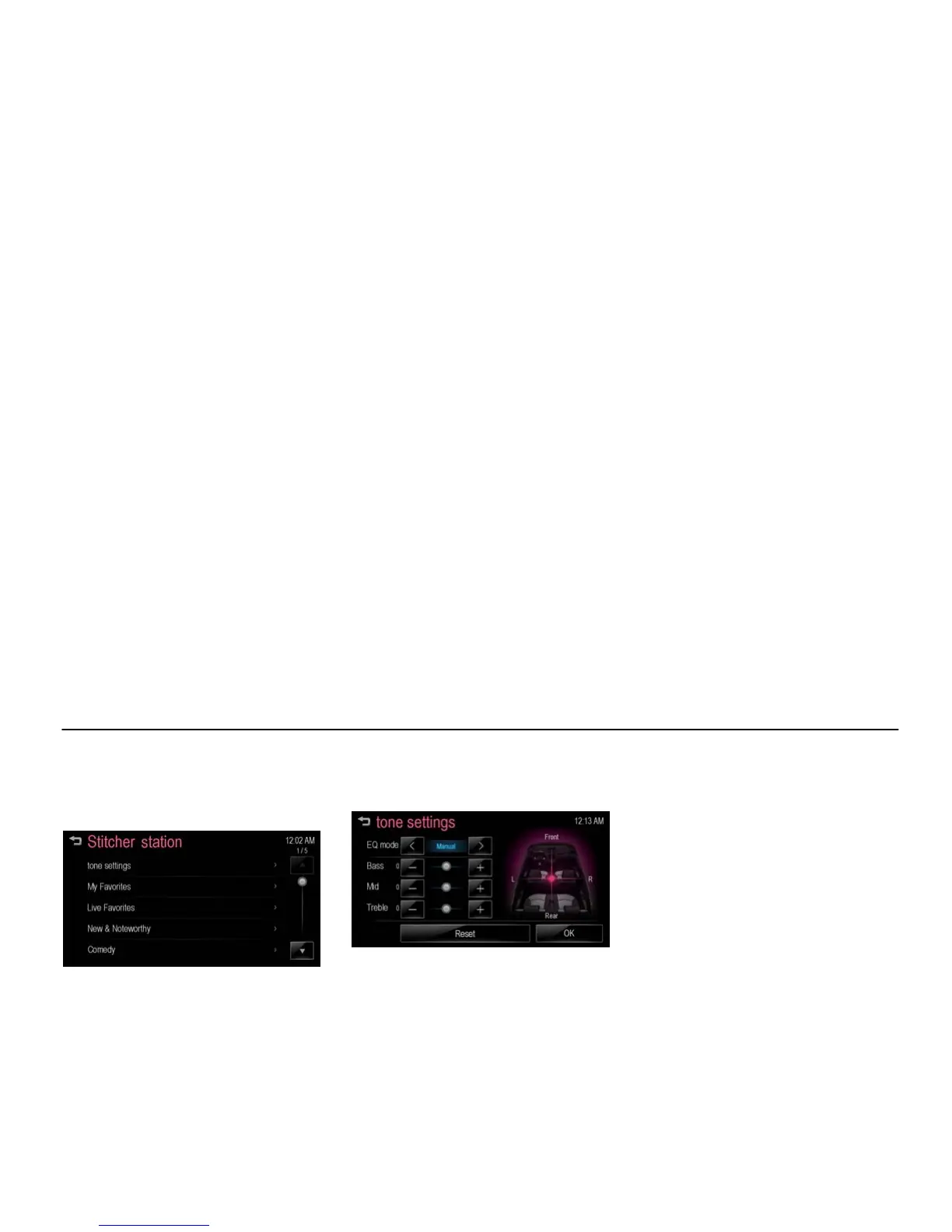
Using the Stitcher menu [Level 4]
There is displayed the available station
data from the Stitcher server.
1. Press [MENU] during playback.
[stitcher menu_BYOM]
2. Scroll through the list using [Q / R].
Listen to the desired station by
selecting it.
Tone settings
1. Press [MENU] during playback.
2. Press [tone settings].
[smart tone settings_BYOM]
3. For details, refer to the “Tone
settings (FM/AM menu)” of the
“Radio” section.



 To Previous Page