Infotainment System 36
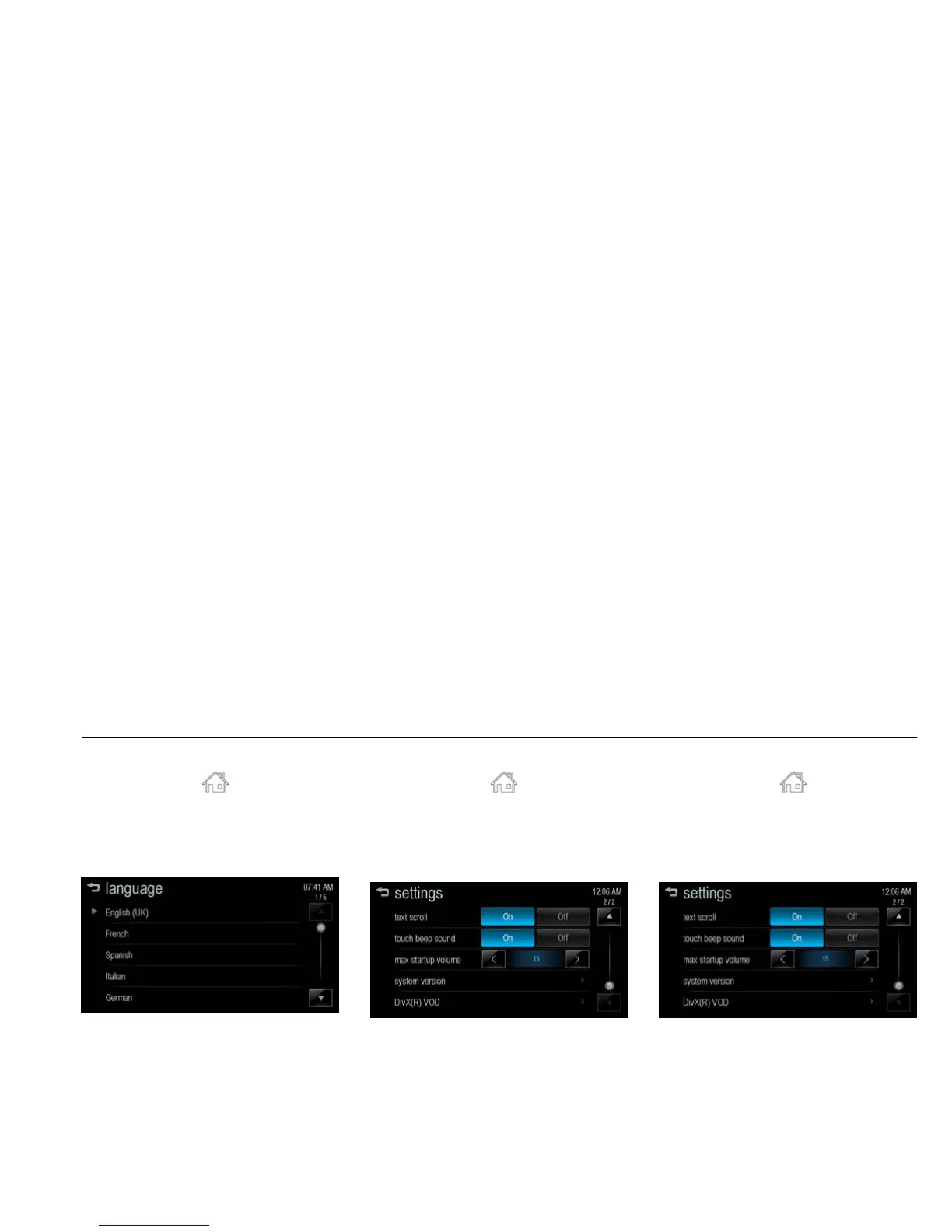
language [Level 4]
1. Press [HOME ( )] on the control
panel.
2. Press [settings] > [language].
3. Select language displayed on the
Infotainment system.
[settings language_J300 EU]
text scroll [Level 4]
1. Press [HOME ( )] on the control
panel.
2. Press [settings].
3. Press [R].
4. Select [On] or [Off].
[settings text_BYOM]
[On]: If there is displayed long text on
the [audio] screen, the text is scrolled.
[Off]: The text is scrolled once and
displayed in truncated form.
touch beep volume [Level 4]
1. Press [HOME ( )] on the control
panel.
2. Press [settings].
3. Press [R].
4. Select [On] or [Off].
[settings text_BYOM]
[On]: Plays a beep sound when the
user press the screen.
[Off]: Cancels a beep sound function.



 To Next Page