45 Infotainment System
Pause
Press [rw] during playback. Press [rw]
again to resume playback.
Playing the next music
Press [l] to play the next music.
Playing the previous music
Press [g] within 2 seconds of playback
time to play the previous music.
Returning to the beginning of the
current music
Press [g] after 2 seconds of playback
time.
Search
Hold down [g] or [l] to fast forward or
rewind.
Playing music repeatedly
Press
during playback.
[1]: Plays repeatedly the current
music.
[ALL]: Plays repeatedly all music.
[OFF]: Returns to the normal
playback.
Note
This function may not be supported
depending on the mobile phone.
Playing music randomly
Press
during playback.
[ON]: Plays randomly all music.
[OFF]: Returns to the normal
playback.
Note
This function may not be supported
depending on the mobile phone.
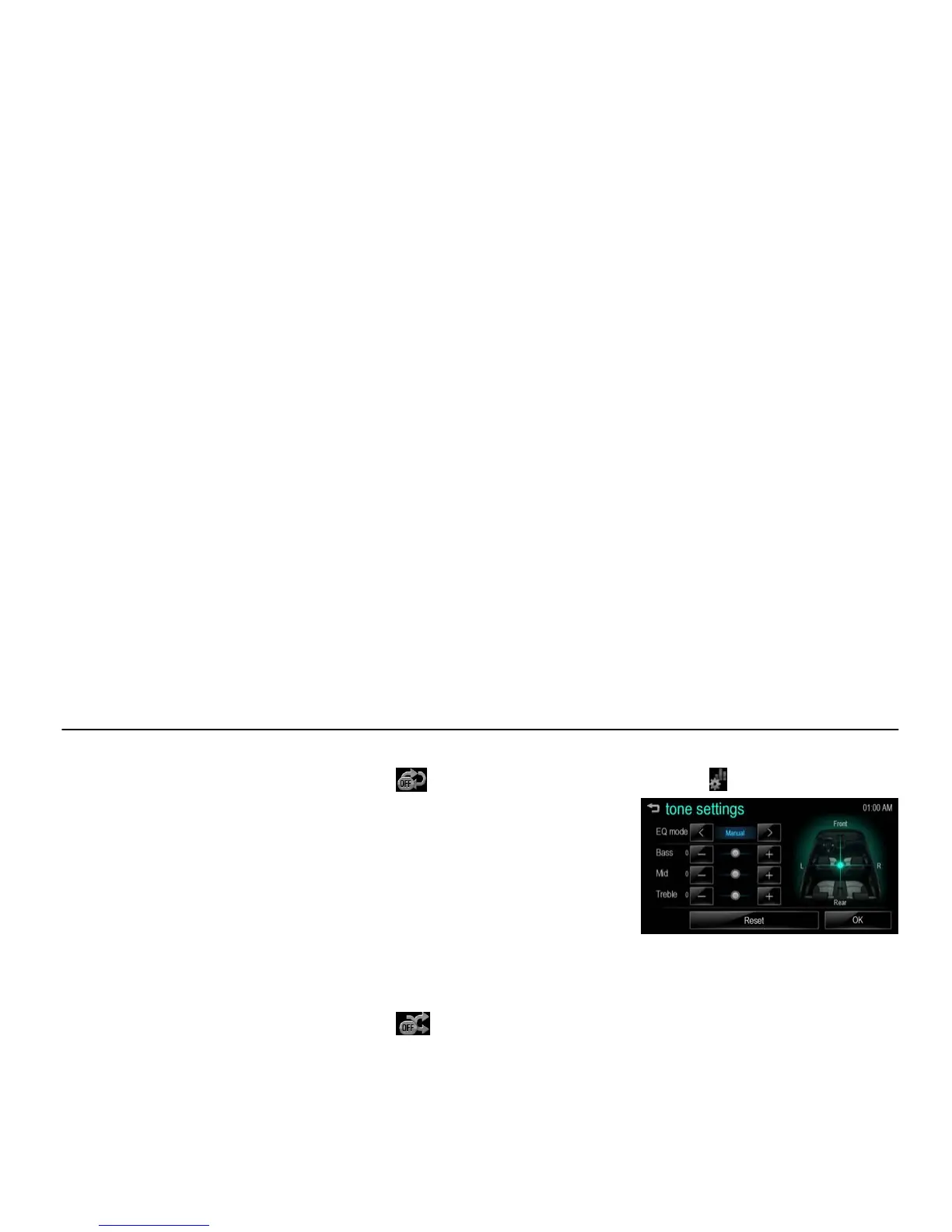
Tone settings
1. Press [
] during playback.
[fm menu tone_BYOM]
2. For details, refer to the “Tone
settings (FM/AM menu)” of the
“Radio” section.



 To Next Page