101
13.
Mobile UI
To Use on iPhone
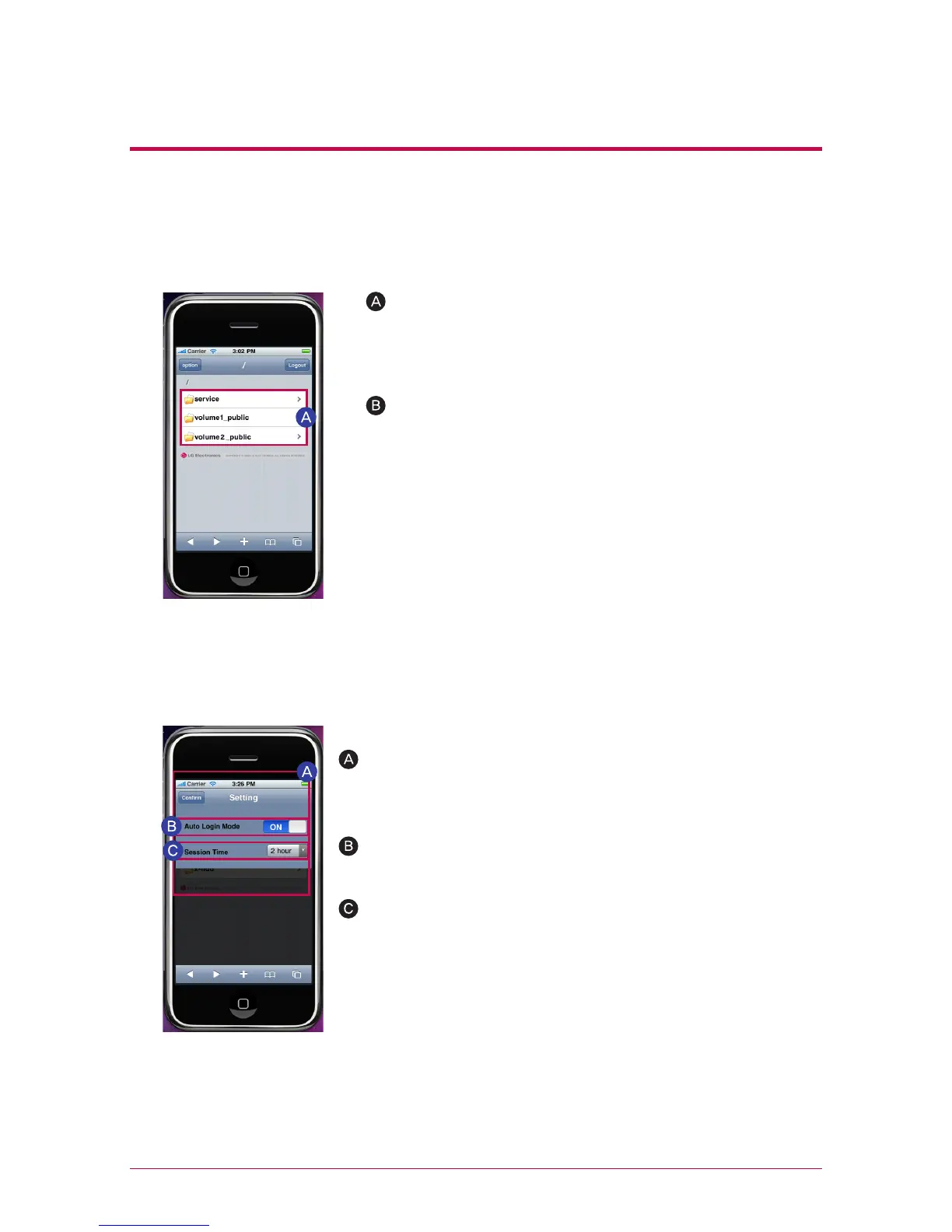
Service and user-designated folder(default:
volume1_public/volume2_public) will appear.
Select a file that you want and open.
2. File Viewer Screen
※
※
※
You can open text files such as ppt, pdf, doc, txt
and xls, and music, image and video files that can
be played on iPhone such as mp4, mp3, jpg and
gif.
You need to convert video files to MP4 files to
stream videos, which are in Network storage, on
iPhone(iPod and iPad).
Folders may vary in different models.
You can change the setting only when you log into the admin-
istrator’s account.
3. Setting Screen
You can change the time for login termination by setting
session time.
Auto Login Mode remembers ID and password on the
login screen.



 To Next Page