24
It is possible to share and store files through Network Storage as other hard disk
connected to PC.
5
-
3.
Using Network Storage Using network folder
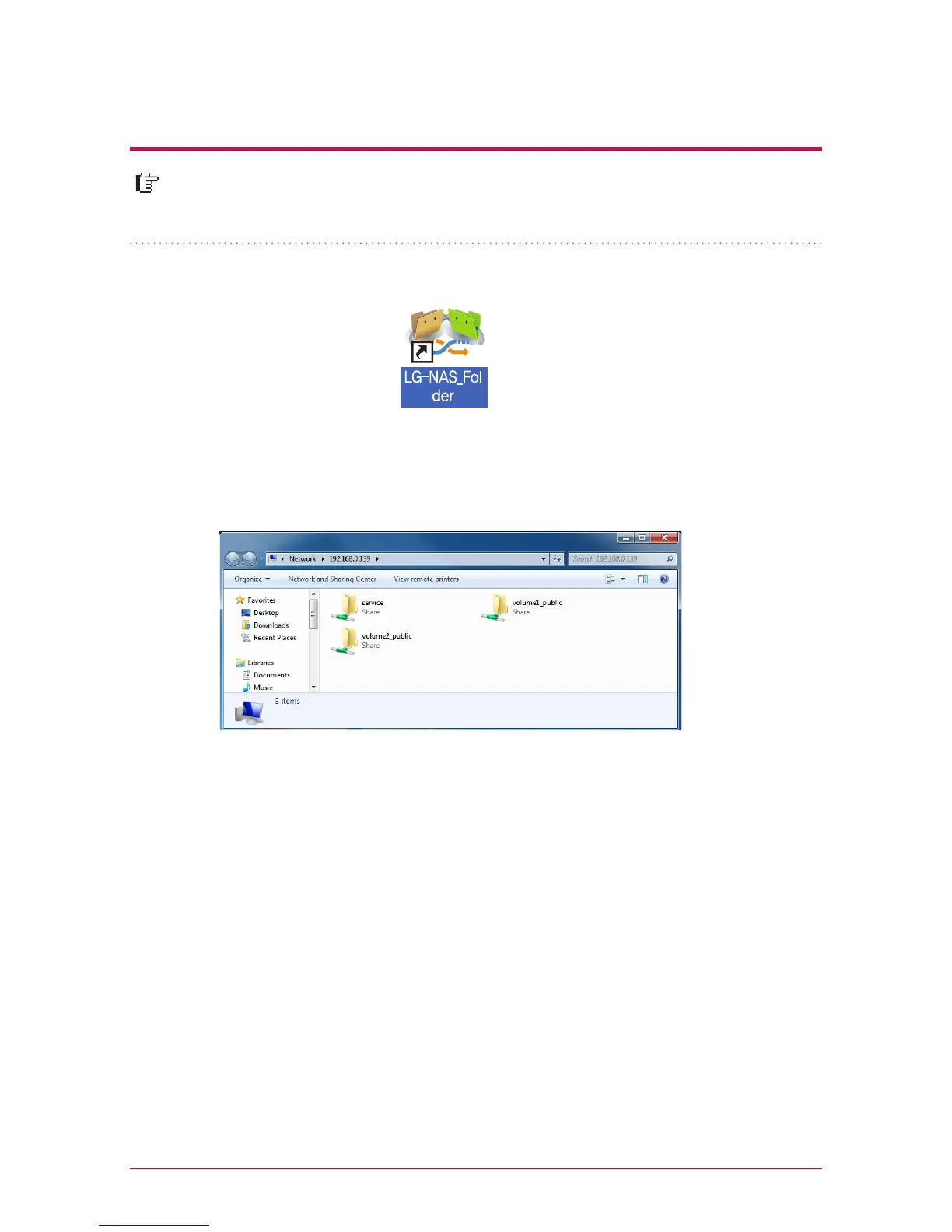
1. Double-click on a short-cut icon of LG Network Storage network folder.
2. DVD drive of LG Network Storage, ‘service’ / ‘volume1_public’ / ‘volume2_public’ are
displayed.
3. access hard disk of LG Network Storage, double-click on ‘ volume1_public’ or ‘ ‘vol-
ume2_public’ folder.
※
※
※
If the content of the service of LG Network Storage is not properly displayed, please
refresh.
Initial ID of LG Network Storage is admin and a password is admin.
volume1_public, volume2_public, service folder shows provided that the volume is
adequately organized.



 To Next Page