84
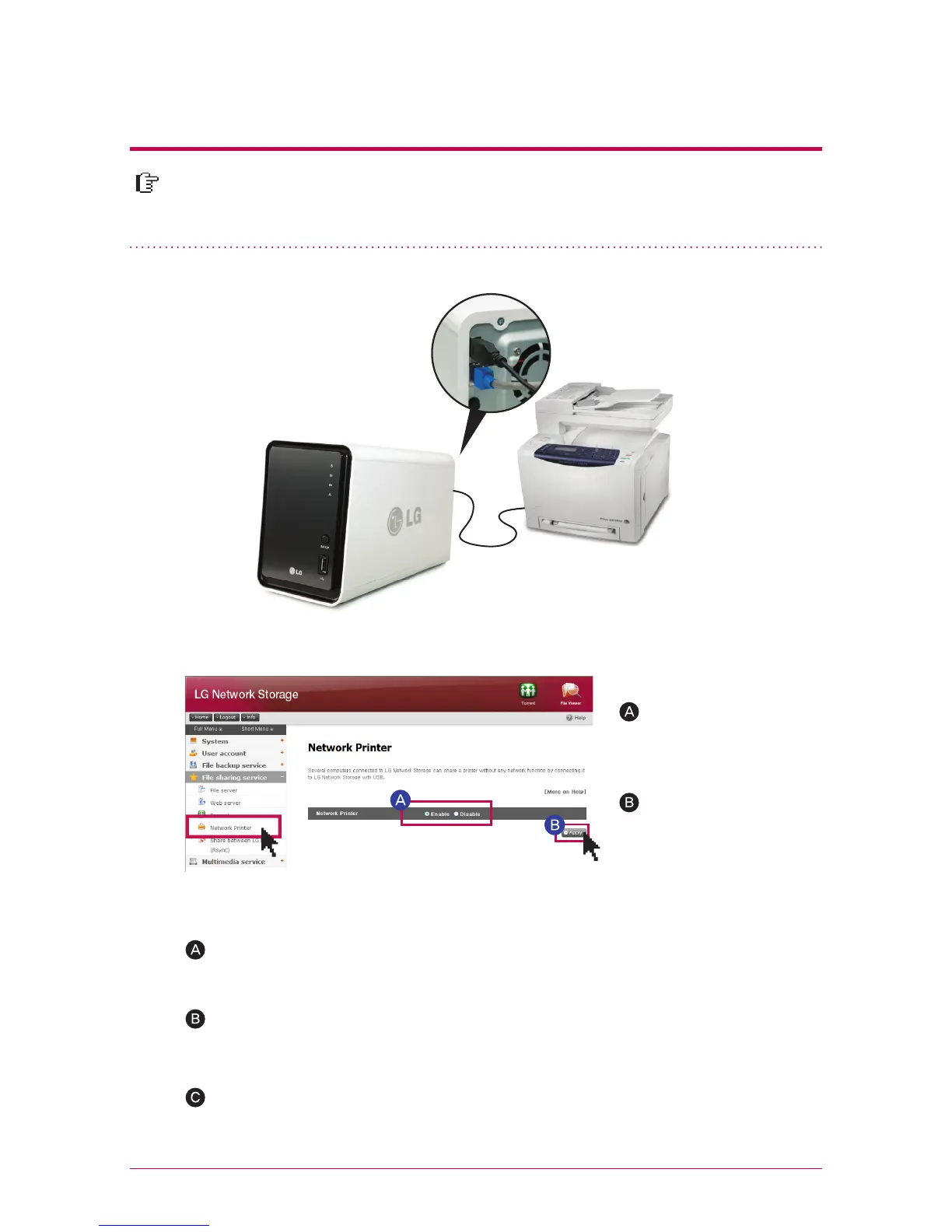
It is a function to use USB printer as a network printer by connecting to LG Net-
work Storage.
10
-
4.
File sharing service
Network printer
1. Windows users
After you set up the network printer as “enable” on web menu, and connect to share
folder of LG Network Storage, then the printer icon appears.
Proceed installation process of Windows printer with double-click on the icon. Please
refer to an installation manual of the pertinent printer for the installation.
Once the installation is completed, you can use the network printer service.
‘File share service’->
Click on ‘ network
printer ‘Enable’
Click on ‘apply’



 To Next Page