30
6
-
2.
Using network
Connecting in MAC OS
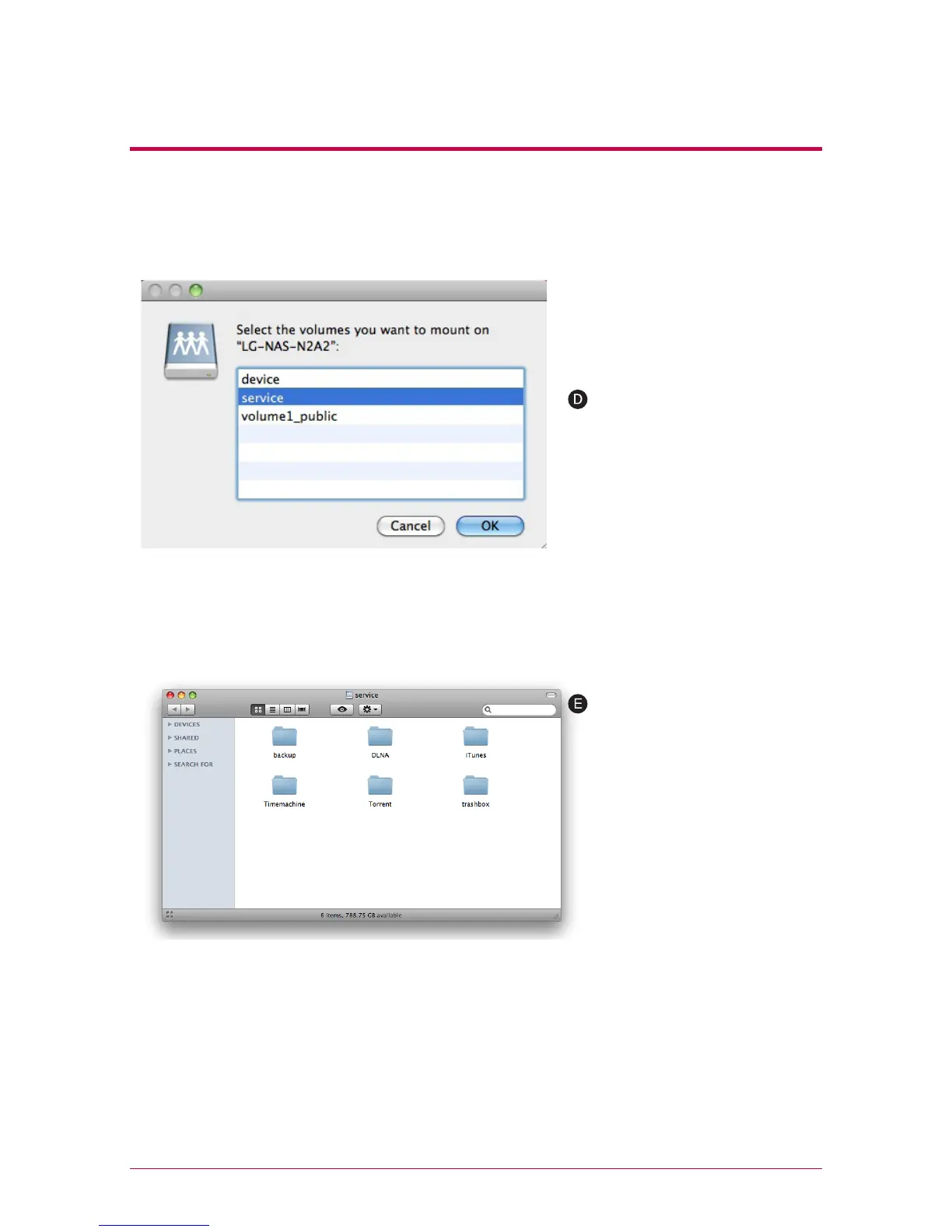
Select the volume (example: /
device / service / volume1_pub-
lic) you will use in the folder list
of LG Network Storage, and click
on “OK” button.
The pertinent share folder opens
and you can see the content of
the folder.



 To Next Page