32
6
-
3.
Using network
Connecting in Linux OS
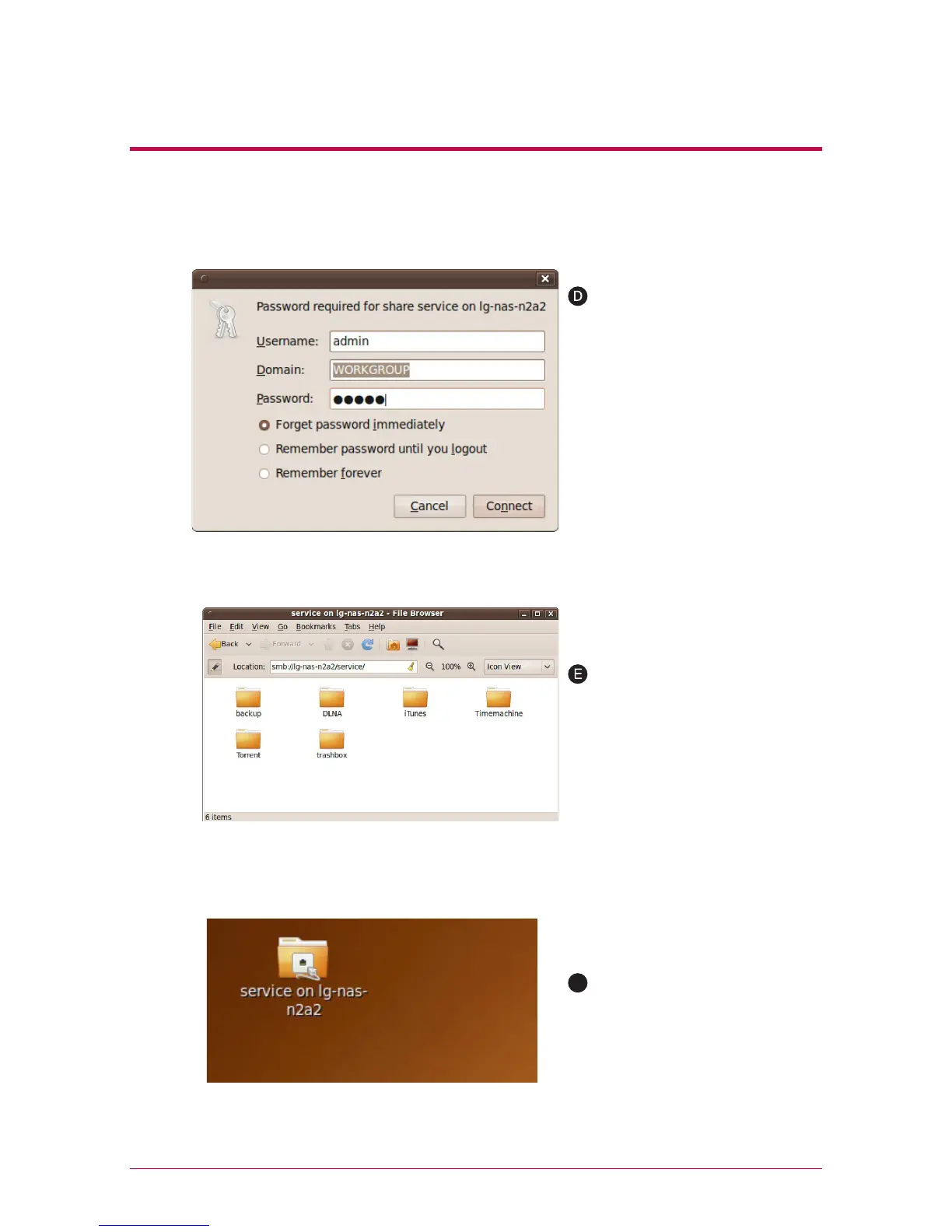
You can connect to LG Network
Storage when you enter the ID
and password. It is set up as
ID: admin, password: admin on
initial release. It is recommended
to change the password after
connecting to the web admin-
istrator page later on for the
security reason.
After logging in, LG Network
Storage share folder is displayed.
After setting up of the network,
marked icon is created on the
desktop.
F



 To Next Page