66
9
-
3.
File back-up service Schedule Backup & Restoration
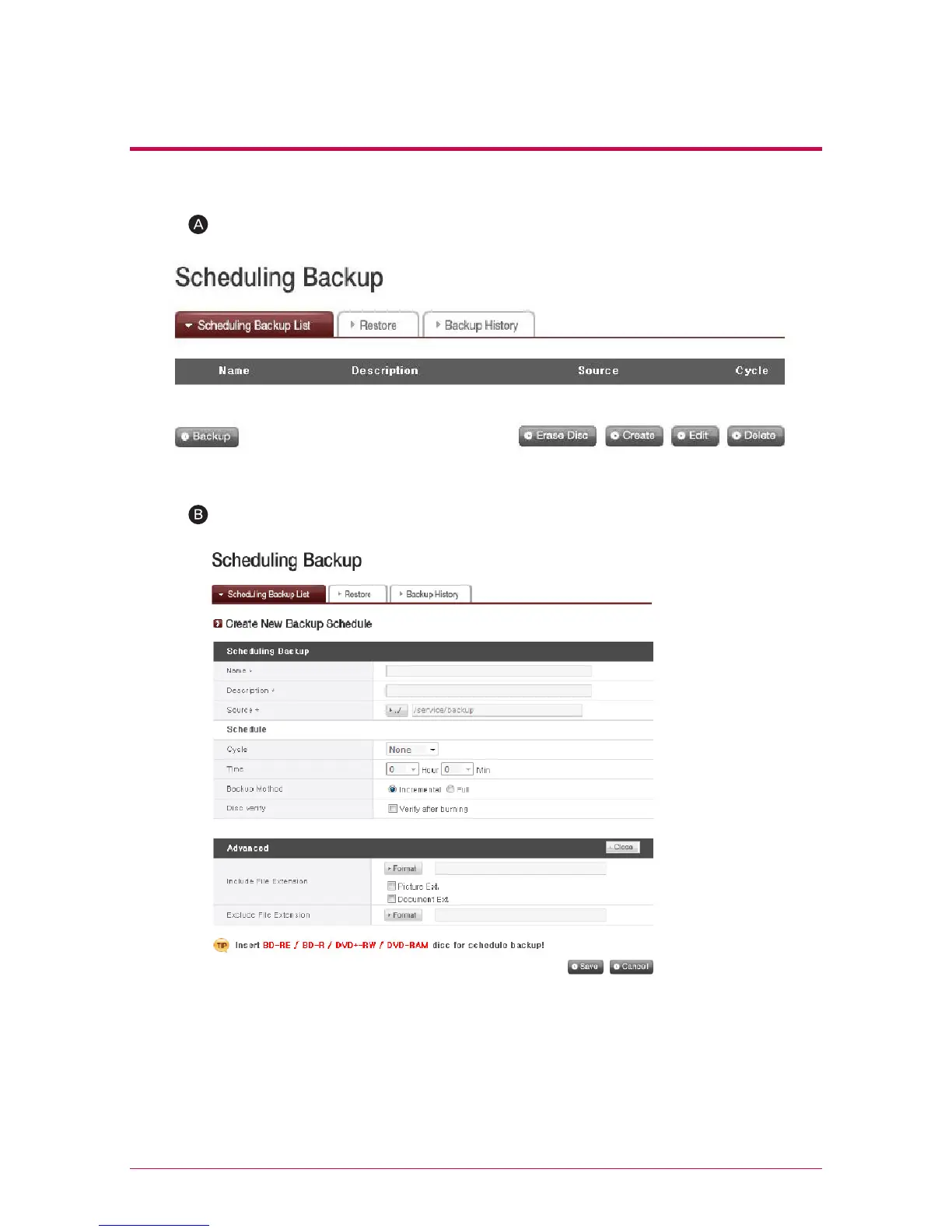
2. Create a Backup Schedule
Click ‘Create’ button to create a backup schedule.
- Enter the name.
- Enter description.
- Select the folder in LG Network Storage to be backed up.
- Select a back up cycle from ‘Daily, Weekly and Monthly’. Select a day if the backup
cycle is ‘Weekly’, and a date if ‘Monthly’.
- Select the time for backup.
- Select a backup method.
Fill in the schedule as below.



 To Next Page