72
9
-
3.
File back-up service Schedule Backup & Restoration
Restore
Restore a certain file or a folder from the disc that has been backed up to LG Network
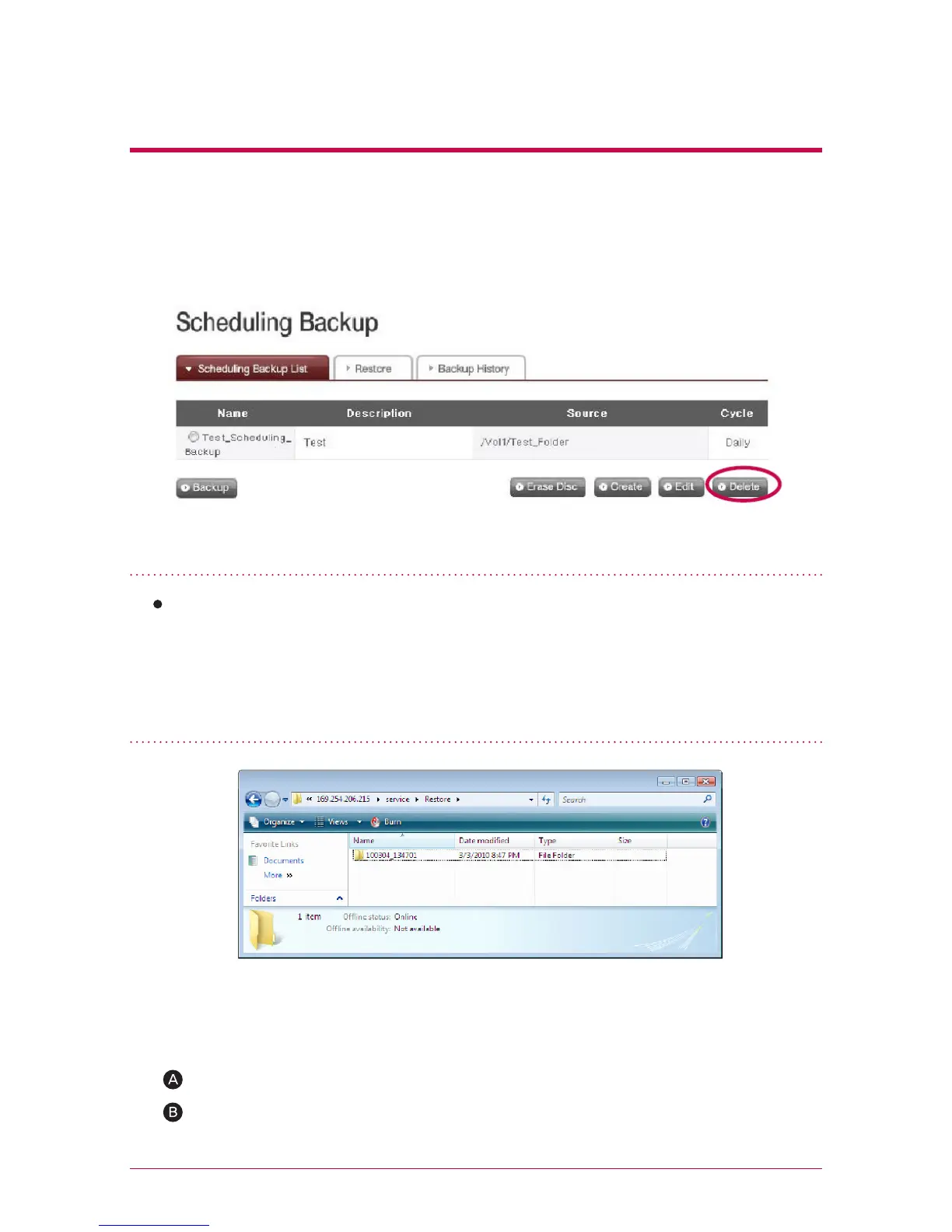
Storage. Restoration is done in the fixed folder(/LG Network Storage/Share/Re-
store), and a name of the folder will be the date and time of restoration, for example,
‘100217_173754’.
8. Delete a Backup Schedule
1. Restore a Folder or a File
Select the backup schedule you wish to delete from the backup schedule list, and
click ‘Delete’ button.
<To Restore a Folder>
‘Select a folder to restore from the left screen on ‘Restore’ menu.
Click ‘Restore’.



 To Next Page