94
11
-
1.
Multimedia service
DLNA
4. Playing the content of DLNA server on PS3™
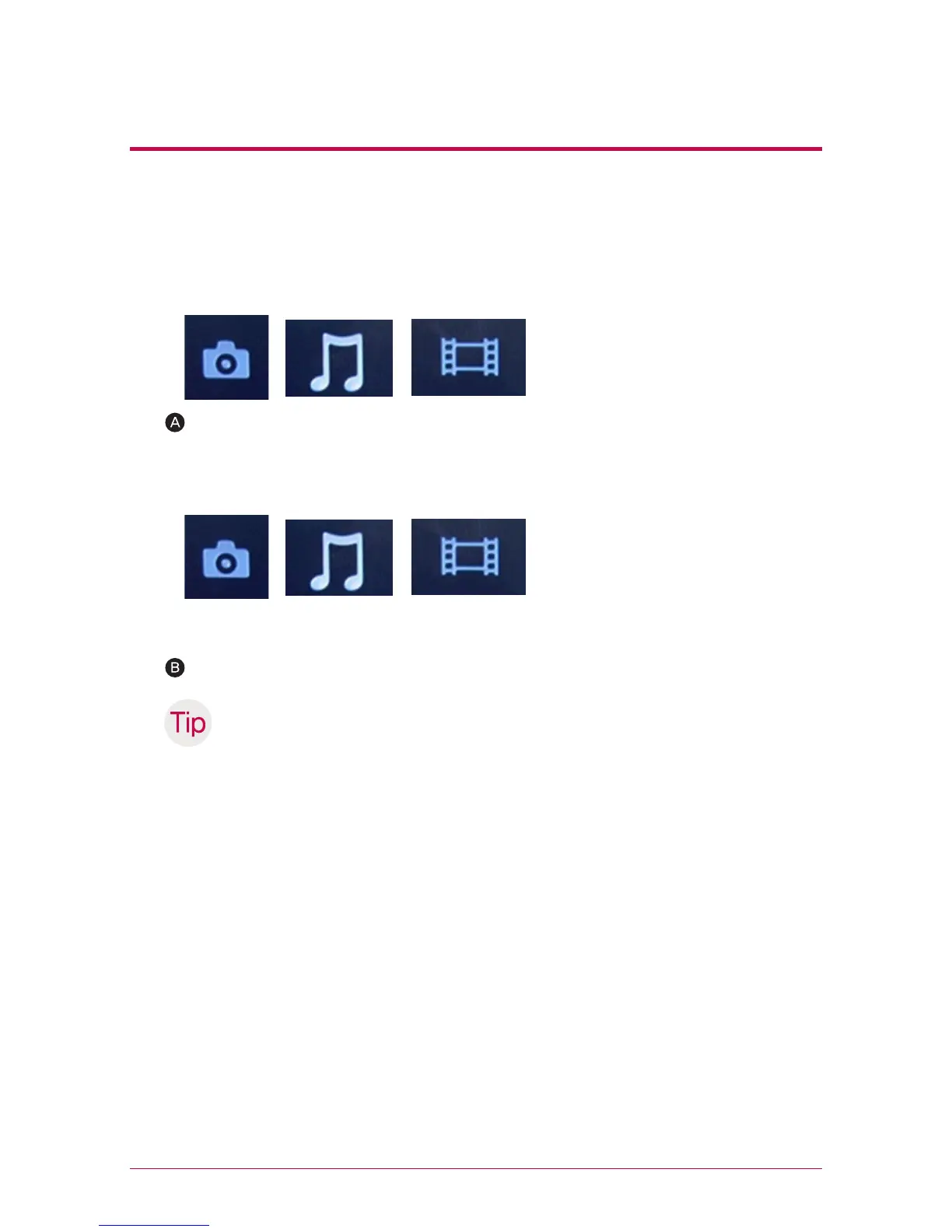
Choose the icon of the DLNA server to be connected from (picture)/ (music)/(video)
of home menu. All of the folders you can use and files that can be played on PS3™
are displayed.
When you turn on the PS3™, the DLNA server within the same network is searched.
And an icon of the searched server is displayed in (picture)/(music)/(video).
Choose the file to play.
※
PS3™ should be connected to the network. For more details regarding network
set-up, please refer to (set-up) > (network set-up) > (internet access set-up).
- When you convert an assignment method of IP address from AutoIP to DHCP
on the network you are using, please re-search the DLNA server from (search
media server).
-DLNA server icon is only displayed when (set-up) > (network set-up) > (access
media server) is activated.
- Name of folder displayed varies according to the DLNA server. Default is LG-
NAS.
- It is possible that some file cannot be played or there might be limited operation
during play according to a machine in use.
- You cannot play the contents with protected copyright.
- File name of the data saved on a server, which does not counter the DLNA may
have “*”. Such file may not be played on PS3™. In addition, even when it is played
on PS3™, it might not be played on different machines.



 To Next Page