29
Change Settings Menu, cont’d
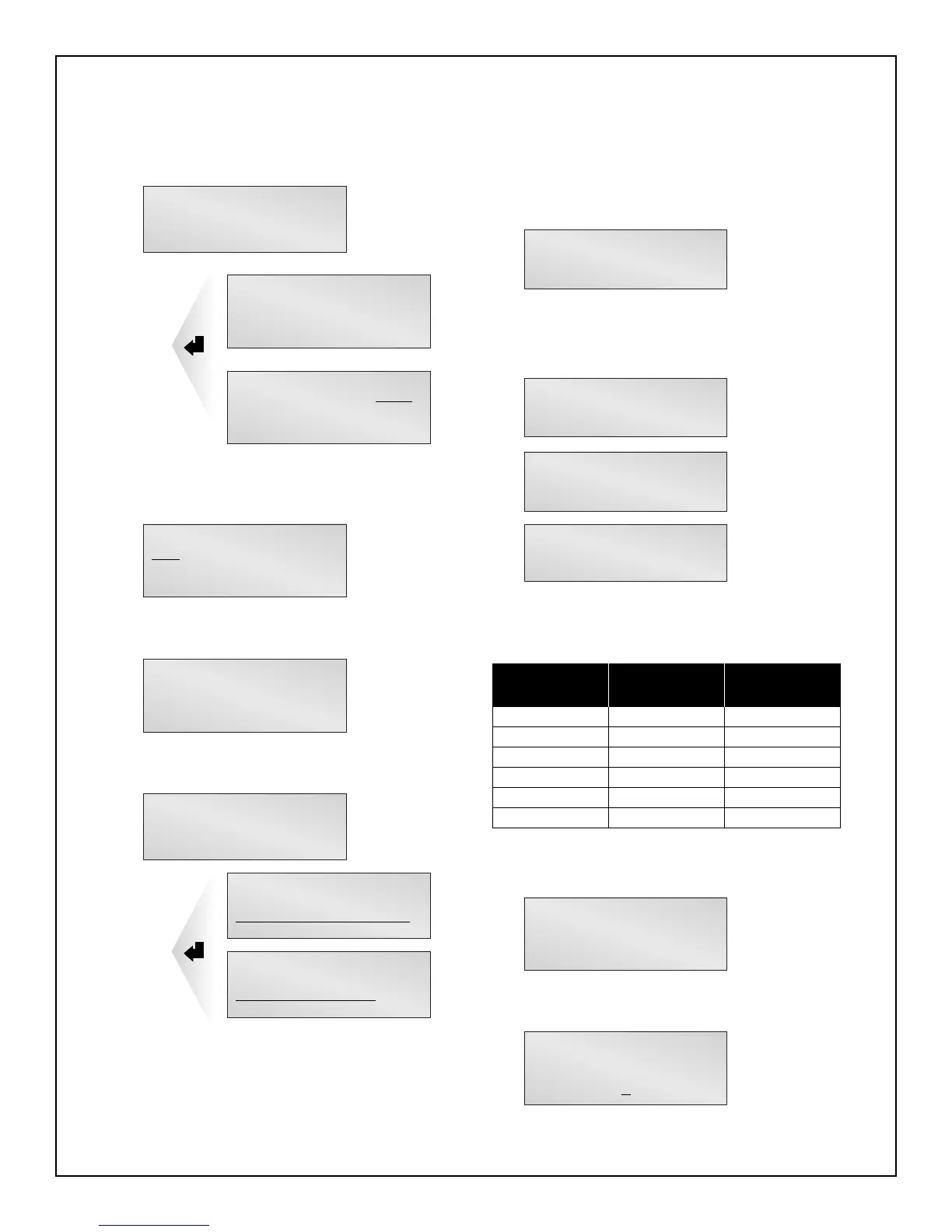
Max Load Alarm Set: Allows an alarm to set
when Nfinity’s load reaches a specific level.
UPS Shutdown Delay: Delays UPS shutdown for
specified amount of time after receiving shutdown
command via communications (serial or SNMP).
Redundant Alarm Set: Sets Alarm to notify user
when redundancy is no longer available.
Service Contact: Setacontactfortheuserto
reach if problems occur.
Remote Shutdown: Enables / Disables the
Remote Communications Shutdown.
If you are using MultiLink™ software, this
parameter should be enabled in order for the UPS
output to be turned off once the operating system
has been shut down.
External Battery: Sets total amp-hour for external
batteries to provide a more accurate run time
remaining value on the LCD and through
communications.
Enter the following when using the External
Battery Cabinets with Chargers.
(P/N: PB10SLF105WC-CE)
Bypass Alarm Mode: Allows the user to enable/
disable alarm, indicating that the bypass is not
qualified.
Intelli-Battery Cab: Allows the user to enter the
quantity of intelligent battery cabinets installed.
Max Load Alarm
Mode
Set Threshold
Alarm Mode
Max Load Alarm Mode
Enable
* Disable
Set Threshold
Max Load Alarm Set
Threshold kVA = xx.x
UPS Shutdown Delay
xxx
Seconds
Redund Power
Alarm Set
N+1 redundant
* Disable
Service Contact
Company
Contact Number
Company Name
LIEBERT CORPORATION
Contact Number
WWW.LIEBERT.COM
# of Cabinets AH Value
Charge
Current
1 0091 7.0
2 0182 14.0
3 0273 21.0
4 0364 28.0
5 0455 35.0
6 0546 42.0
Remote comms Shutdn
* Enable
Disable
External Battery
Amp-hour
> Charge Current
External Batt Config
Enter charge current
00.0
External Batt Config
Enter total amp-hour
0000
Bypass Alarm Mode
* Enable
Disable
Enter Intelli-
Battery cabinet
count
x



 To Next Page