Electrical Connections
18
3. Close CB1.
The bypass contactor (M2) closes automatically and the LCD begins to show startup screens.
The Rectifier indicator flashes green while the rectifier is starting up. It stops flashing and
becomes solid green about 30 seconds after the rectifier enters the normal operation state.
After initialization, the bypass static switch closes.
Because output switch SW1-A is still open, the UPS
channels power through Maintenance Bypass Supply
line (SW1-D). The bypass indicator extinguishes, pro-
vided that the bypass is normal.
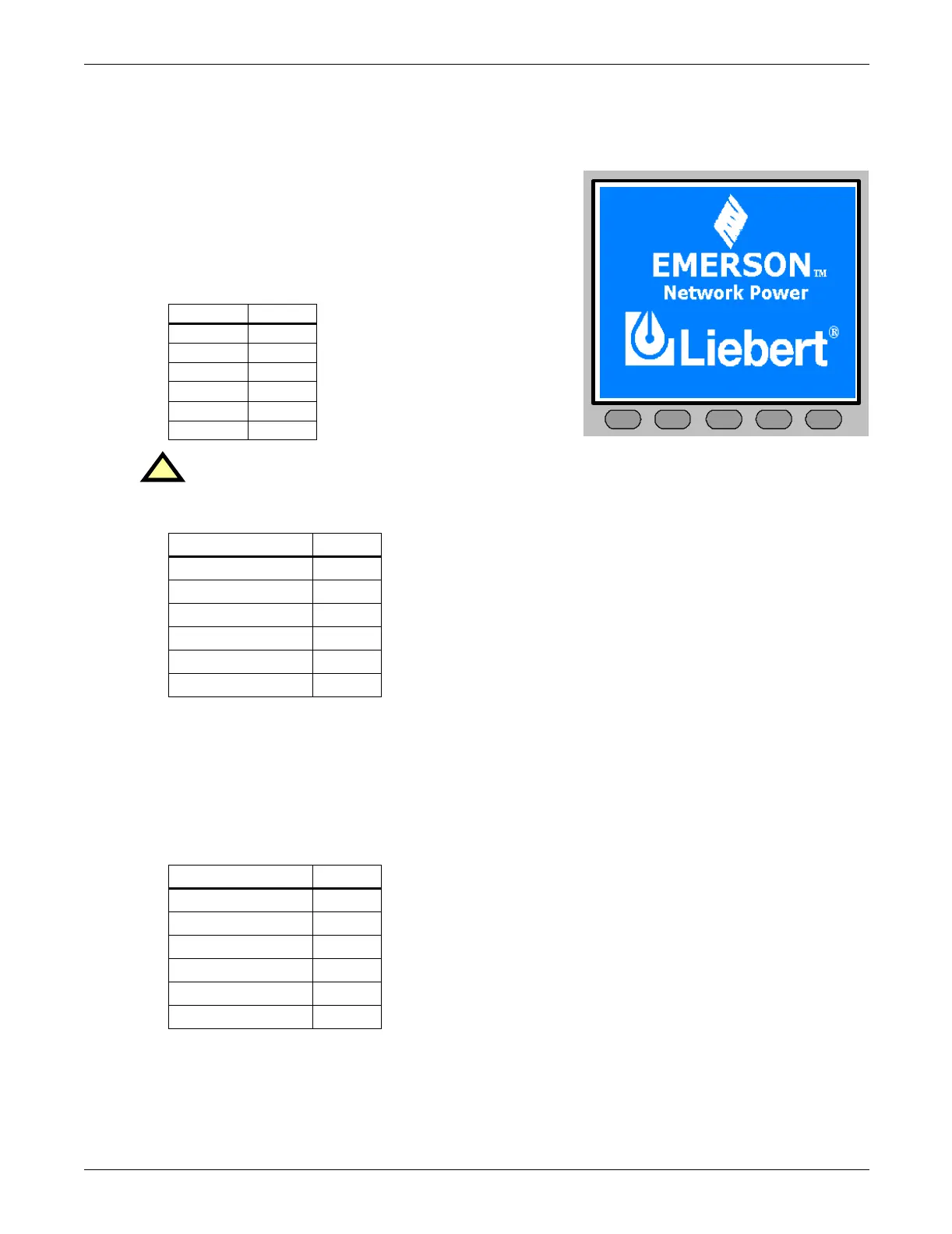
The opening display is shown at right.
The UPS Mimic display indicators will be:
4. Turn the rotary switch to BYPASS.
The maintenance switch SW1-D opens and output switch SW1-A closes. The UPS powers from
static bypass instead of from maintenance bypass. The bypass and load indicators turn on. The
design of the rotary switch ensures uninterrupted output.
5. Turn the rotary switch to NORMAL, then press the INVERTER ON control button for 2 seconds.
The inverter will start and the inverter indicator will flash green. After the inverter is ready, the
UPS transfers from bypass to inverter, the bypass indicator turns off and the inverter and load
indicators turn on.
The UPS is operating normally. The UPS Mimic display indicators will:
Indicator State
Rectifier Off
Battery Off
Bypass Off
Inverter Off
Load Off
Alarm Off
!
WARNING
Do NOT turn the rotary switch until the rectifier indicator stops flashing green.
Indicator State
Rectifier indicator Green
Battery indicator Off
Bypass indicator Green
Inverter indicator Off
Load indicator Green
Alarm indicator Amber
Indicator State
Rectifier indicator Green
Battery indicator Off
Bypass indicator Off
Inverter indicator Green
Output indicator Green
Alarm indicator Green
F2 F4F1 F3 HELP



 To Next Page