REDCAT User Manual
REDCAT User Manual | 12
DETERMINE SET-UP METHOD
TABLETOP SET-UP
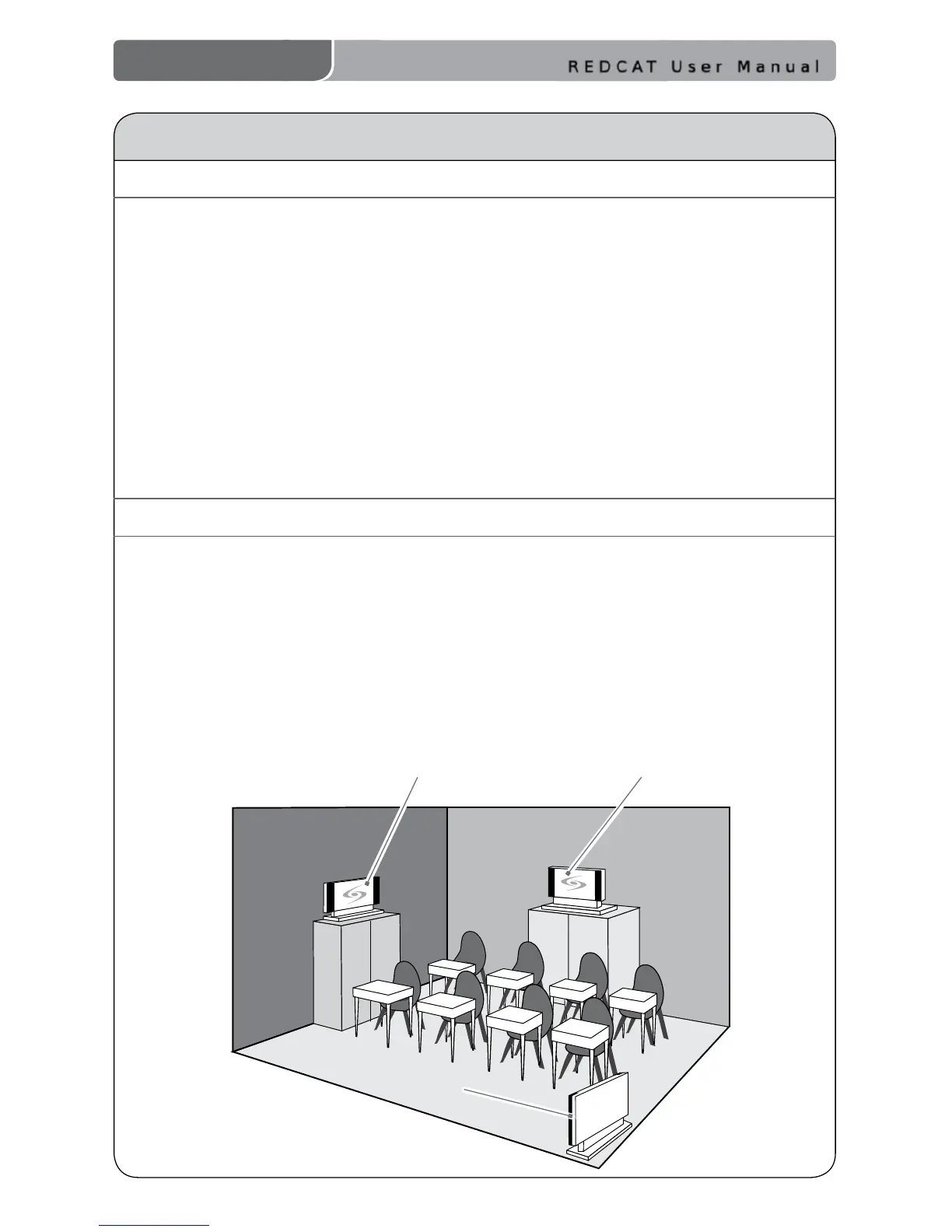
Avoid!
Good placement
Best
placement
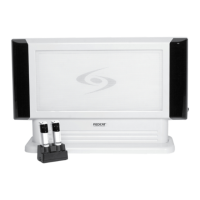
The REDCAT is shipped with a table stand connected and ready for use.
Alternatively, the table stand can be used as the wall mount bracket.
Advantages of either include:
Tabletop (recommended):
• Virtually no setup time
• Greater exibility to move to different locations
Wall-mount:
• More permanent setup
• Greater security
Select a Location. Find a at surface and keep in mind the following:
• Power Source
Within 7 feet of an electrical outlet
• Proximity
BEST: Along the wall in the back of the classroom
GOOD: Along either side of the wall or in a corner
AVOID: Locations next to where the teacher instructs (can result in feedback)
• Height
3–6 feet high
2. SETTING UP THE REDCAT


 To Next Page