14.2Get error short text of defined error code
Not for B1100: With the get error short text of defined error code request the slave answers
with string with 32 characters, which contains the short text of the actual error code (unused
characters are filled with 00h).
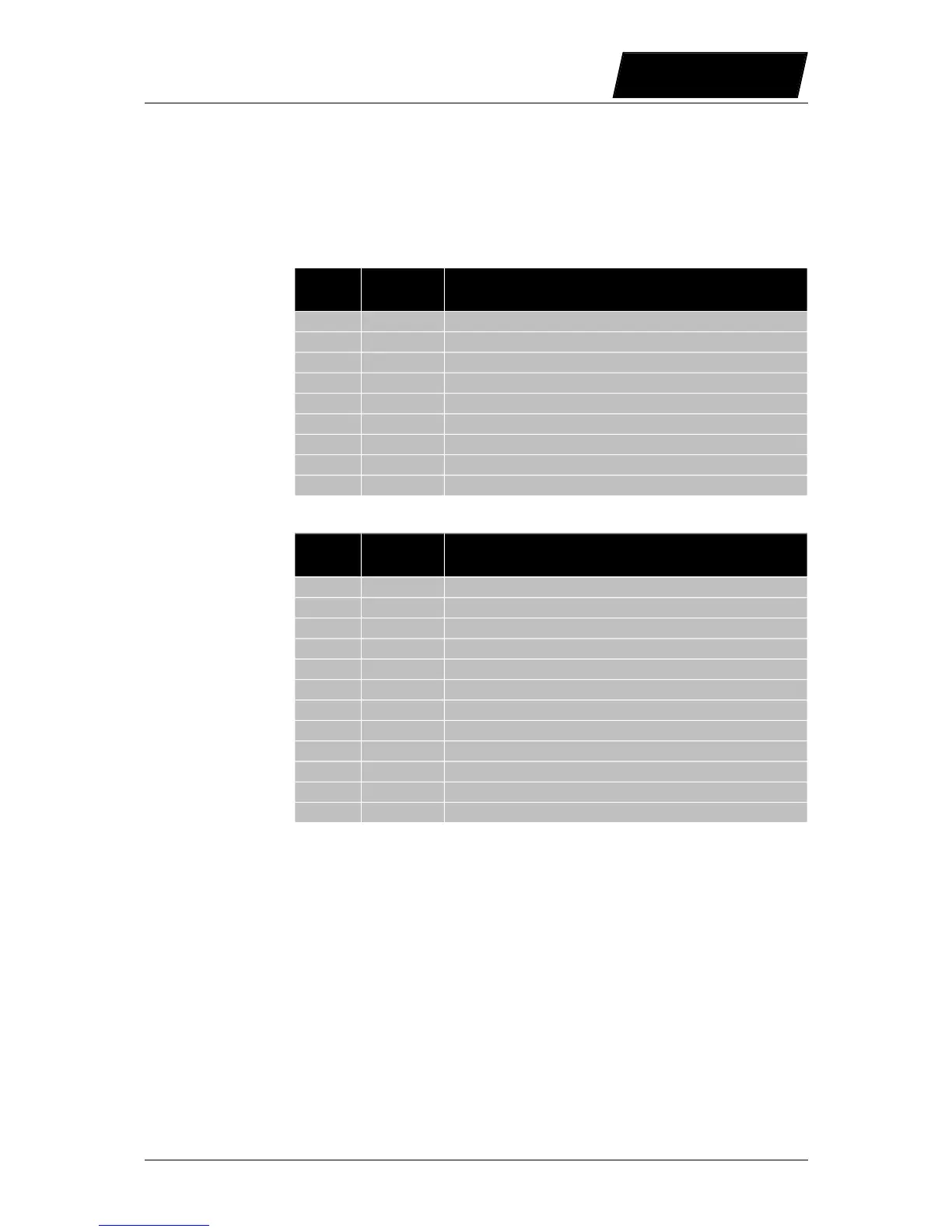
Request: Get error short text of defined error code
Byte
Offset
Value Description
0 01h Fix ID telegram start
1 11h MACID
2 05h Data length
3 02h Fix ID start data
4 01h Sub ID: Get error short text of defined error code
5 07h Main ID: Read Error Info Message Group
6 01h Error code low byte
7 00h Error code High byte (have to be 00h)
8 04h Fix ID telegram end
Response: Get error short text of defined error code
Byte
Offset
Value Description
0 01h Fix ID telegram start
1 11h MACID
2 26h Data length
3 02h Fix ID start data
4 71h Sub ID: Response Get error short text of actual error
5 00h Main ID: Response Message
6 00h Communication State ok
7 01h Error code low byte
8 00h Error code high byte
9 4Eh First character ‘N’
. .. Characters 2..32
41 04h Fix ID telegram end
Example:
Read Error text of Error Code 01h:
Tx: 01 11 05 02 01 07 01 00 04
Rx: 01 11 26 02 71 00 00 01 00 45 72 72 3A 20 58 34 20 4C 6F 67 69 63 20 53 75 70 70
6C 79 20 54 6F 6F 20 4C 6F 77 00 00 00 00 04
The slave responds with the string ‚Err: X4 Logic Supply Too Low’.
NTI AG / LinMot User Manual LinRS Interface / 03/10/2017 Page 49/59



 To Next Page