1 System Overview
The LinMot drives of the E1100 series, B1100-GP, E1200-GP, C1100-GP, and E1400-GP
support the LinRS communication profile. LinRS is a LinMot specific RS protocol to run the
drives over RS232, RS422, or RS485 serial links (C1100-GP only supports RS422/RS485).
It is strongly recommended, to use an isolated RS device on master side (e.g.
Art. No. 0150-3120)!
When running the E1100 drive over an RS connection with LinRS, the
configuration and debugging can be done over the CAN bus link. LinMot-Talk
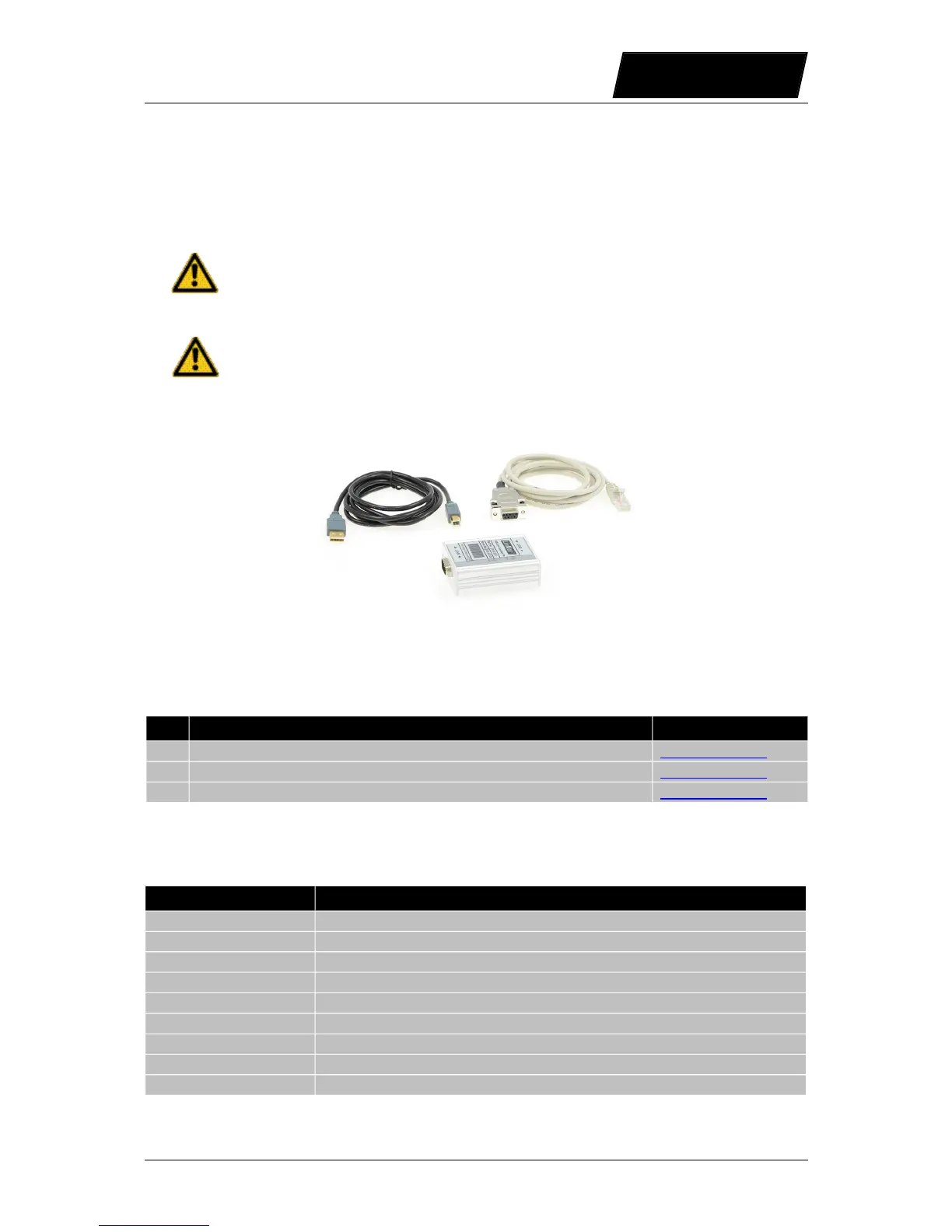
supports an USB to CAN (Part No. 0150-3532) converter for this purpose. It is
strongly recommended to use this USB to CAN converter, to avoid
programming debugging disappointment.
For the installation and use of the USB to CAN converter refer to document [3].
1.1 References
Ref Title Source
1 User Manual Motion Control SW www.linmot.com
2 LinMot Drive Configuration over Fieldbus Interfaces www.linmot.com
3 Installation Guide USB-CAN Converter www.linmot.com
The documentation is distributed with the LinMot-Talk software.
1.2 Definitions, Items, Shortcuts
Shortcut Meaning
LM LinMot linear motor
OS Operating System (Software)
MC Motion Control (Software)
Intf Interface (Software)
Appl Application (Software)
UPID Unique Parameter ID (16 bit)
CT Command Table
Msg Message
Cmd Command
NTI AG / LinMot User Manual LinRS Interface / 03/10/2017 Page 5/59



 To Next Page