Individual 40-55 - 112 -
User guide
Record
You can set a pre-record and post-record time for timer recordings
made without auto time control. This minimizes the risk that a part
of the broadcast is not recorded due to the broadcast starting earlier
and/or finishing later.
Call Recording settings
HOME: Call Home view.
3456 Mark System settings,
OK call System settings.
65 Mark Control,
4 go to next column.
65 Mark more ...,
4 call other settings.
6 5 Mark Recording,
4 go to next column.
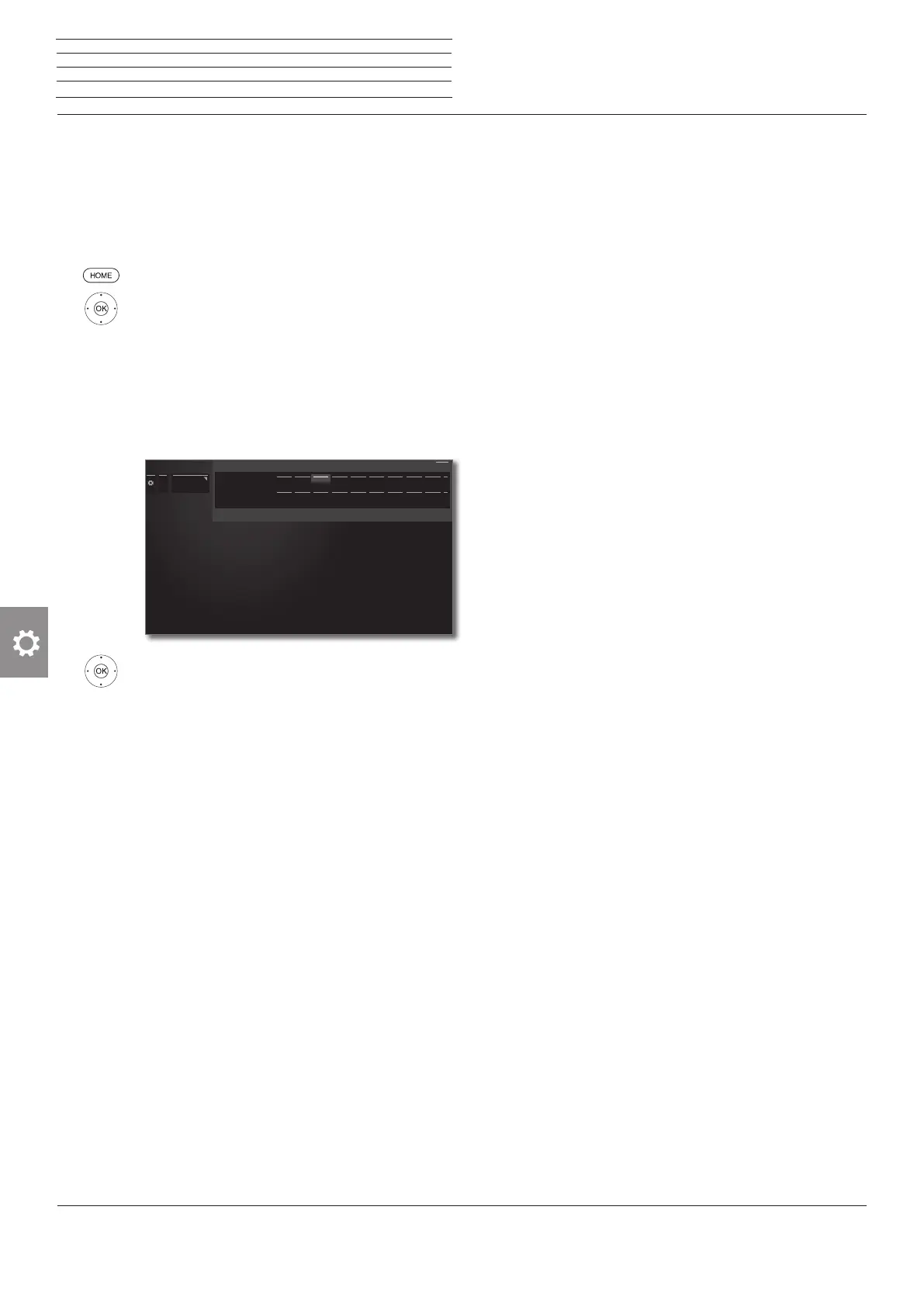
6 5 Select Pre-record time or post-record time.
3 4 Mark the desired duration of the pre-record
time or of the post-record time,
OK adopt time.
Factory setting: pre-record time: 1 min,
post-record time: 5 min.
...
Recording
0 min 1 min 2 min 3 min 4 min 5 min 6 min 7 min 8 min
0 min 1 min 2 min 3 min 4 min 5 min 6 min 7 min 8 min
0 min 1 min 2 min 3 min 4 min 5 min 6 min 7 min 8 min
0 min 1 min 2 min 3 min 4 min 5 min 6 min 7 min 8 min
Recording
Pre-record time
Post-record-time
Back
Here you can enter a time span specifiying how long before the scheduled time your programmed recording should start so that
programmes which begin too early are recorded in full.
n
System settings
Control













 To Next Page