Individual 40-55 - 77 -
User guide
Browser
You can access Internet sites directly using the integrated Opera
browser. The web browser can also be used without an Internet
connection. Thus you can access local devices which provide a web
interface (e.g. router, home control, home network server).
Calling the Web browser
HOME: Call Home view.
6 5 Select Web,
OK call.
65Select Browser,
OK call.
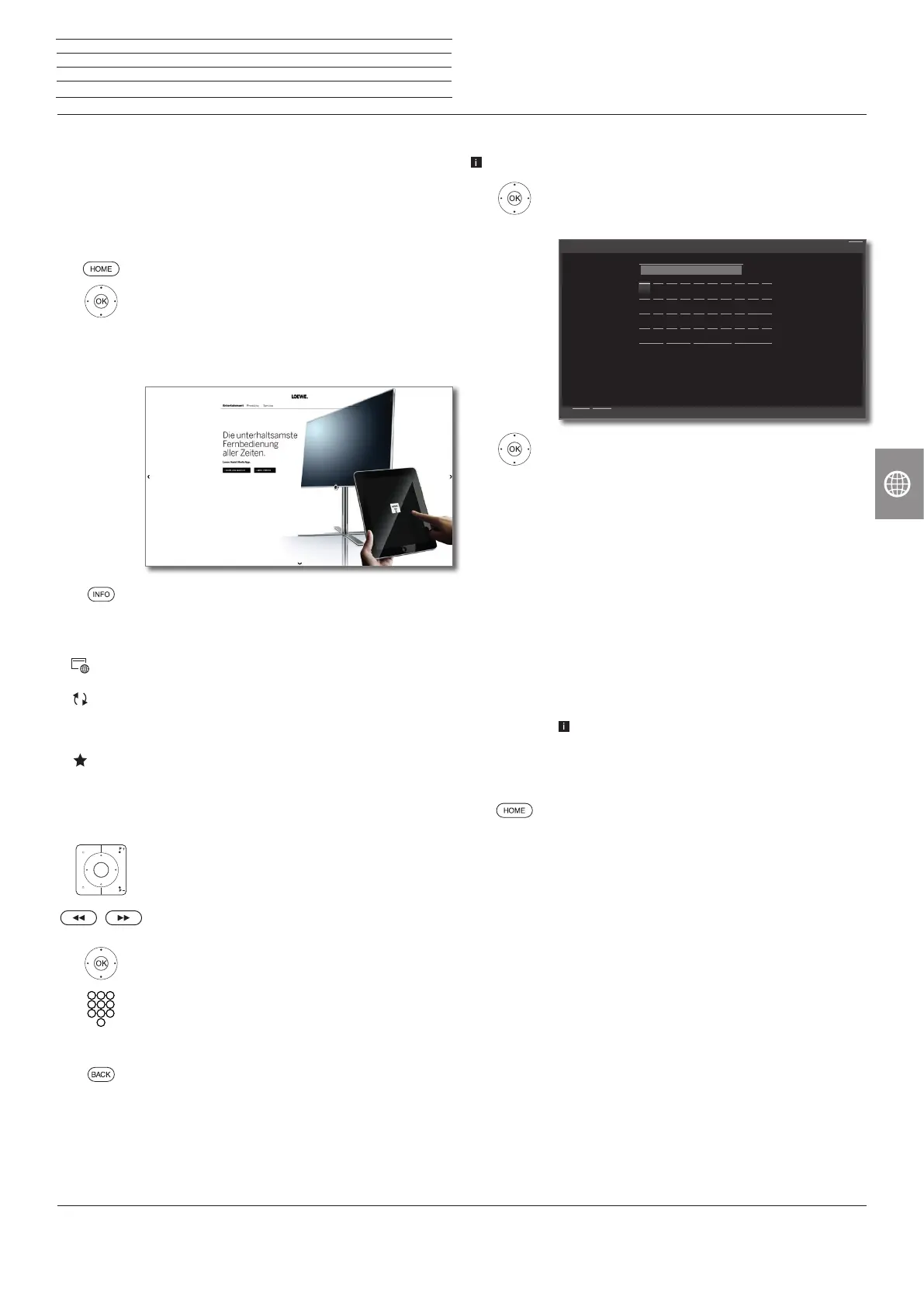
Start page will be opened.
INFO: display browser status.
Explanation of the symbols in the browser status
Define current site as homepage.
Update the displayed Internet site.
100% Change zoom factor of the displayed site / browser.
Add displayed Web site to Home view (in the Favourites
area).
Navigating on Web sites
P+/P– Scroll page vertically.
7 / 8 Scroll page horizontally.
3456 Select link or text input field,
OK open link or confirm text input.
For the entry of text, press the numerical key (0-9)
repeatedly as with a mobile phone until the desired
character appears. The available letters are printed on
the individual numeric buttons.
BACK: Stop text entry and exit
entry box.
Entering a URL (Internet address)
Browser status is displayed.
3456 Mark the URL (Internet address) of the
indicated Internet site,
OK Open address entry box.
3456 Select required character,
OK Adopt character.
Delete character to the left of the cursor.
-/.
Enter special character (select repeatedly for more
characters).
abc Switch between upper/lower case.
Space Enter blank space.
Delete Delete all characters.
Cancel Cancel input. The entry box will be closed and the
previous Internet site will be displayed again.
Adopt Adopt address and open new Internet site.
The characters may also be entered by the numer-
ical keys of the remote control (see left column).
Exit Browser
HOME: Call Home view and select another function.
Enter/change internet address
Back
CancelAdopt
Q
A
Y
1
W
S
X
2
E
D
C
3
R
F
V
4
T
G
B
5
Z
H
N
6
U
J
M
7
I
K
-/.
8
O
L
9
P
0
abc
http://www.loewe.de
Delete Cancel Adopt
Space
n
Web














 To Next Page