Individual 40-55 - 57 -
User guide
Video Function list
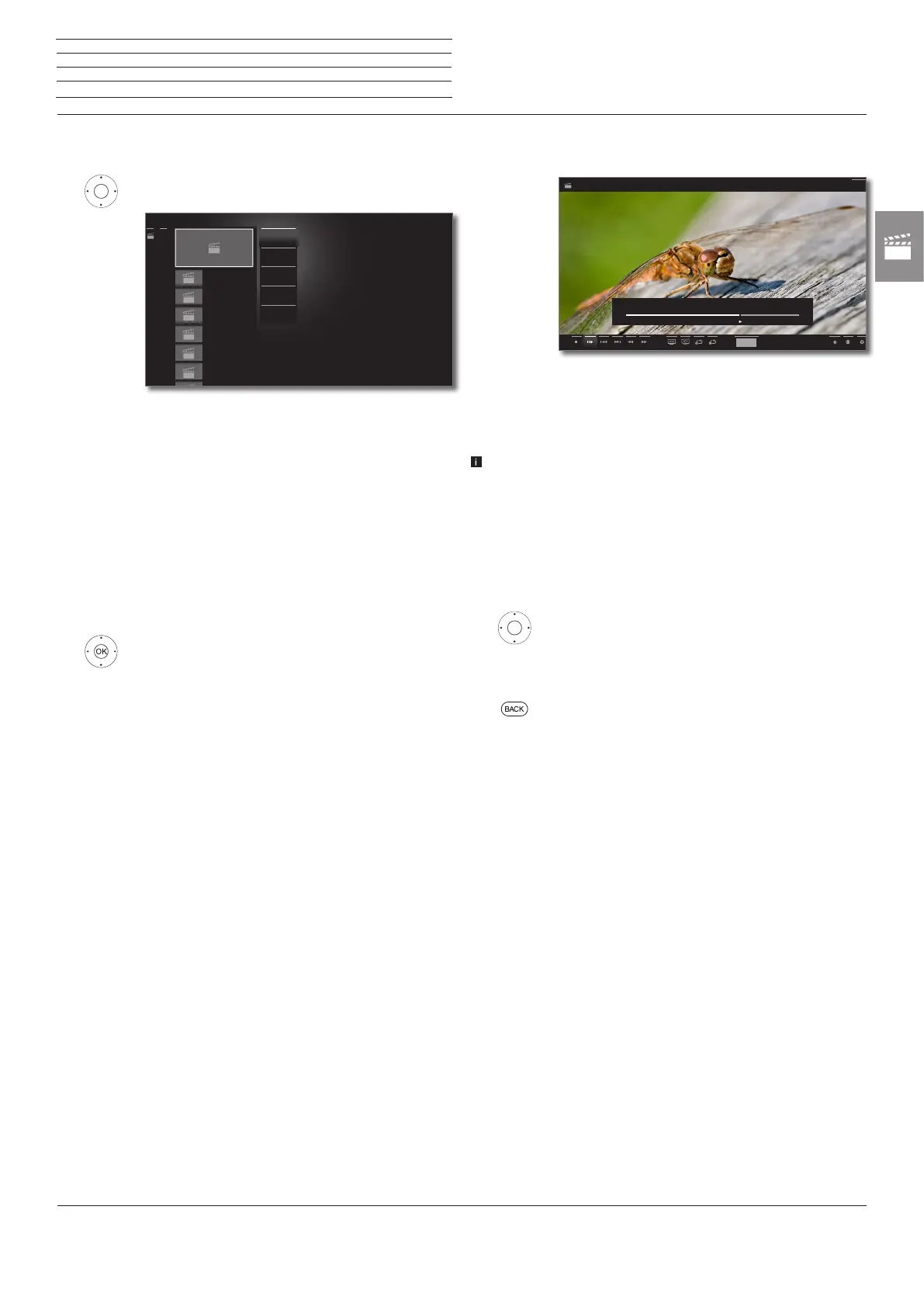
The video function list contains the individual functions for your videos.
4 Open function list for the marked video.
View Start or continue playback of the selected video.
Sorting Sort videos in alphabetical (ascending A-Z or descen-
ding Z-A) order, file size or date (newest entries first).
Favourite Add video to the Home favourites.
See page 34 for further information.
Rotate TV Rotating the TV set.
See page 43 for further information.
Settings opens the video settings.
Further information you find starting from page 86.
6 5 Mark desired function,
OK Confirm selection.
Video_2.avi
0.68 GB
Video_3.avi
1.03 GB
Video_4.avi
0.04 GB
Video_5.avi
0.29 GB
Video_6.avi
0.19 GB
Video_7.avi
0.74 GB
......
ViewView
SortingSorting
FavouriteFavourite
Rotate TVRotate TV
SettingsSettings
......
Video playback
General information on video playback
The description of the following functions applies to the playback of
videos from the DR+ archive as well as for videos from USB storage
media or from media servers in the home network.
For playback of DR+ archive entries we have additional playback
and editing capabilities. The explanation of these functions you find
starting from page 62.
Video status display
The video status bar provides you with further options on the current
playback.
56 Show status bar.
For the explanation of the symbols in the bottom line
see page 58.
BACK: Hide the status display again.
hh:mm
Erlebnis_Natur.wmv
00:00
1:21:42
1:35:00
Back
n
Video



 To Next Page