Individual 40-55 - 93 -
User guide
Automatic scan TV+Radio
For automatic scan TV+Radio, a search wizard will be started that
searches for new stations which are not yet stored.
You have to repeat the initial installation (see page
84) and automatically search for new stations if
you want to delete all the existing stations and auto-
matically search for new ones.
HOME: Call Home view.
6 5 Mark System settings,
OK call System settings.
6 5 Mark Stations,
4 go to next column.
65Mark Automatic scan TV+Radio,
4 go to next column.
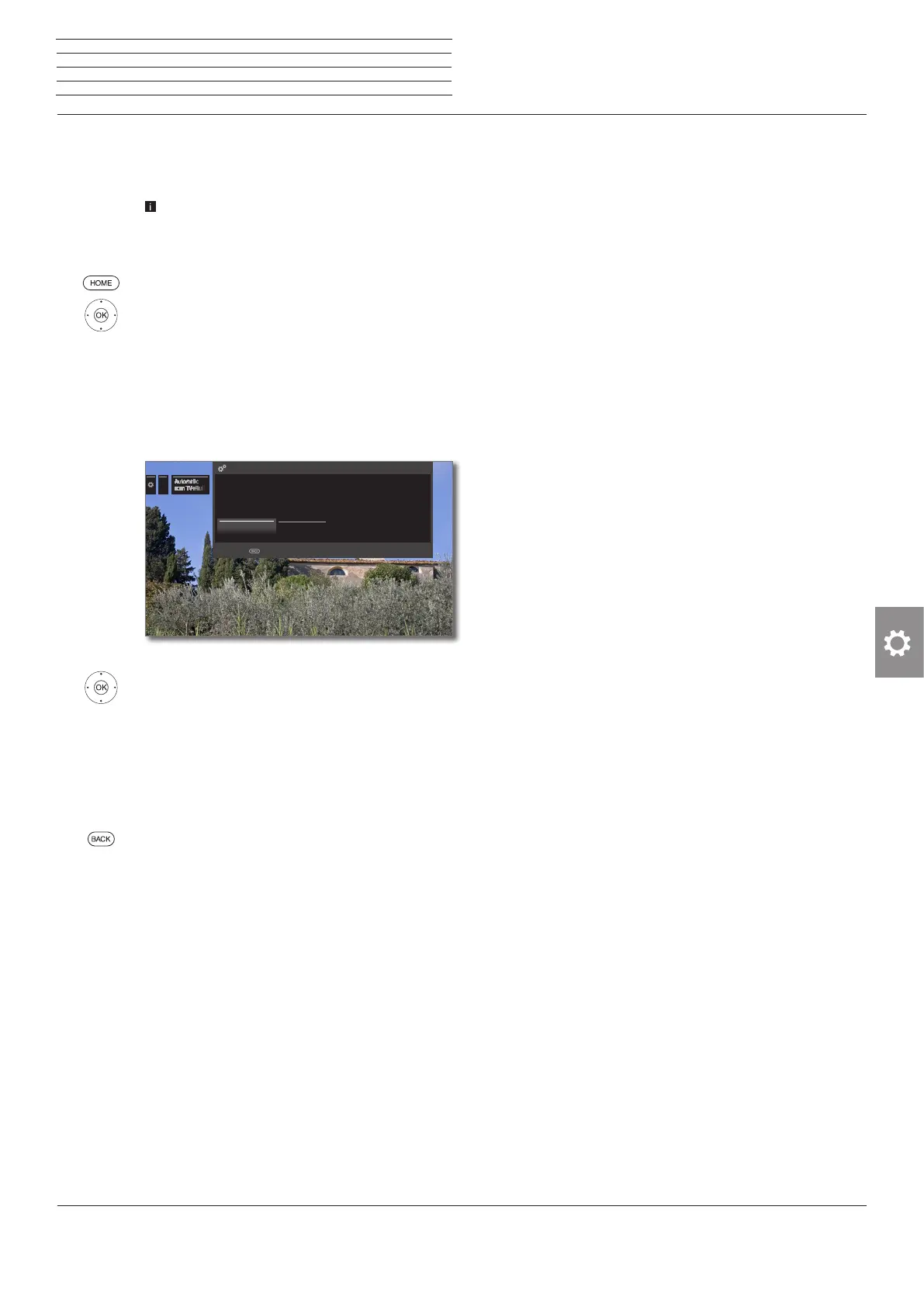
In the upper info text the current search settings will
now be displayed:
If you want to change these search settings:
3 4 Select Change search settings,
OKwizard guides you through the search settings
(see column on the right).
If you agree with these settings:
3 4 Select Start search/update,
OKstart scan.
See page 94 to continue after the search
operation.
BACK: Cancel current search/update.
Explanations of some search settings:
Age-related
lock
You can specify an age limit for your TV set here.
DVB broadcasts that have an appropriate age iden-
tification are locked and can only be watched after
entering the access code.
Signal source
Select antenna/cable (analogue), DVB-T, DVB-C or
DVB-S depending on which signal source you want
to search for new stations.
Cable
(analogue)
TV/colour
standard
With the selection of TV set location the conven-
tional TV standard/colour standard is the default.
This should only be changed if stations with other
standards are to be searched.
......
Your TV carries out the update of the station list (search for new stations; delete stations no
longer broadcast) with the following settings:
Location of TV set D Germany
Signal source Cable analogue
Change search settings Start search/update
SEARCH WIZARD - Check search settings
Cancel with
Explanations of some search settings (continued):
DVB-T/C/S
Network
selection
If several networks are available, you can decide
which network you want to receive your channels
from.
DVB-T/C/S
Settings
With the selection of set location the conventional
settings will be preset. Only change these defaults
if you are familiar with other parameters.
Scrambled stations:
(DVB-T/C/S)
You can state whether scrambled stations are to be
searched for in the search/update. If you select yes,
coded stations will also be searched for. However,
these stations can only be received in connection
with a CA module and the appropriate Smart Card.
Ask your dealer which Smart Card you need to re-
ceive certain stations. Handling of the CA module is
described on page 82.
Search method: (DVB-T)
If you want to run the station search independently
of the channel grid, select frequency search for
the search method.
Search method: (DVB-C)
If you select Frequency Search here, a search is
performed for all receivable stations. With Network
Search, only the stations which the networks sup-
ply are searched - either for all receivable networks
or only for the particular network specified under
Network ID.
Network ID: (DVB-C)
If you select none here, DVB signals of all current
broadcasting networks are scanned automatically
(recommended for most cable networks).
If, on the other hand, you specify a certain network ID
(necessary in the cable networks of some countries),
only DVB signals of this broadcasting network are
searched for automatically. Your cable provider has
the information you need.
Search method: (DVB-S)
If you select Frequency Search here, a search is
performed for all receivable stations. With Network
Search, from all receivable networks all the stations
are searched which are supplied by these networks.
Accept Logical Channel Number: (DVB-T/C/S)
In various countries, digital stations (DVB-T/C/S) are
transmitted with a preset channel number per
station, known as Logical Channel Numbers (LCN).
If you select yes here, these default channel slots
will be used and the channels of the preferred signal
source will be sorted as per LCN. The stations in the
station list can no longer be shifted (see Move block
/ Change order on page 96).
n
System settings
Stations














 To Next Page