Individual 40-55 - 56 -
User guide
Video
The item Video gives you access to videos from local (USB, home
network) and online sources. The individual subitems are described
in detail in the following.
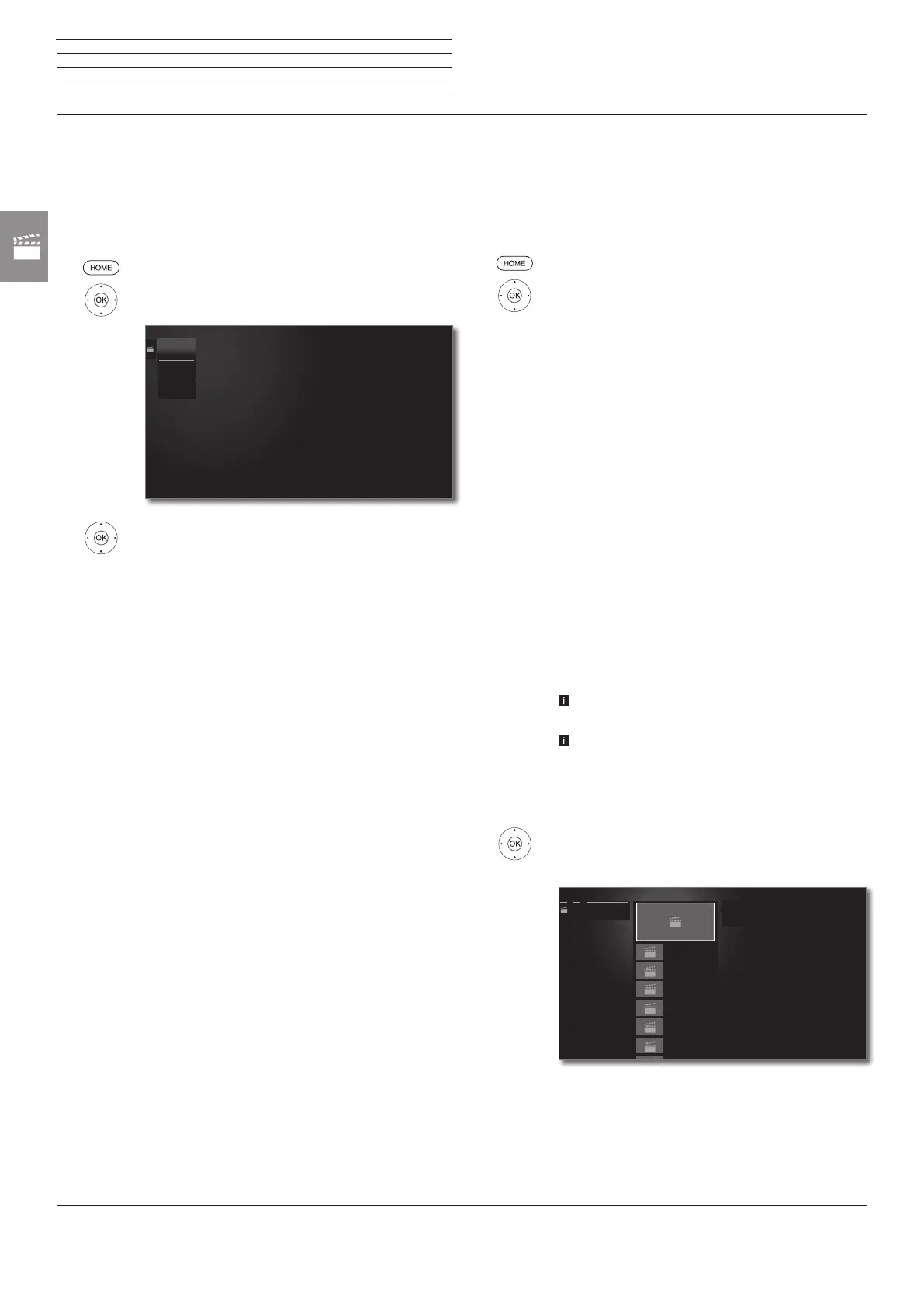
Calling video selection
HOME: Call Home view.
6 5 Mark Video,
OK call list of video sources.
6 5 Mark function,
OK call.
DR+ archive
Programmes that you have recorded onto the integ-
rated hard disk using the Digital Recorder are com-
piled in the DR+ archive. Via the DR+ archive you
can replay, edit or delete your recorded programmes.
For further information on the DR+ archive see
page 50.
MediaHome
MediaHome includes both storage media directly
connected to the TV set (e.g., USB sticks) as well
as data provided in your home network (e.g., from
a media server on a PC or a network hard drive).
For further information on MediaHome see column
on the right.
MediaNet
Call MediaNet → Browse → Video (see page 76).
Information on high-resolution films in general
Due to technical limitations (e.g., interference, limited bandwidth),
interruptions to playback up to and including complete termination
of the playback may occur when playing high definition film material
(HD films) on 720p format or above (1280 x 720 resolution or above)
via the home network.
Information on high-resolution films via wireless connection
High definition movie material (HD movies) from format 720p upwards
(resolution 1280 x 720 or higher) should be played back via a wired
connection. If there is a wireless connection, then technical limitations
(e.g., fault liability, bandwidth limitations) can cause disruptions in the
playback right up to a complete breakdown of the playback.
MediaHome
MediaNet
DR+ archive
Video – MediaHome
MediaHome includes both storage media directly connected to the
TV set (e.g., USB sticks) as well as data provided in your home network
(e.g., from a media server on a PC or a network hard drive).
Open MediaHome
HOME: Call Home view.
6 5 Mark Video,
OK call.
6 5 Mark MediaHome,
4 go to next column.
6 5 Mark desired media source.
4 go to next column.
Open
Display content of the media source.
Unmount
Unmount USB data storage medium before remo-
ving it in order to prevent data loss.
Settings
opens the video settings.
See page 86 for further information.
Examples of media sources
Twonky-
Media
WMP11
Examples with media servers in your home network.
The exact designation depends on the media server
used.
USB USB storage media on the USB connections of your
TV set. The exact designation depends on the rele-
vant storage medium.
Please also observe the notes on page 143 regarding
USB sticks!
The media sources shown here depend on the
devices available/used.
Selecting videos
6 5 Mark desired directory,
OK open directory.
Repeat procedure if necessary.
6 5 Mark desired video,
4 open video function list.
Video_2.avi
0.68 GB
Video_3.avi
1.03 GB
Video_4.avi
0.04 GB
Video_5.avi
0.29 GB
Video_6.avi
0.19 GB
Video_7.avi
0.74 GB
USB1USB1
......
Source: USB1
Title: Video_1.avi
Size: 0.47 GB
Source: USB1
Title: Video_1.avi
Size: 0.47 GB
n
Video














 To Next Page