Individual 40-55 - 76 -
User guide
MediaNet – Browse
MediaNet-Browse is called (see page 75).
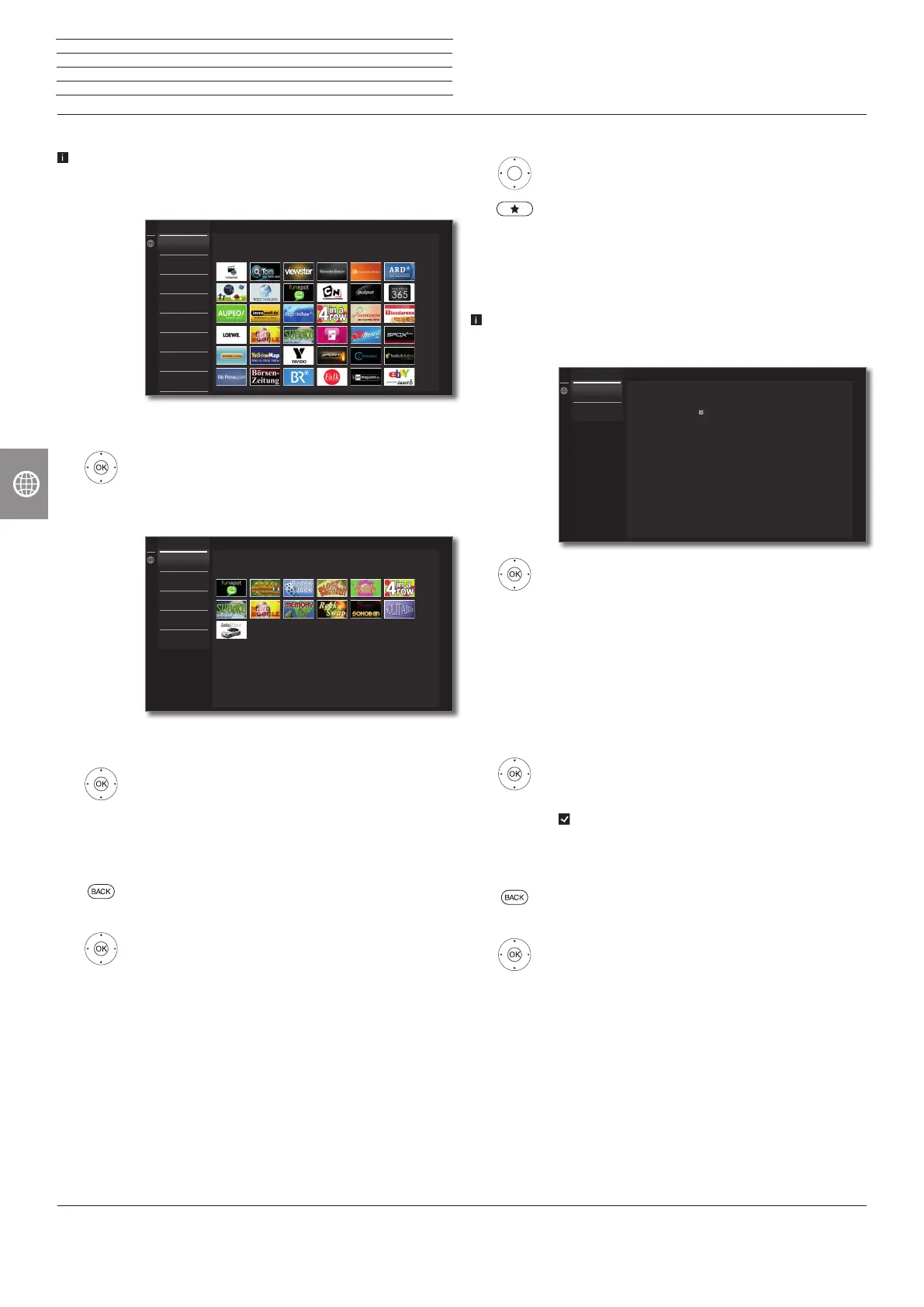
Under the item Browse, you browse the full range of applications by
topic.
Filtering applications
6 5 Select the genre / topic,
OK call applications of the genre.
3465 Select desired application,
OK open application.
Change filter
3 Go to column with genres / topics.
6 5 Select another genre / topic,
OK call applications of the selected genre.
Exit Browse
BACK: Return to the MediaNet home screen.
Or:
3 Go to column with genres / topics.
56 Select Back,
OK return to the MediaNet home screen.
All
MediaNet - Browse
All
Recommendations
Video
Photo
Service
Games
Entertainment
News
Back
Games
MediaNet - Browse
Games
Entertainment
News
Sport
Music
Service
Define application as favourite
3465 Mark the desired application.
Add the marked application to the Home favourites.
The favourite will be added to Home view and placed
at the end.
MediaNet – Settings
MediaNet settings are called (see page 75).
Here, you can find setting options for MediaNet.
65 Select the desired setting,
OK call.
Country
Selection
Select countries from which you want to get infor-
mation on services (see below).
Imprint
Providing the legally required information on the
parties responsible for the content.
Country Selection
3465 Mark country,
OK select / deselect country.
Applications from countries that are marked with a tick
here, are offered in MediaNet.
Exit Settings
BACK: Return to the MediaNet home screen.
Or:
3 Go to column with settings.
65 Select Back,
OK return to the MediaNet home screen.
MediaNet - Country Selection
Select Countries to display various services
Country Selection
Imprint
Back
Germany Belgium
Austria Netherland
Switzerland Luxemburg
France UK
Italy Denmark
Spain Sweden
Portugal Finland
n
Web














 To Next Page