Individual 40-55 - 72 -
User guide
Photo
Via menu item Photo you can view photos from your local media and
from online sources on your TV screen. The individual subitems are
described in detail in the following.
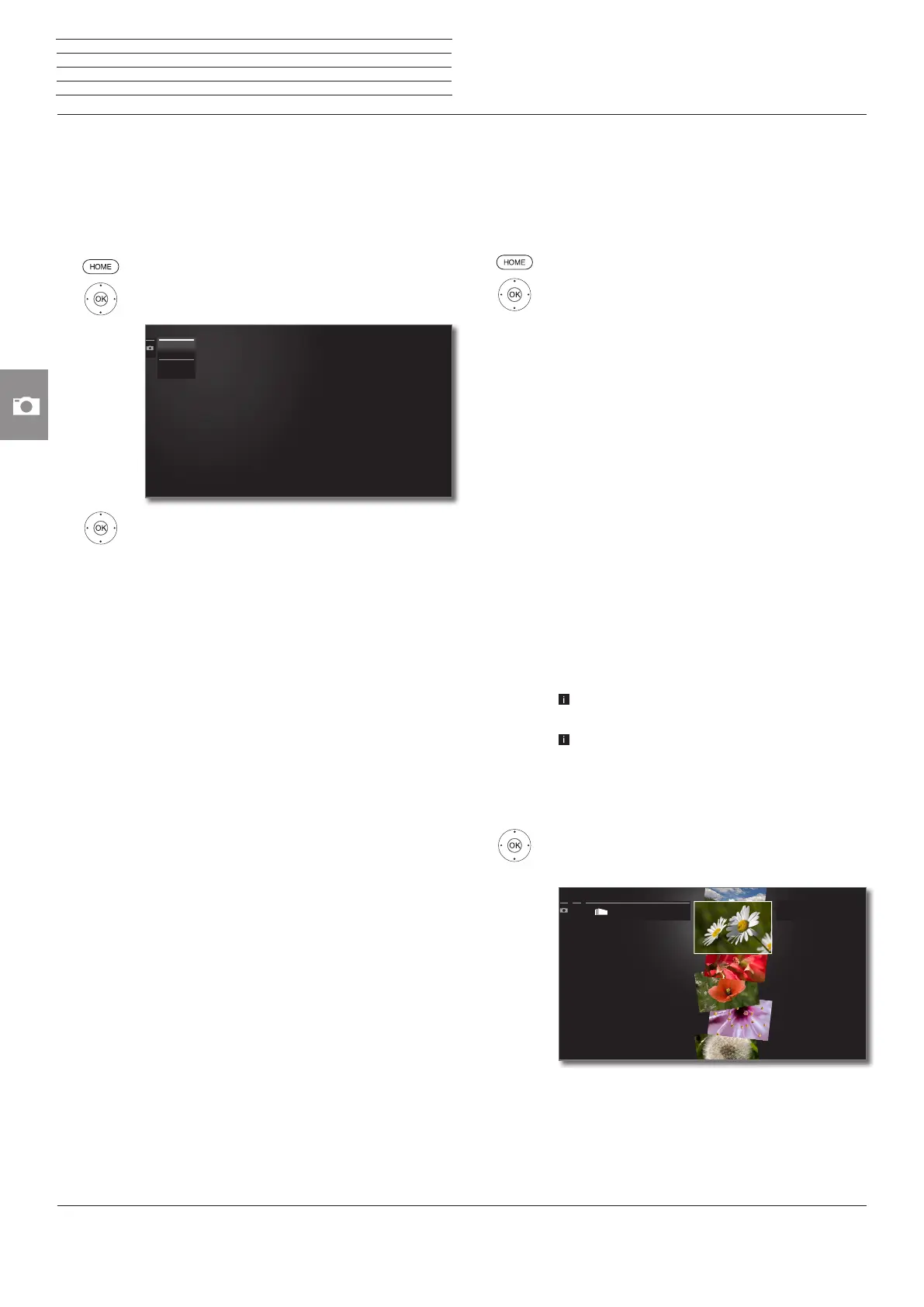
Calling Photo selection
HOME: Call Home view.
6 5 Mark Photo,
OK call list of photo sources.
6 5 Mark function,
OK call.
MediaHome
MediaHome includes both storage media directly
connected to the TV set (e.g., USB sticks) as well
as data provided in your home network (e.g., from
a media server on a PC or a network hard drive).
For further information on MediaHome see column
on the right.
MediaNet
Call MediaNet → Browse → Photo (see page 76).
MediaHome
MediaNet
Photo – MediaHome
MediaHome includes both storage media directly connected to the
TV set (e.g., USB sticks) as well as data provided in your home network
(e.g., from a media server on a PC or a network hard drive).
Open MediaHome
HOME: Call Home view.
6 5 mark Photo,
OK call.
6 5 mark MediaHome,
OK go to next column.
6 5 Mark desired media source.
OK go to next column.
Open
Display content of the media source.
Unmount
Unmount USB data storage medium before remo-
ving it in order to prevent data loss.
Settings
opens the audio settings.
Further information you find starting from page 86.
Examples of media sources
Twonky-
Media
WMP11
Examples with media servers in your home network.
The exact designation depends on the media server
used.
USB USB storage media on the USB connections of your
TV set. The exact designation depends on the rele-
vant storage medium.
Please also observe the notes on page 143 regarding
USB sticks!
The media sources shown here depend on the
devices available/used.
Selecting a photo
6 5 Mark desired directory,
OK open directory.
Repeat procedure if necessary.
6 5 Mark desired photo,
4 open photo function list.
PicturesPictures
......
Source: USB1
Title: CRW_7266b
Source: USB1
Title: CRW_7266b
n
Photo














 To Next Page