Individual 40-55 - 32 -
User guide
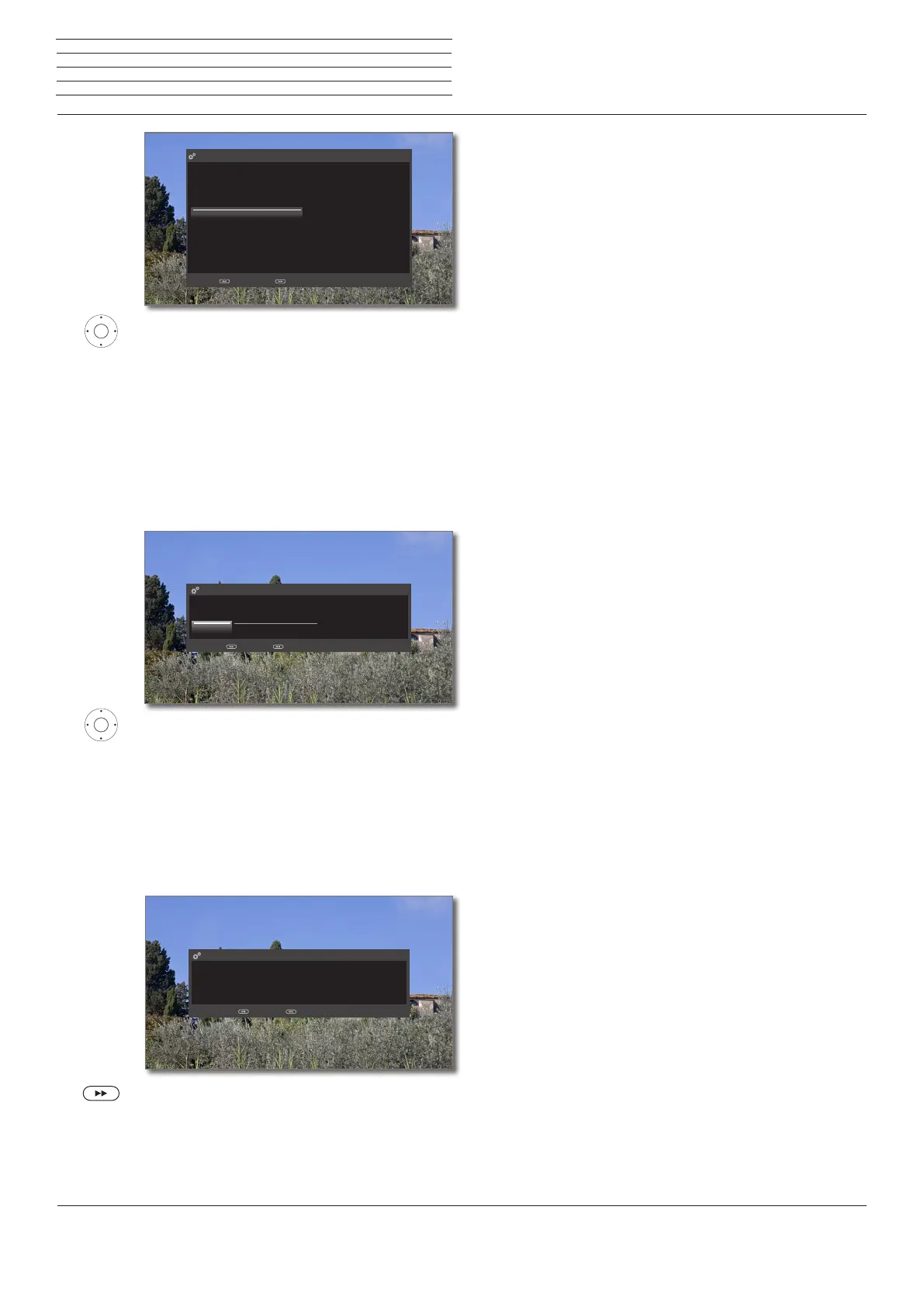
56 Select sound components.
This selection indicates which sound components
you want to use to hear your TV sound. Depend-
ing on the selection, the sound component wizard
starts with which you can make further settings.
The sound component wizard is described starting
from page 119 and can also be started at any
time beyond the initial installation (System
settings
Connections
Sound compo-
nents).
Conclude this step (for navigation refer to page 18).
34 Select option.
With the selection, specify whether you want to
configure the available network adaptor now.
Configure now: Make settings for network adap-
tor (see page 114) and proxy server (see
page116).
Do not configure or configure later: Skip
network adaptor configuration.
Conclude this step (for navigation refer to page 18).
8 Exit wizard.
The initial installation wizard is complete. Menu item
Software update is called (see page 102).
Please specify here via which sound components you want to listen to your TV sound. If you
select a "Speaker system", this must be connected to the AUDIO LINK socket on the back of
the TV set (with an additional adapter if necessary).
If your TV has no built-in speakers, the sections relating to "TV-speakers" may not be selected.
Sound playback via ...
TV speakers
Speaker system
HiFi/AV amplifier
Sound projector
HiFi/AV amplifier or TV speakers (switchable)
Sound projector or TV speakers (switchable)
Back with Proceed with
Sound
playback
via ...
Please specify if you wish to configure a network at this time. You can also perform this at a
more convenient time later (via System settings->Multimedia->Netzwork
settings->Networking).
Netzwork configuration
Configure now Do not configure or configure later
Proceed with Back with
Network
configuration
Use the software update and connect your Loewe Smart TV to the Internet, to update the
device software.
Please also register at „www.loewe.tv“ in the Support area, to stay informed about new
features for your product.
Thank you very much!
Software update
Finish wizard with Back with
Software
update info
n
Initial installation














 To Next Page