Individual 40-55 - 53 -
User guide
Locking/unlocking a movie (Parental lock)
You can lock movies that your children are not permitted to view, for
instance. Playback is then only possible after entering a PIN.
In order to activate the Parental lock, a code number
(PIN) must have been defined beforehand. Defining
the access code: page 101.
The desired entry in the DR+ archive is marked.
4 Call function list.
6 5 Mark Parental lock,
OK Call.
Enter your PIN.
3465 Mark Adopt,
OK Confirm the access code (PIN).
65 Select Ye s / No,
OK Adopt.
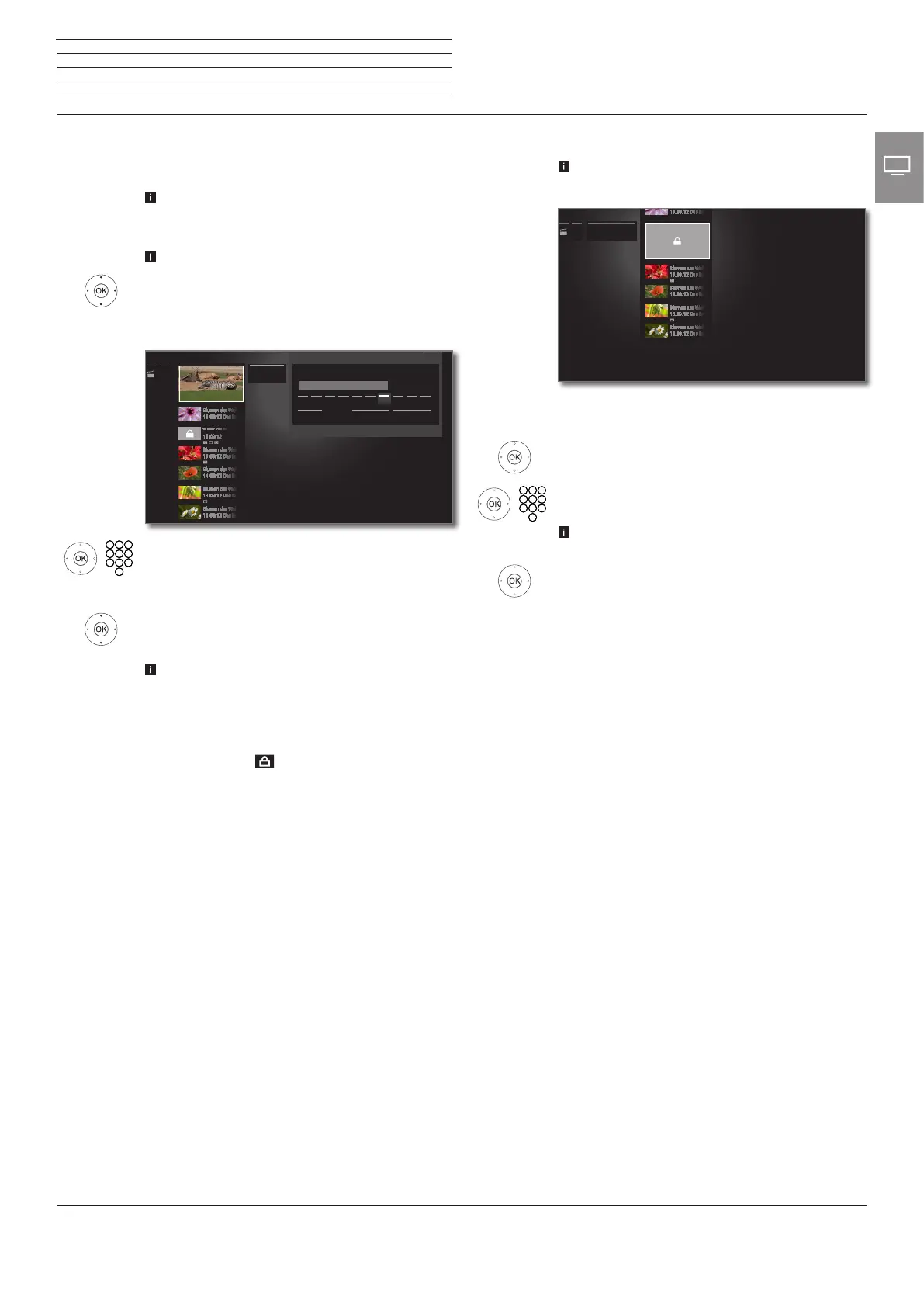
The titles of locked films in the DR+ archive will be
replaced by asterisks * when a parental lock is active
and thus cannot be read anymore. The detailed
information for the recording cannot be called up.
The cover of the recording will be replaced by a
picture of a lock. In addition, the entry will be labelled
with the symbol .
Please also observe the notes on page 101 regarding
the parental lock.
****|
1 2 3 4 5 6 7 8 9 0
......
Parental lock
Delete Cancel Adopt
Please enter PIN
Parental lock
Back
Viewing a locked movie
The desired locked entry in the DR+ archive is
marked.
When the access code of the parental lock has not
been entered yet:
OK call entry of PIN.
Enter your PIN.
After the access code has been entered, the lock
of the archive entries will be temporarily released.
OK View film.
...... Integrated
hard disk
n
TV
Digital Recorder














 To Next Page