Individual 40-55 - 68 -
User guide
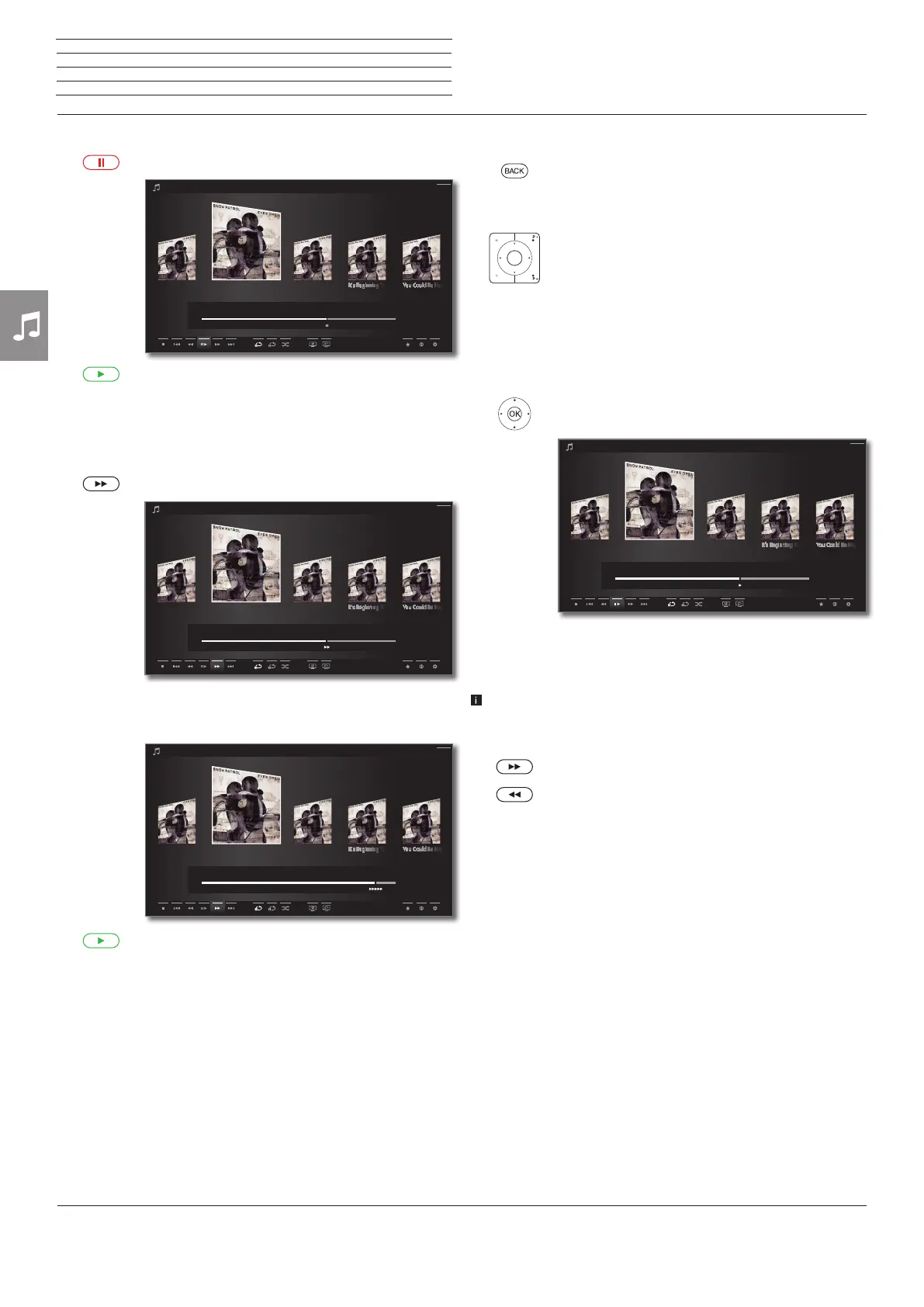
Pause playback
PAUSE key: Stop current playback.
PLAY key: Continue playback.
Wind
You can fast forward music titles at four different speeds. Sound is not
audible during winding.
Press 8 longer.
By each pressing of 8 the speed will increase until you
switch back to the first speed.
Available speeds: 2x, 4x, 8x, 16x.
PLAY key: Continue playback.
Chasing Cars Shut Your EyesHands Open
Snow Patrol / Eyes Open
00:00
02:56
04:27
Back
Chasing Cars Shut Your EyesHands Open
Snow Patrol / Eyes Open
00:00
02:56
04:27
Back
Chasing Cars Shut Your EyesHands Open
Snow Patrol / Eyes Open
00:00
04:10
Back
Select another title / play current title from start
BACK: Call music selection.
Select titles as described on page 65.
Or:
Press P+ :
Play next title of current album / directory.
Press P– :
Play current title from start.
Press P– again:
Play previous title of the current album / directory.
Or:
56 Go to line with music titles,
34 scroll in music titles.
OK Start playback of the marked title.
Jump
Only available for playback of music titles via the home network.
By briefly pressing the 7 or 8 keys you can jump forwards and back-
wards in the music title. The jump width is adjustable(see page 107).
8 Jump forwards.
7 Jump backwards.
Chasing Cars Shut Your EyesHands Open
Snow Patrol / Eyes Open
00:00
02:56
04:27
Back
n
Audio/Radio














 To Next Page