Individual 40-55 - 74 -
User guide
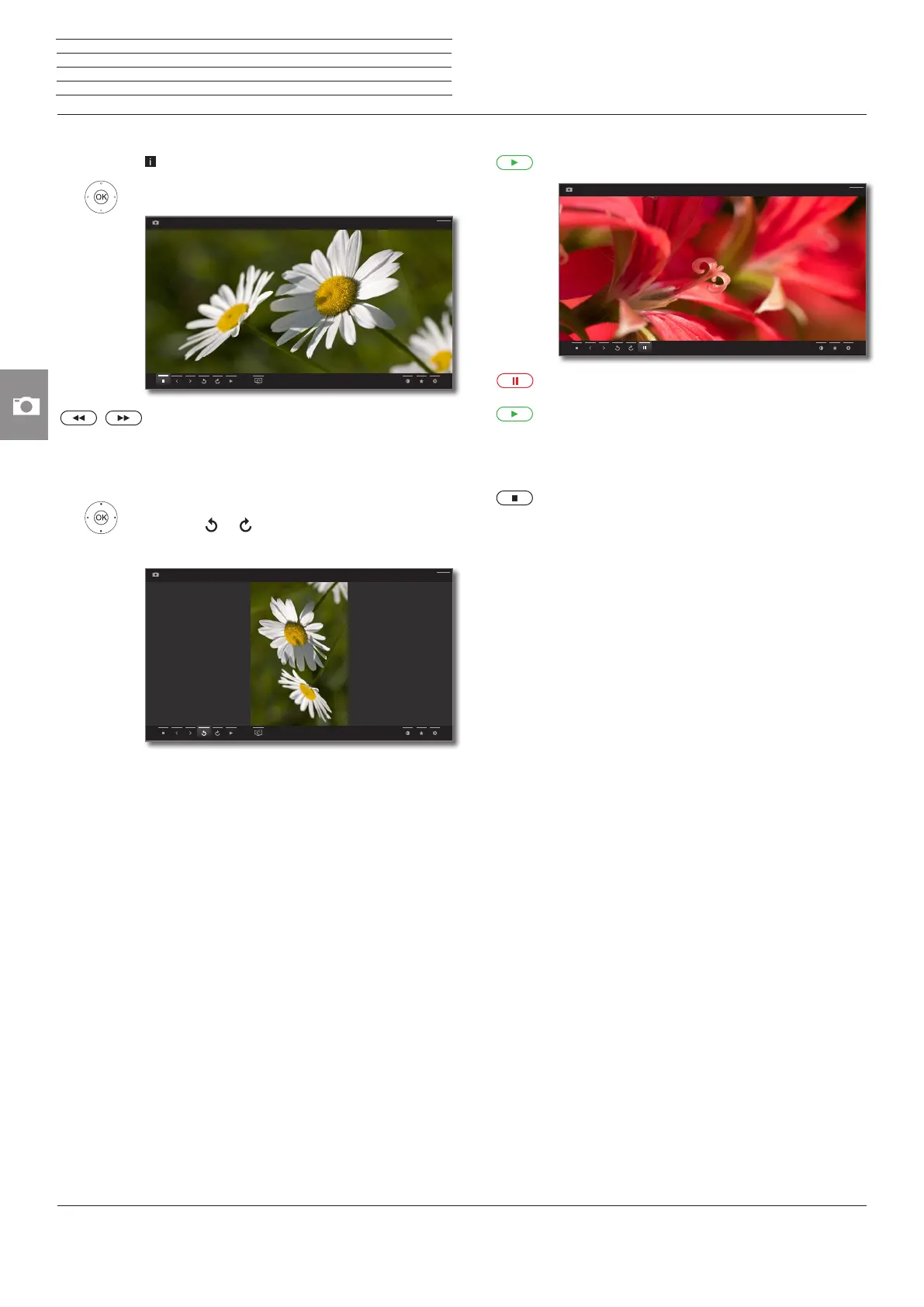
Full-screen mode
A photo is marked.
OK View photo in full-screen mode.
Show previous / next picture.
Rotating the photo
5 6 On-screen display of status bar.
34 Mark or .
OK rotate photo by 90 degrees to the left/right.
USB1 -> CRW_7266b
Back
USB1 -> CRW_7266b
Back
Slide show
PLAY key: Start slide show.
PAUSE key: Pause slide show.
PLAY key: Continue paused slide show.
Photo in full-screen mode / exit slide show
STOP key: Full-screen mode / end slide show and
return to photo selection.
USB1 -> CRW_7268
Back
n
Photo














 To Next Page